Keylltem
No.
Control/lndicator DescriptionlFunction
17
Curve (Multi-Point
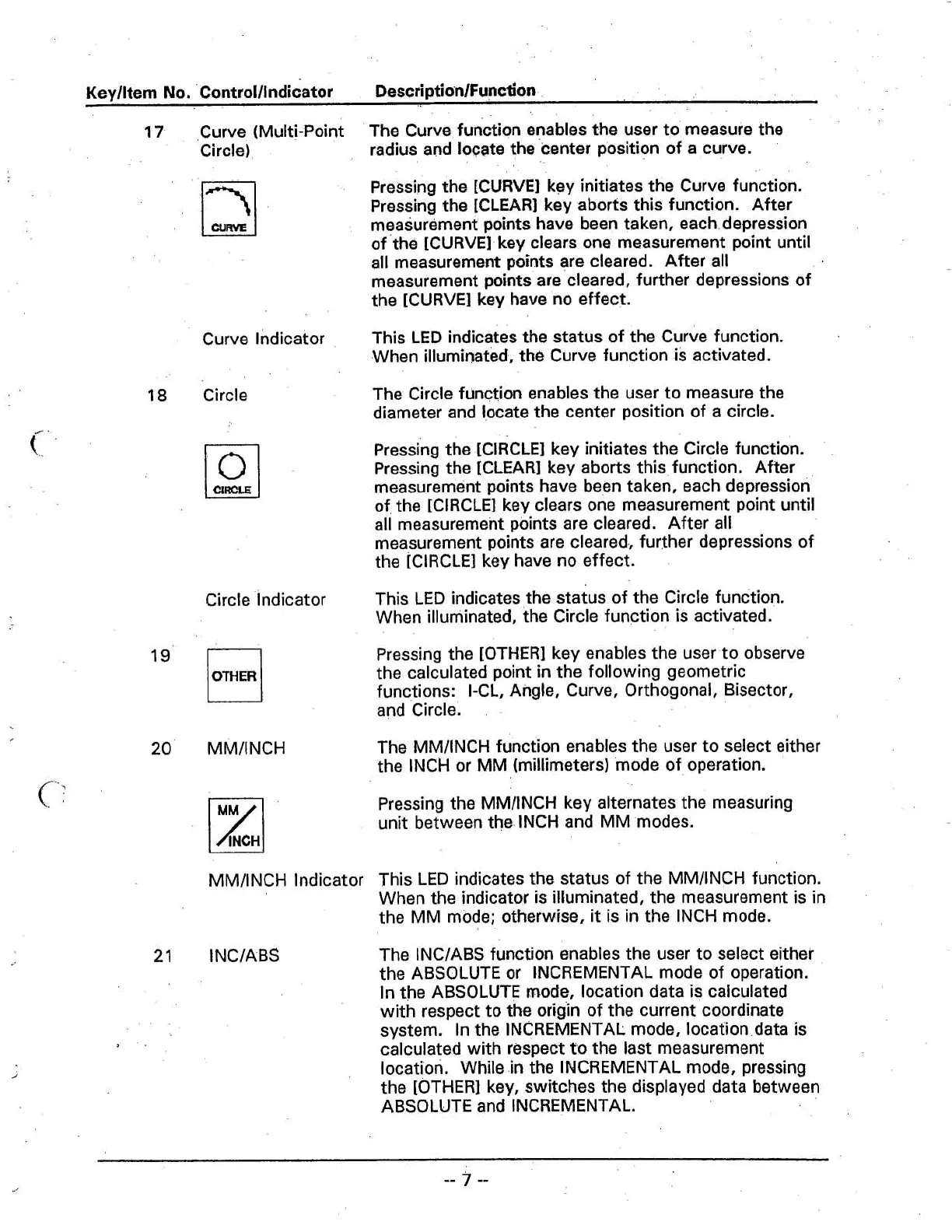
The Curve function enables the user to measure the
Circle)
radius and
loc;ate the center position of a curve.
Pressing the [CURVE] key initiates the Curve function.
Pressing the [CLEAR] key aborts this function. After
measurement points have been taken, each depression
of the [CURVE] key clears one measurement point until
all measurement points are cleared. After all
measurement points are cleared, further depressions of
the [CURVE] key have no effect.
Curve Indicator
This LED indicates the status of the Curve function.
When illuminated, the Curve function is activated.
18
Circle
The Circle function enables the user to measure the
diameter and
!ocate the center position of a circle.
Pressing the [CIRCLE] key initiates the Circle function.
Pressing the [CLEAR] key aborts this function. After
measurement points have been taken, each depression
of the [CIRCLE] key clears one measurement point until
all measurement points are cleared. After all
measurement points are cleared, further depressions of
the [CIRCLE] key have no effect.
Circle Indicator
This LED indicates the status of the Circle function.
When illuminated, the Circle function is activated.
OTHER
19'
Pressing the [OTHER] key enables the user to observe
the calculated point
in
the following geometric
functions: I-CL, Angle, Curve, Orthogonal, Bisector,
and
circle.
20
MMIINCH
The MMIINCH function enables the user to select either
the INCH or
MM
(millimeters) 'mode of operation.
Pressing the
MMllNCH key alternates the measuring
unit between the. INCH and MM modes.
MMIINCH lndicator This LED indicates the status of the MMIINCH function.
When the indicator
is
illuminated, the measurement is in
the MM mode; otherwise,
it
is in the INCH mode.
21
INCIABS
The INCIABS function enables the user to select either
the ABSOLUTE or INCREMENTAL mode of operation.
In the ABSOLUTE
mocie, location data is calculated
with respect to the origin of the current coordinate
system. In the INCREMENTAL mode, location data is
calculated with respect to the last measurement
location. While in the INCREMENTAL mode, pressing
the [OTHER] key, switches the displayed data between
ABSOLUTE and INCREMENTAL.



 To Next Page