Keylltem No. Controlllndicator Description/Function
3
Skew
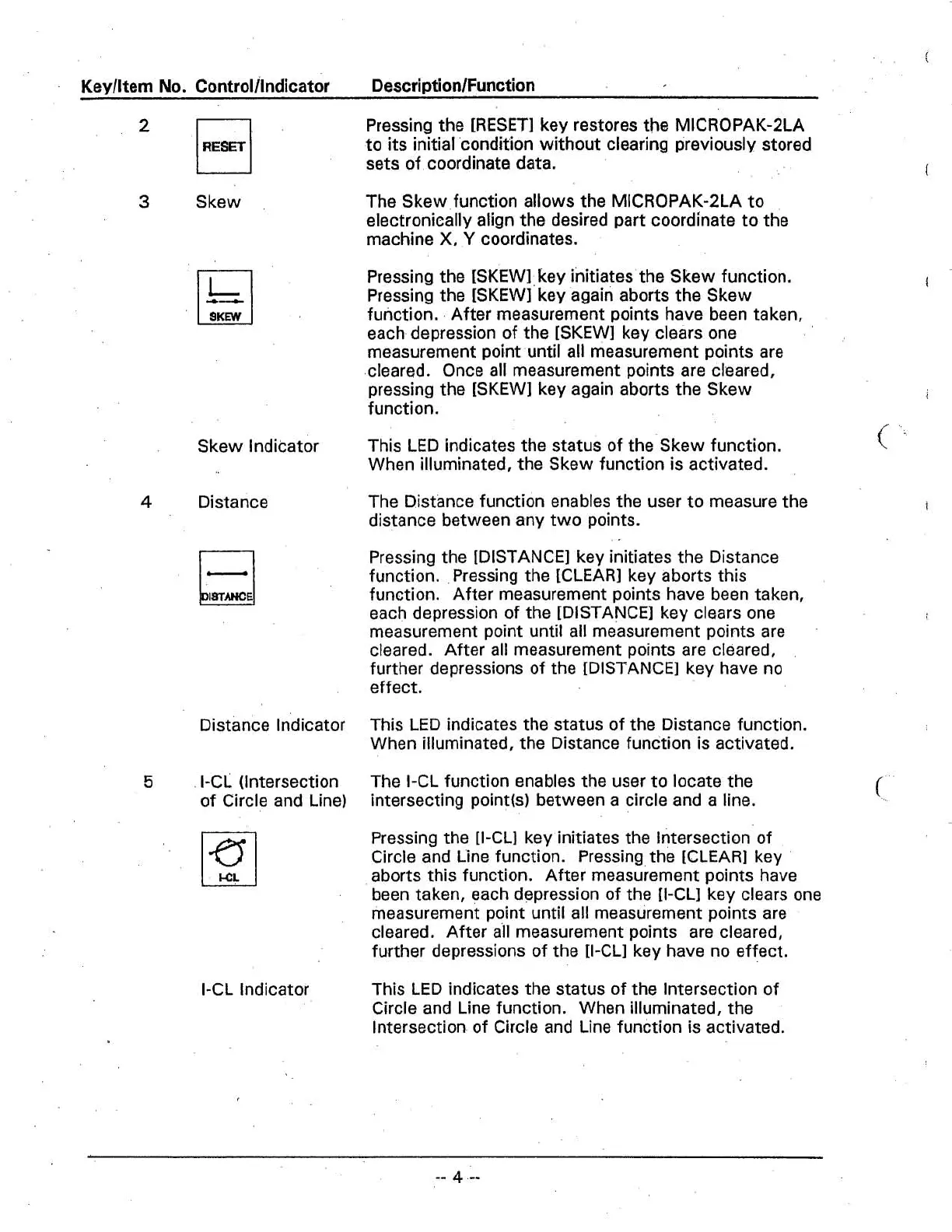
Pressing the
[RESET] key restores the MICROPAK-2LA
to its initial 'condition without clearing previously stored
sets of coordinate data.
The Skew function allows the MICROPAK-2LA to
electronically align the desired part coordinate to the
machine
X,
Y
coordinates.
Pressing the
[SKEW] key initiates the Skew function.
Pressing the
[SKEW] key again aborts the Skew
function. After measurement points have been taken,
each depression of the
[SKEW] key clears one
measurement point until all measurement points are
cleared. Once all measurement points are cleared,
pressing the [SKEW] key again aborts the Skew
I
function.
,
Skew indicator
This LED indicates the status of the Skew function.
<
When illuminated, the Skew function is activated.
4
Distance
The Distance function enables the user to measure the
distance between any two points.
Pressing the [DISTANCE] key initiates the Distance
function.
.
Pressing the [CLEAR] key aborts this
function. After measurement points have been taken,
each depression of the [DISTANCE] key clears one
measurement point until ail measurement points are
cleared. After all measurement points are cleared,
further depressions of the [DISTANCE] key have no
effect.
Distance lndicator
This LED indicates the status of the Distance function.
When illuminated, the Distance function is activated.
5
I-Ci (Intersection
The I-CL function enables the user to locate the
of Circle and Line)
intersecting
point(s) between a circle and a line.
Pressing the [I-CLI key initiates the lntersection of
Circle and Line function. Pressing the [CLEAR] key
aborts this function. After measurement points have
been taken, each depression of the [I-CLI key clears one
measurement point until all measurement points are
cleared. After
all
measurement points are cleared,
further depressions of the [I-CLI key have no effect.
I-CL Indicator
This LED indicates the status of the Intersection of
Circle and Line function. When illuminated, the
lntersection of Circle and Line function is activated.



 To Next Page