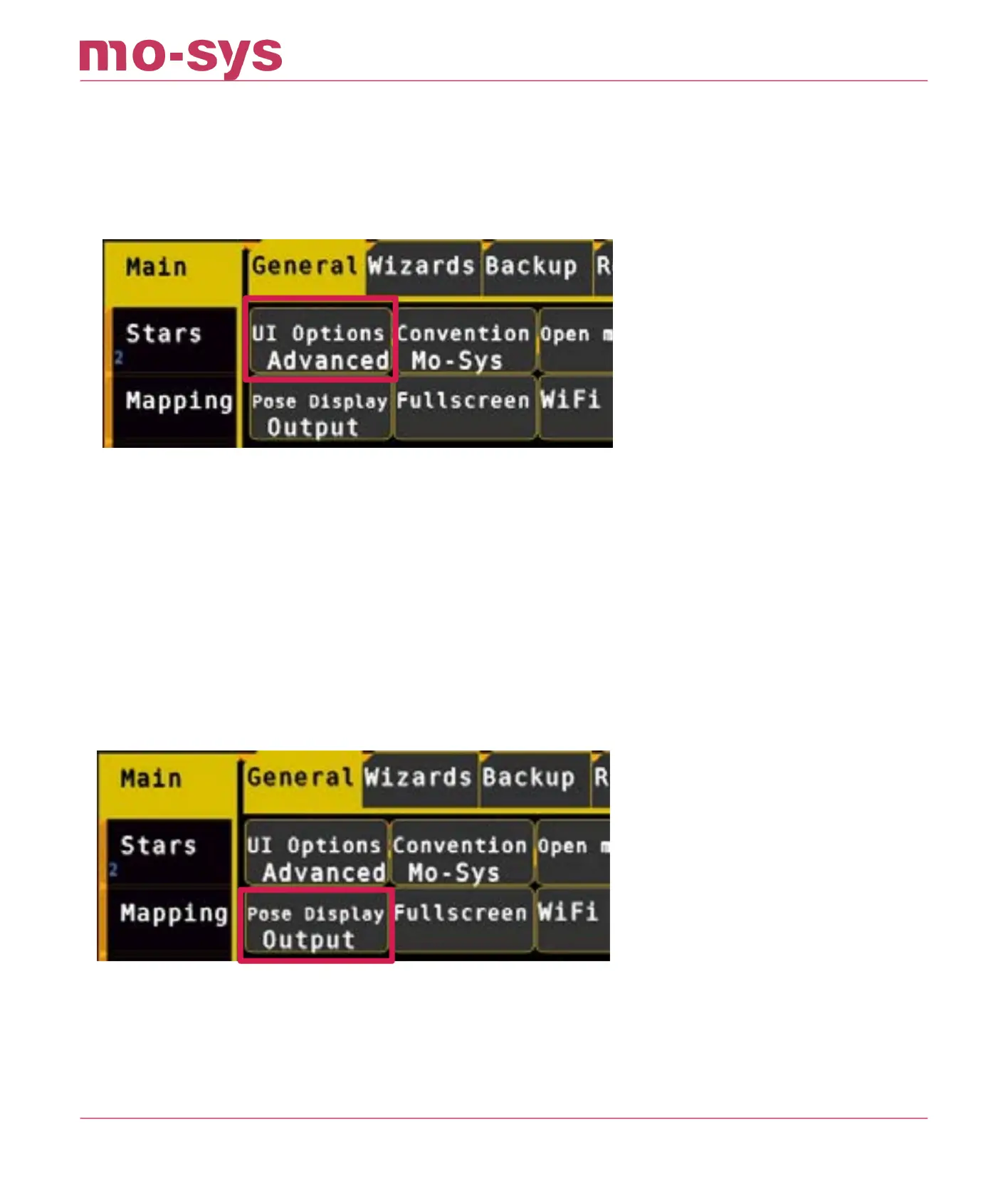
5.3 Basic/Advanced Menus
In Main → General → UI Options you can switch between displaying basic functions or advanced
functions for all the menus. When choosing Basic, all the advanced functions are blacked out.
Basic functions are sucient for most StarTracker installations and daily operation. We
recommend using Basic and only, if necessary, switch to Advanced.
5.4 Data Output Display
You can choose between 3 display modes for the data in Main → General → Pose Display (or
click/touch top right corner)
O – doesn’t show anything, so you can see stars behind it
TrackCam – it’s cyan colored, shows position of StarTracker sensor camera (MoSys @ Sensor)
Output – it’s blue, shows position of broadcast/lm camera (i.e., StarTracker with gyro lters
and osets applied), or test signal when relevant (Mo-Sys @ CCD).
StarTracker Max Manual
2023 - 2024 © Mo-Sys Engineering Ltd. All rights reserved 16 of 70



 To Next Page