To set the StarTracker height, place the sensor on the oor and measure from groove with
CCD Mark. Go to Mapping -> Create -> Height and enter the height in meters and hit enter.
If you would like to relocate the origin move the StarTracker sensor to the new position,
press Drop O and Set O
Alternatively, you can also use Set as map origin function in Osets → Verify once the
sensor is mounted and the system is Auto-Aligned.
8.5 Manual Map Translation and Rotation
You can manually translate (move) the map position in X,Y,Z (Z=Height) and rotate it about its
origin.
Note that this is dierent to moving/rotating the osets between the sensor unit and studio
camera CCD, which are set in the Osets menu.
You do not need to have tracking to be able to do this; only a loaded map
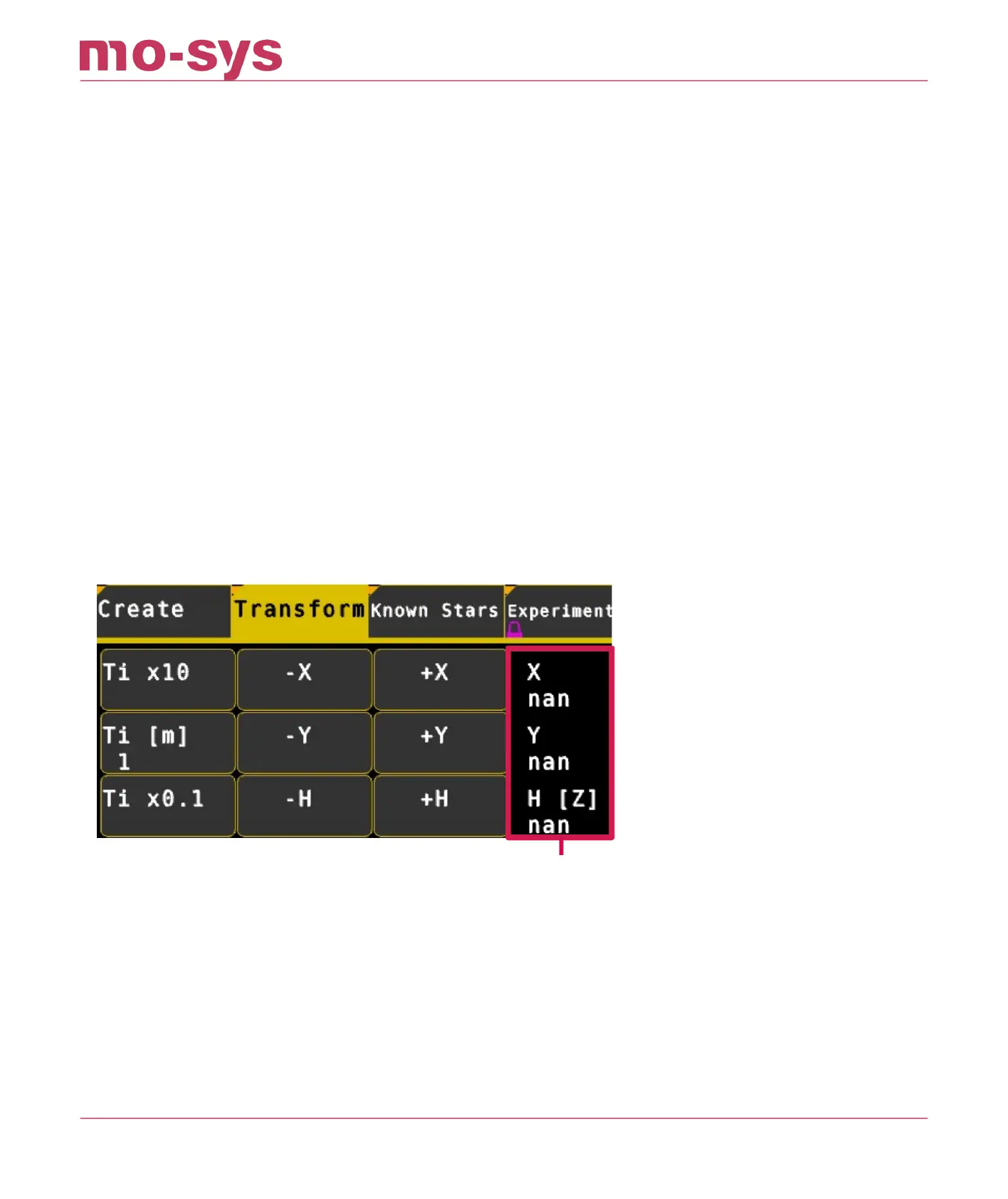
Go to the Mapping → Transform menu
This part of the menu controls the linear X,Y,Z translation of the map.
This part of the menu controls the rotation of the map about its origin.
•
•
•
StarTracker Max Manual
2023 - 2024 © Mo-Sys Engineering Ltd. All rights reserved 31 of 70



 To Next Page