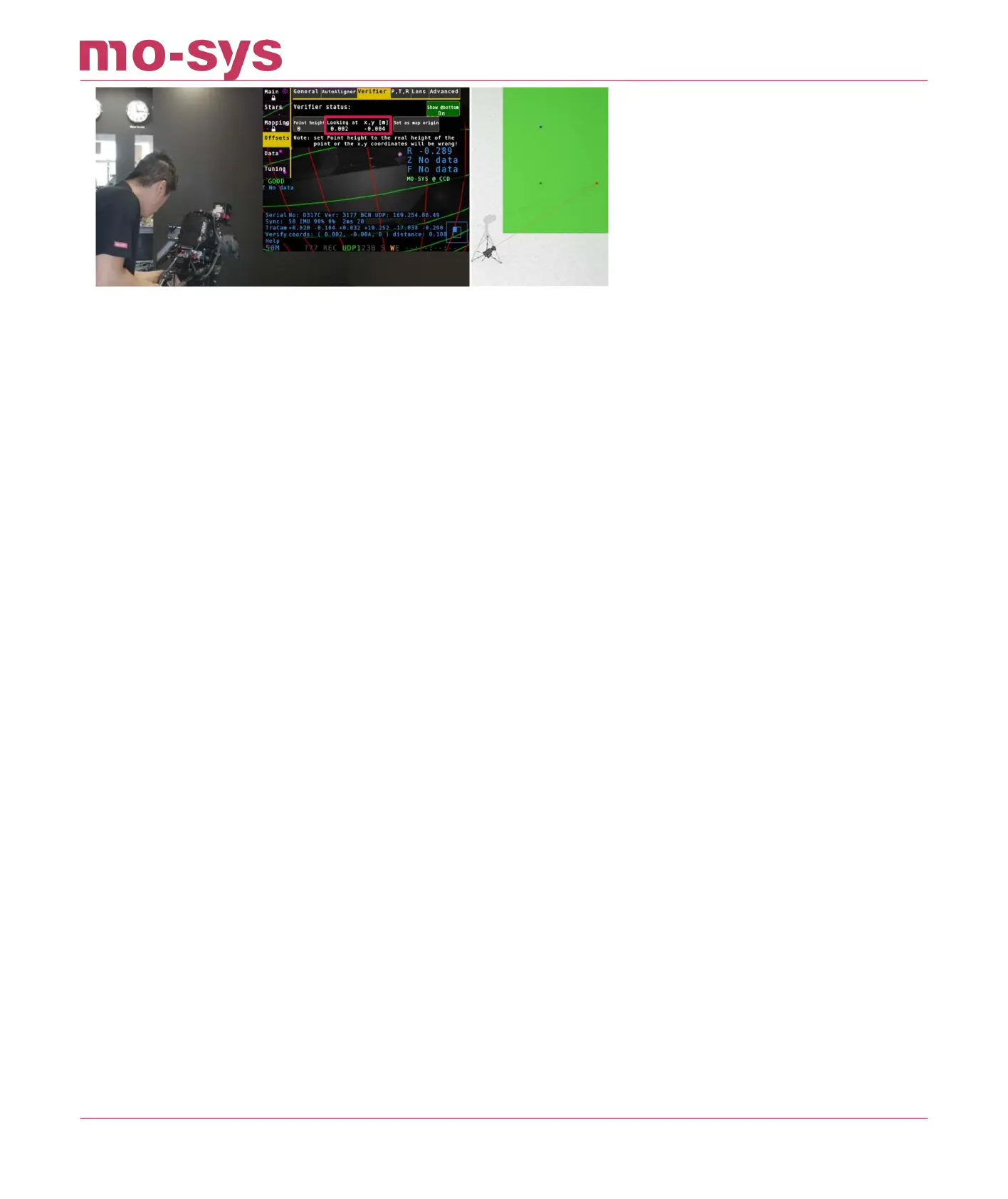
f your reference point is not on the oor put the height value in meters into Point Height. In our
studio example the Point Height is 0.
If your reference point is in 10cm height put Point Height to 0.1.
You can also use the Verier to shift your map origin.
Look at your new zero point and click Set as map origin. Then save the map.
StarTracker Max Manual
2023 - 2024 © Mo-Sys Engineering Ltd. All rights reserved 57 of 70



 To Next Page