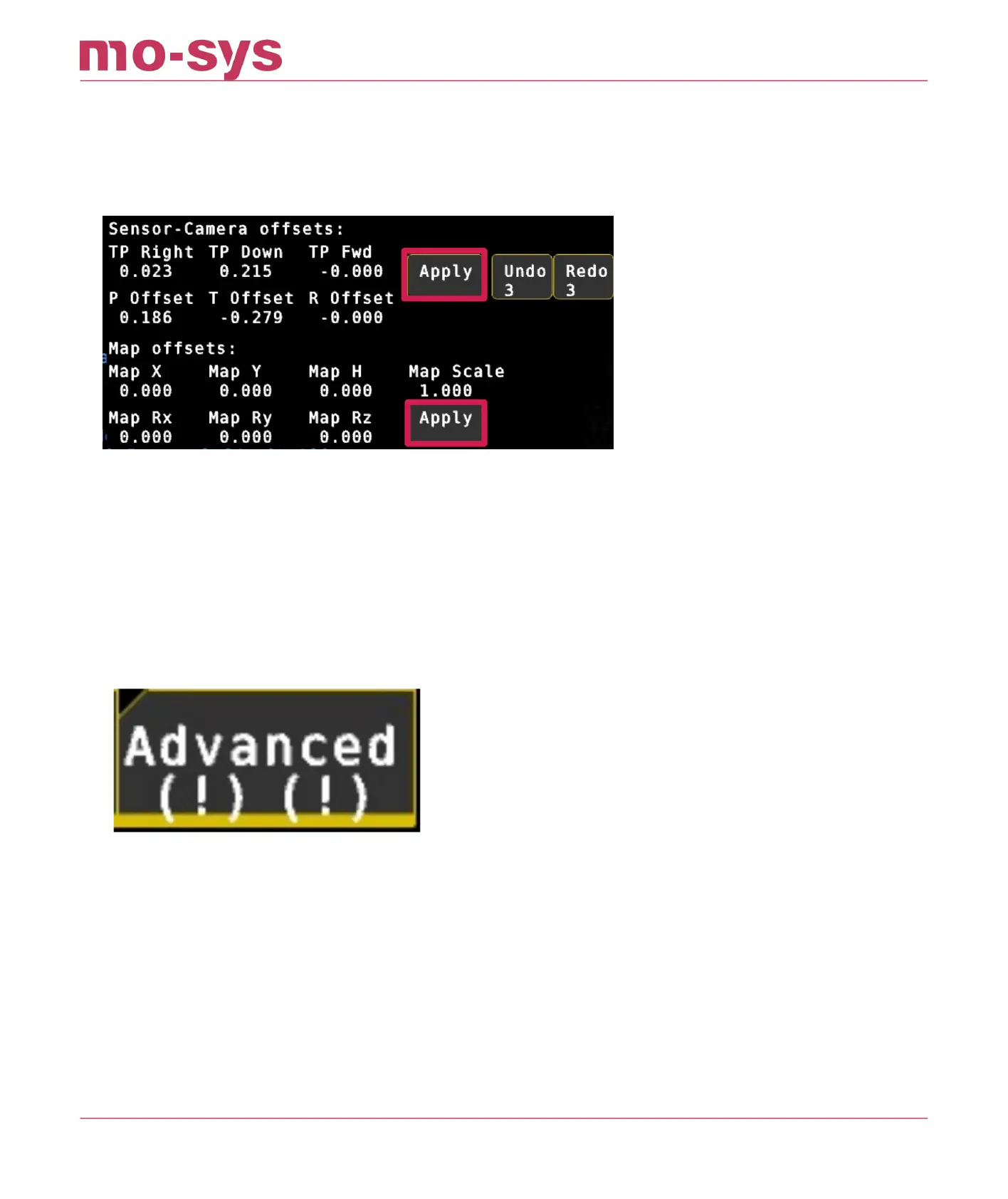
If you are happy with the results in the Verier, save and load the map.
Unlike the camera osets, the map needs to be manually saved when the osets have been
applied. You will see the usual “Map Modied” and * indicator show up in the GUI if the map has
unsaved changes.
12.6 Verifying Points
After having calibrated and applied the CCD and map osets you can verify the points and the
accuracy of the result with the Verier tool.
Make sure you don’t have any osets in Osets → Advanced in Set X, Y, H, Rz, Rx, Ry. Indicated
by exclamation marks.
Go to Osets → Verier.
Look at any of your reference points. Fully zoomed in and using cross hair.
In the Verier status, you can see “Looking at x,y (m)” values displayed. These are the
calculated positions in meters for the point you are looking at
The error is proportionate and can vary depending on studio size but should not be higher than
2cm (in the example below the 0 point on the oor is out by 2mm in X and 4mm in Y).
StarTracker Max Manual
2023 - 2024 © Mo-Sys Engineering Ltd. All rights reserved 56 of 70



 To Next Page