Page 7 of 46
Connection to stand
Together with your EVA System, MobileODT
Provides a device stand for stabilizing the
colposcope while capturing an image. There are
two types of stands: a wheeled stand and a
portable stand. Below are basic instructions on
connecting the colposcope to both models. See
the detailed assembly instructions that came with
the stand itself for further explanations.
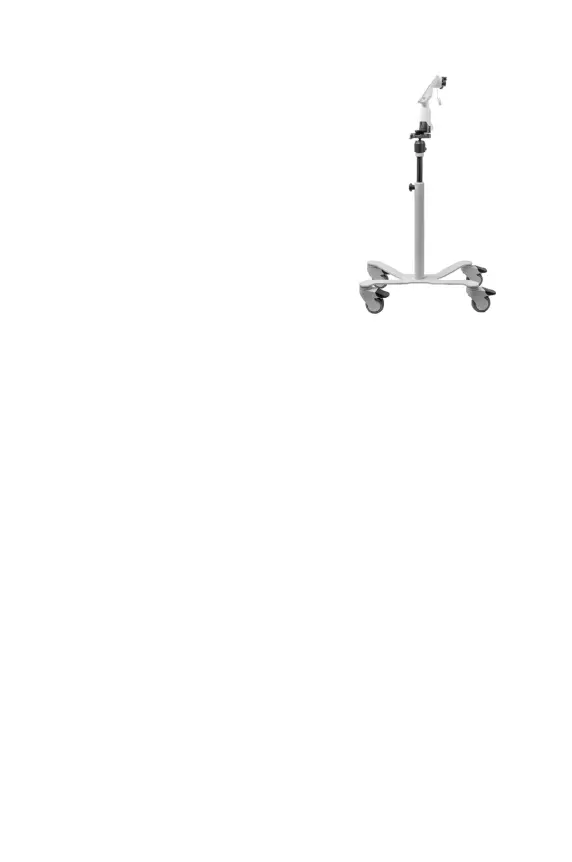
1. Wheeled Stand
The wheeled stand includes two distinct
parts: the base and the pole. During the
exam, the wheel stand should be locked
manually to improve the stability of the
stand.
2. Portable Stand
The portable stand also enables a hands-
free examination. This stand can be carried
from location to location, can be folded for
portability between exam rooms, or put
into the
accompanied carrying case to
move between clinical sites.
Figure 4
wheeled stand
CAPTURING A CLINICALLY USEFUL IMAGE
Clinically useful images are critical for remote consultation, patient
documentation, and quality assurance purposes. There are several factors to
consider to ensure high quality images.
Stability
The colposcope should be in a stable position while capturing an image. The unit
can be stabilized by:
1. Using a stand: The colposcope can be attached to a provided stand. The
height of the stand should be the same as the height of the examination
table (standard medical table height is 80-110 cm/31.5-43.5 inch).
2. Hand-wave feature: Images can be captured without touching the screen,
through the hand-wave feature. This enables the user to wave their hand
in front of the proximity sensor above the visualization screen in order to
capture an image.
Pole



 To Next Page