Page 38 of 46
4. While casting is enabled in the gallery, the current image or video will be
shown on the cast device. Exiting the gallery will disconnect the cast
device, but switching between the camera preview screen and the gallery
will not.
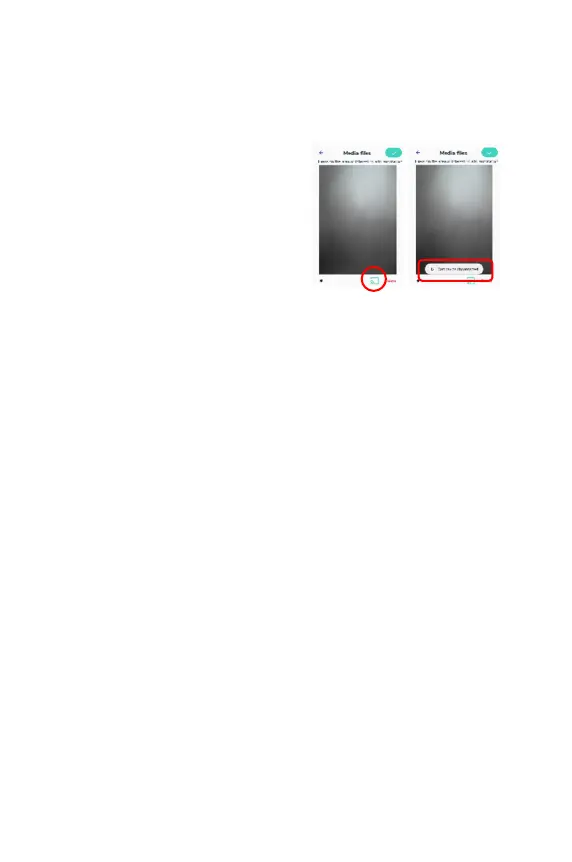
5. To stop casting of the gallery, tap the
cast button in the bottom right
corner of the screen. Casting will
stop and a message will appear that
says, “Cast device disconnected.”
The same message will appear if
connection to the cast device is lost.
CLEANING AND INSPECTION
The EVA Pro handle is reusable and requires specialized cleaning after each use.
Follow the proper cleaning instructions for cleaning the device using the following
procedure:
Handle and Battery Cleaning Procedure:
● Disassemble the EVA Pro into two separate parts (handle, battery)
● Thoroughly wipe all surfaces of the EVA Pro handle and battery with a mild
cleaning solution (i.e., 70% isopropyl alcohol) or disinfectant and damp cloth.
The cleaning solution or disinfectant should not be applied directly to the
EVA Pro. Pour/spray the cleaning solution or disinfectant onto a cloth and
ensure that the cloth is evenly damp prior to cleaning the EVA Pro.
● Do not allow fluids to enter the EVA Pro. Do not sterilize the EVA Pro handle
or battery.
● Special caution should be used not to scratch the camera lens or display.
INSPECTION
MobileODT recommends that the EVA Pro handle be regularly inspected every
month for visible damage. The following concerns should be addressed
immediately:
● Signs of deterioration or obvious damage to the unit
● Signs of damage to any connector
● Accumulation of lint or debris on or around the unit



 To Next Page