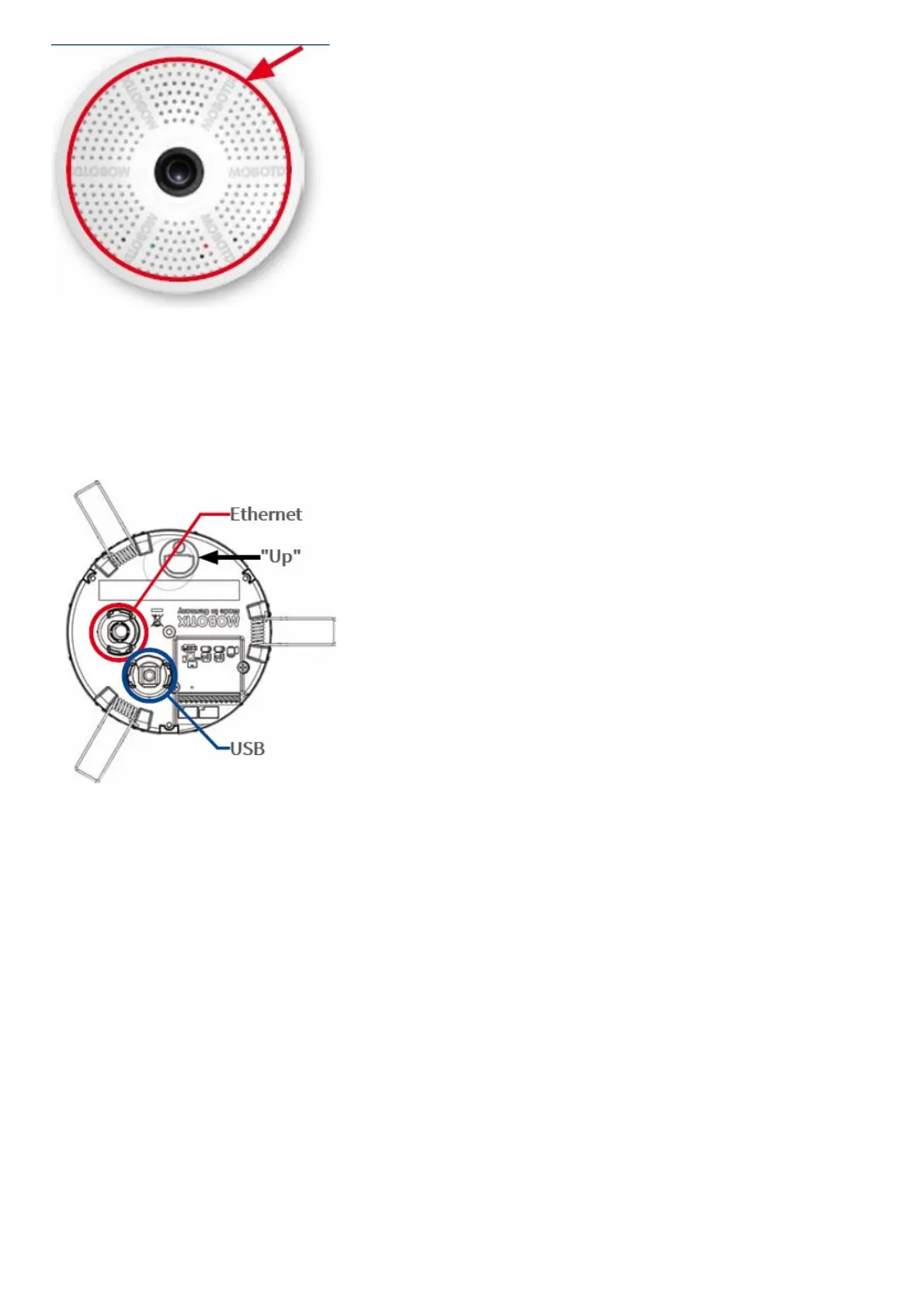
1. Connect the cables
Insert the cables into the appropriate connectors and fasten them using the blue bayonet catches.
Make sure that the camera points into the desired direction: The icon on the back (black arrow) shows the “up”
direction of the image.
2. Install the c26
Press the spring clips back and insert the c26 into the hole for the camera. The spring clips will snap outwards, thus
firmly holding the camera in place.
Make sure that you only press back the spring clips as shown in the image. Do not press them back any further as
the springs may snap out of their fixtures otherwise.



 To Next Page