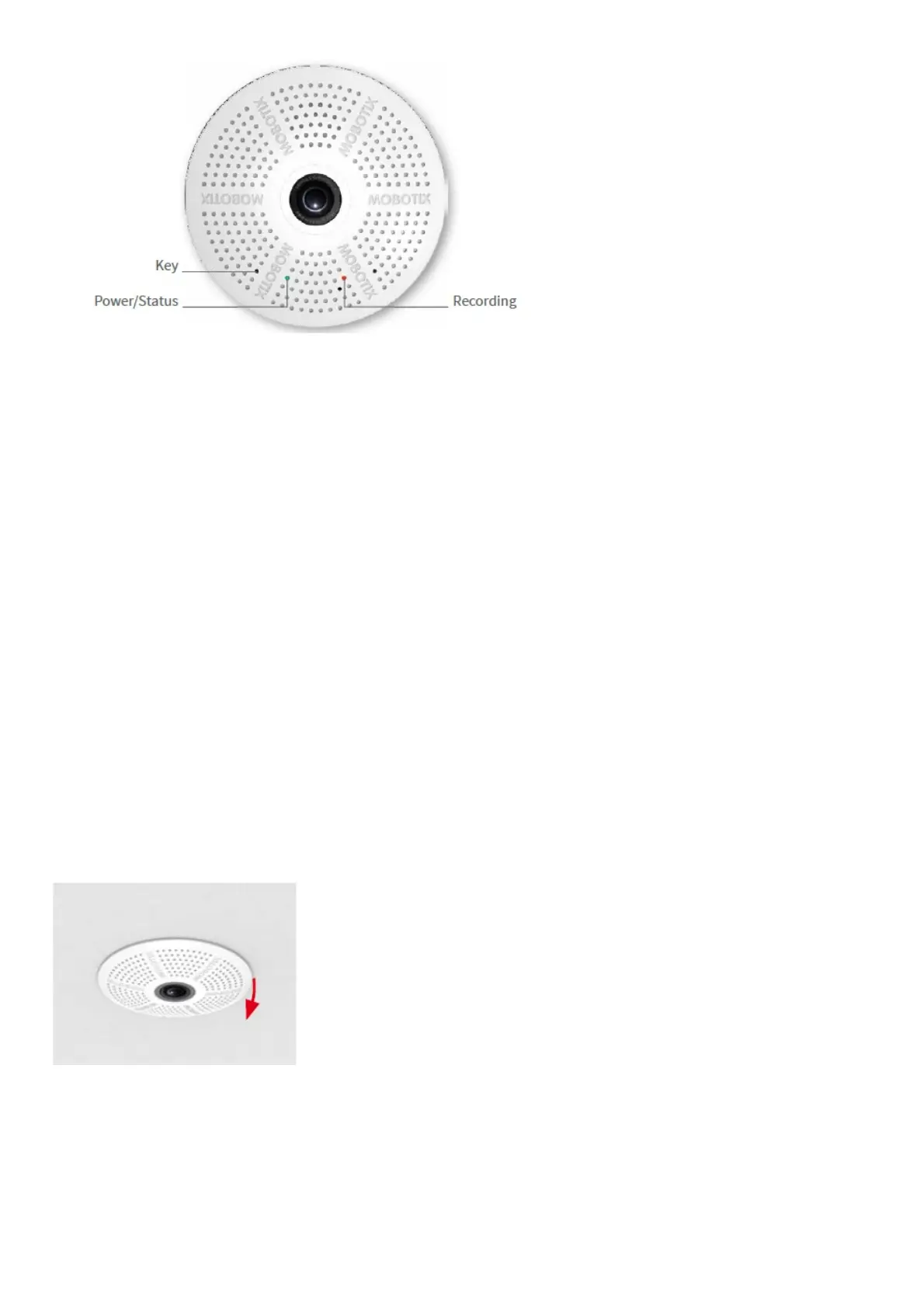
You can find detailed information on the installation and connections of the c26 in the Q25 Camera Manual (PDF,
available on www.mobotix.com > Support > Download Center > Documentation > Manuals).
Please note that the boot options of this camera have changed compared to its predecessor (see «Boot Options of
the c26») and the camera only has one key. Regarding the rest of the initial operation of the c26, please see the Q25
Camera Manual in Chapter 3, «Initial Operation».
Use a suitable device for operating the camera key (e.g., an opened paper clip).
Inserting/Exchanging the SD Card
All camera models can use the integrated MicroSD card (SDXC) to record video data. In order to exchange the
MicroSD card, please proceed as outlined in the following instruction. For information on reliable SD cards, please
see the MOBOTIX website www.mobotix.com > Support > Download Center > Documentation > White Lists in the
document MicroSD Card Whitelist for MOBOTIX Cameras. If the camera has not yet been installed, skip step 1.
Caution: In order to avoid damage from electrostatic discharge, you should touch a grounded device before opening
the housing of the camera (e.g., the blank metal at the back of a computer). This will remove any static electricity that
may have built up.
1. Remove camera, remove cables
Pull the camera from its position by gently pulling the camera downward on one side, then the other side. Take care
NOT to let the spring clips snap forward (risk of injury!). Remove all cables that are attached to the connectors on the
back side.
2. Locate the locks
In order to remove the back plate, you will need to push the delivered disassembly tool (item 1.9) into the three holes
on the back one after the other to release the locks (see red circles in figure).



 To Next Page