Boot Options of the c26
By default, the camera starts as DHCP client and automatically tries to get an IP address from a DHCP server. To
start the camera in a mode different from the default mode, you can activate the boot menu of the camera.
1. Prepare the Camera
Disconnect the camera’s power supply.
Make sure that you have suitable item such as a paper clip at hand, but never use sharp or pointed objects!
Reconnect the power supply of the camera.
2. Activate the Boot Menu
The red LED lights up 5 to 10 seconds after establishing the power supply and will stay on for 10 seconds.
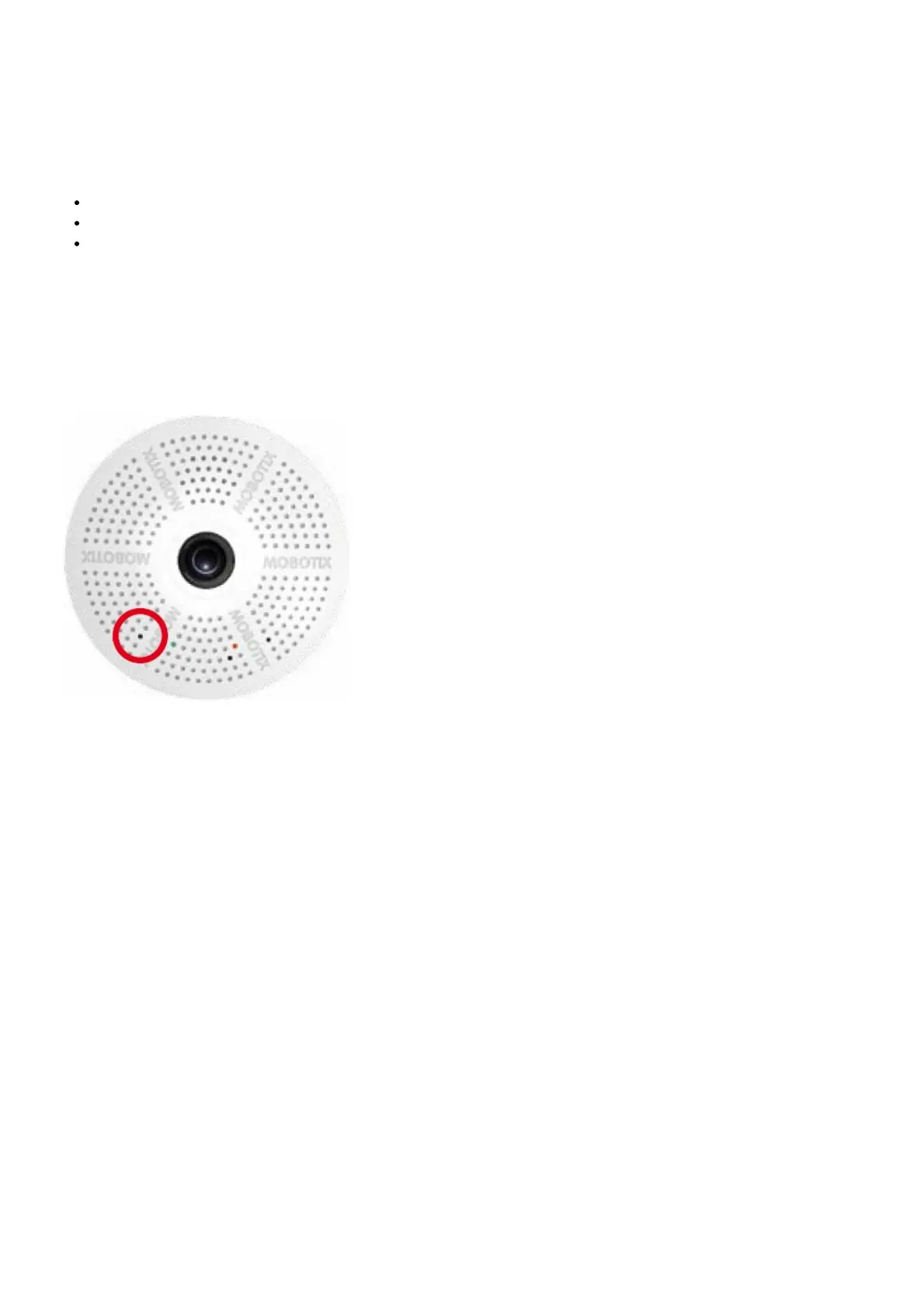
Briefly press the key by inserting the paper clip into the hole indicated by the red circle in the figure. The camera
enters the boot menu, ready for selecting one of the boot options.
The LED now flashes once and repeats the flash signal after pausing for one second (the number of flashes indicates
the current boot option). To go to the next boot option, briefly press the key again (< 1 sec). After the last boot option,
the camera returns to the first option (LED flashes once).



 To Next Page