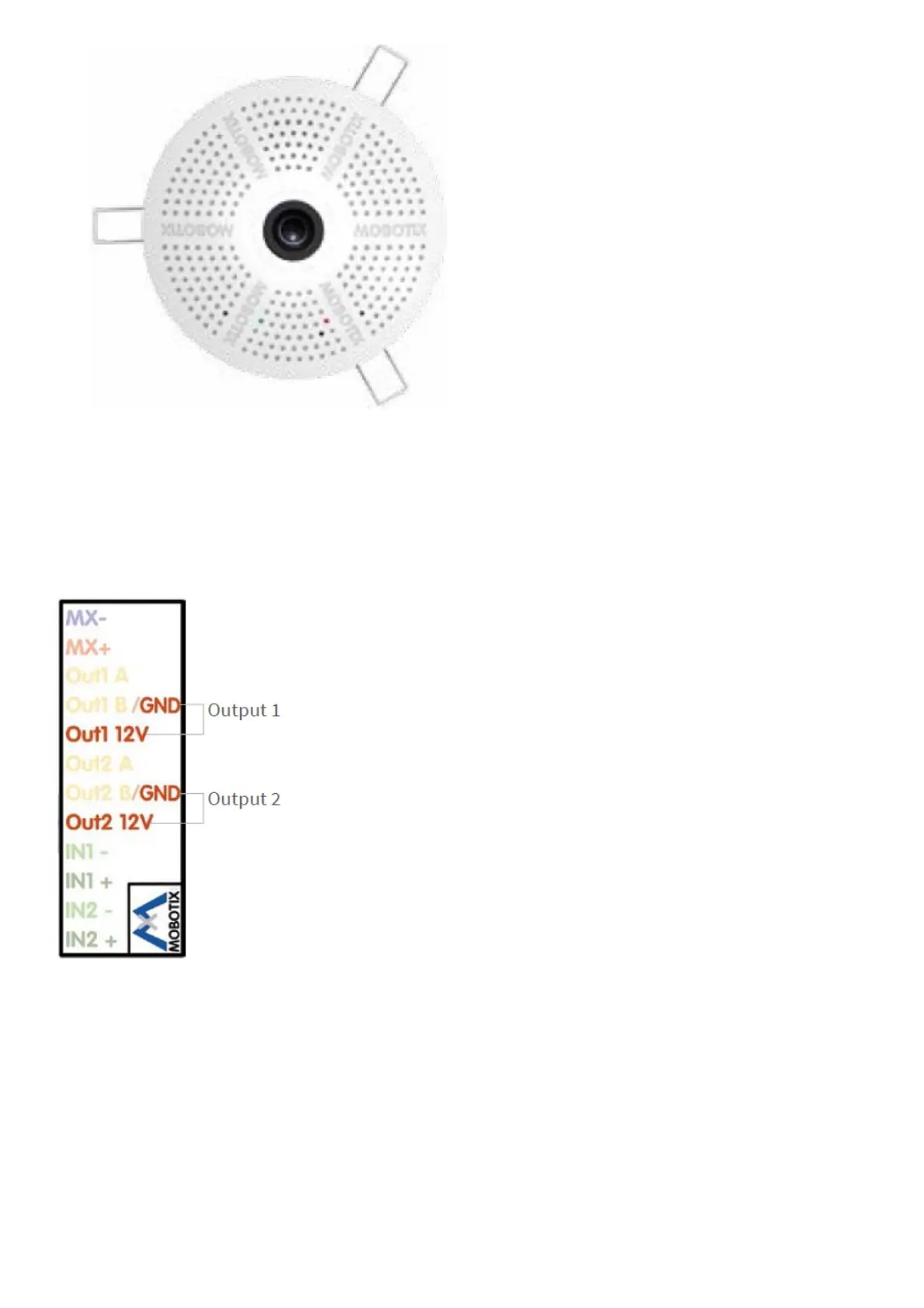
1. Configuring and Using the Mx-A-IOA-IC
The camera will automatically detect an installed Mx-A-IOA-IC (see Camera Status, System section in browser).
The signal inputs can be used right away in the signal input profiles in the Setup Menu > Event Overview. Likewise,
the signal outputs can be used in the signal output profiles in Admin Menu > Hardware Configuration > Signal Out
Profiles
In addition, the signal inputs/outputs have been entered automatically in the Admin Menu > Assign Wires dialog and
can be used to control doors and lights.
To use one or both signal outputs not as potential-free outputs (for relays), but as 12 V outputs, open the Admin
Menu > Hardware Configuration > Manage Hardware Expansions dialog. In the MxBus/IO Board section, click on
Connect for each output you want to use.
2. Save the configuration
In the live image of the browser, select the Manage Settings quick control and set Store Entire Configuration as
value. The camera stores the configuration in the permanent camera memory so that the settings will be applied at
the next camera reboot.



 To Next Page