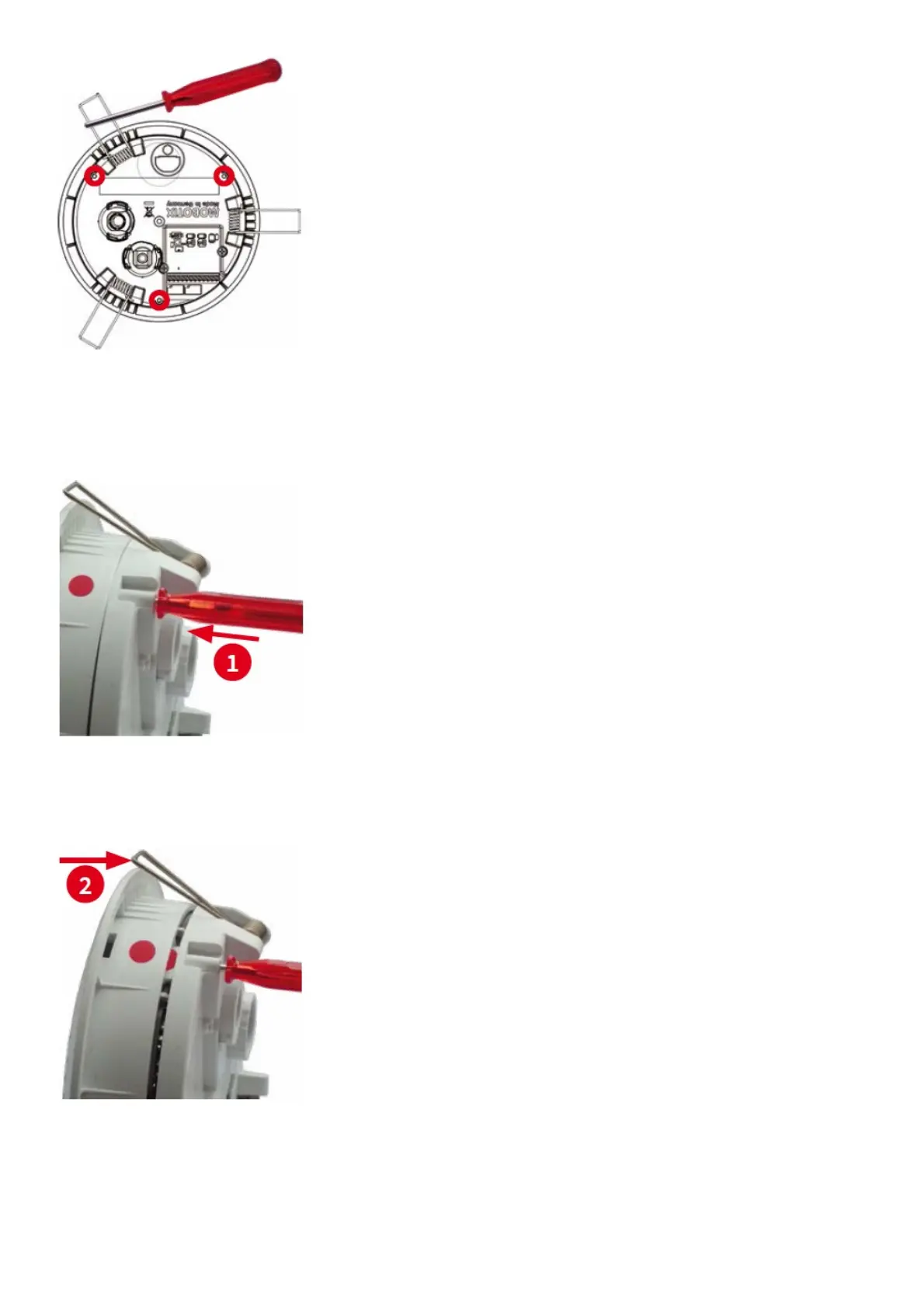
3. Remove back plate
Insert the disassembly tool into a lock and press firmly until you feel a perceptible resistance 1
Gently push against the nearest spring clip to push the lock out of its seat and to lift the back plate from the housing 2
.
Repeat the process for the two other locks and cautiously lift the back plate from the housing.
4. Remove/insert SD card
If a MicroSD card has been installed, gently press with your finger as indicated by the arrow until you hear a click.
Then release the SD card. The card is protruding slightly and can be easily removed.



 To Next Page