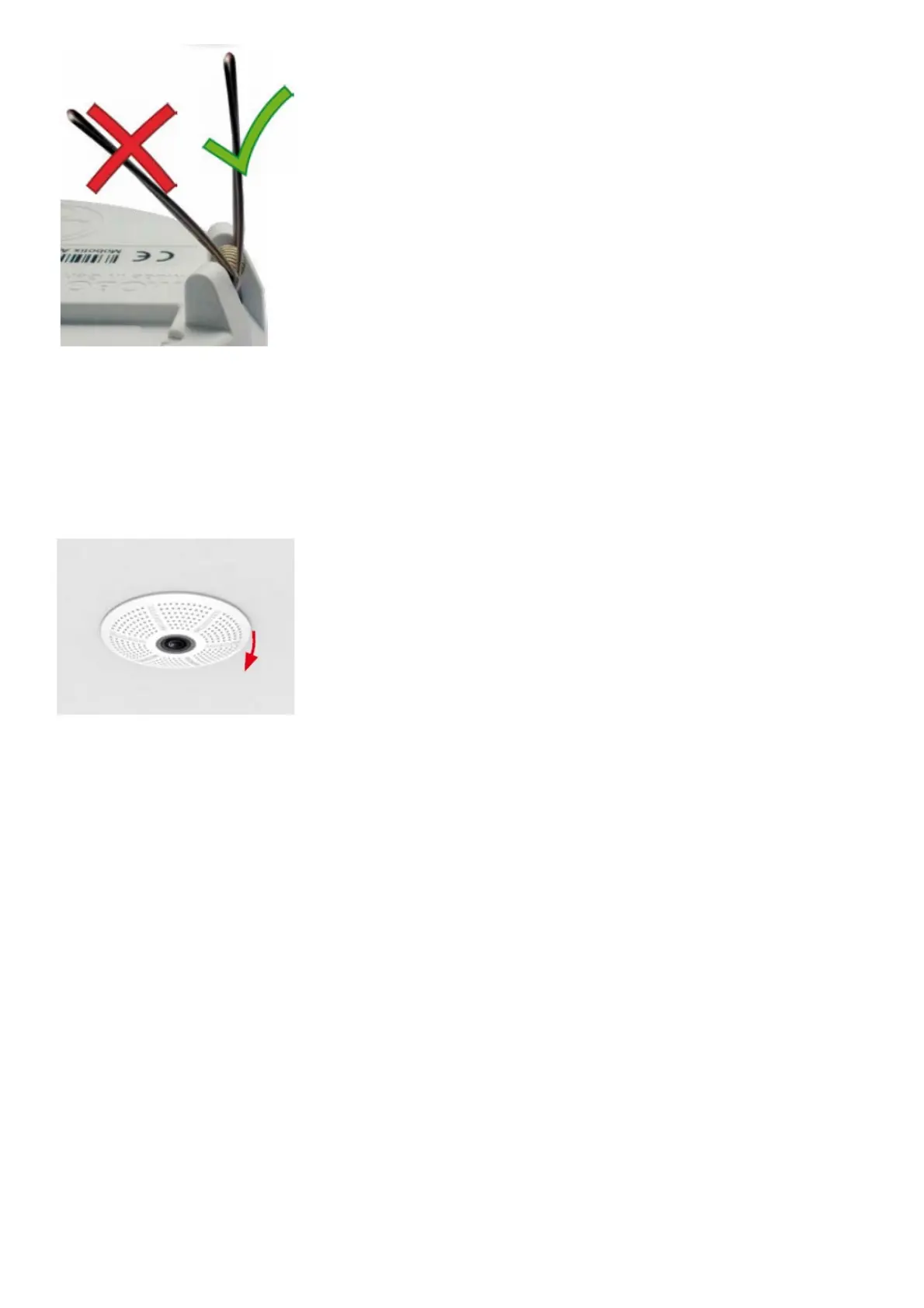
Removing the c26
1. Pull out the camera
Pull the camera from its position by gently pulling the camera downward on one side, then the other side. Take care
NOT to let the spring clips snap forward (risk of injury!).
2. Remove the cables
Remove the cables coming from the building (network cable, USB cable, MxBus and signal input/output wires). Pull
out the camera.
Initial Operation of the c26
The initial operation starts with connecting the power supply (see section «Network and Power Connection, Additional
Cables» in the Q25 Camera Manual). The first access follows the procedure described in the same manual in the
section «Initial Operation of the Camera». All other tasks require access to the camera’s user interface in the
browser. Enter the camera’s IP address into the address bar of the browser (user “admin”, password “meinsm”;
password must be changed upon first login – camera software V5.1.x and higher).



 To Next Page