Press the spring clips back and insert the camera into its original mounting position (see «Installing the c26»).
To finish, make sure that the camera image is properly aligned: If required, cautiously turn the camera to adjust
image alignment.
Installing the Mx-A-IOA-IC
For the Mx-c26A/B, you can use the optionally available Mx-A-IOA-IC to attach external sensors using the signal
inputs and to switch other devices via the signal outputs. When used with the the Mx-c26B, you can also attach
MxBus devices (e.g., an MX-GPS-Box).
1. Insert the Mx-A-IOA-IC
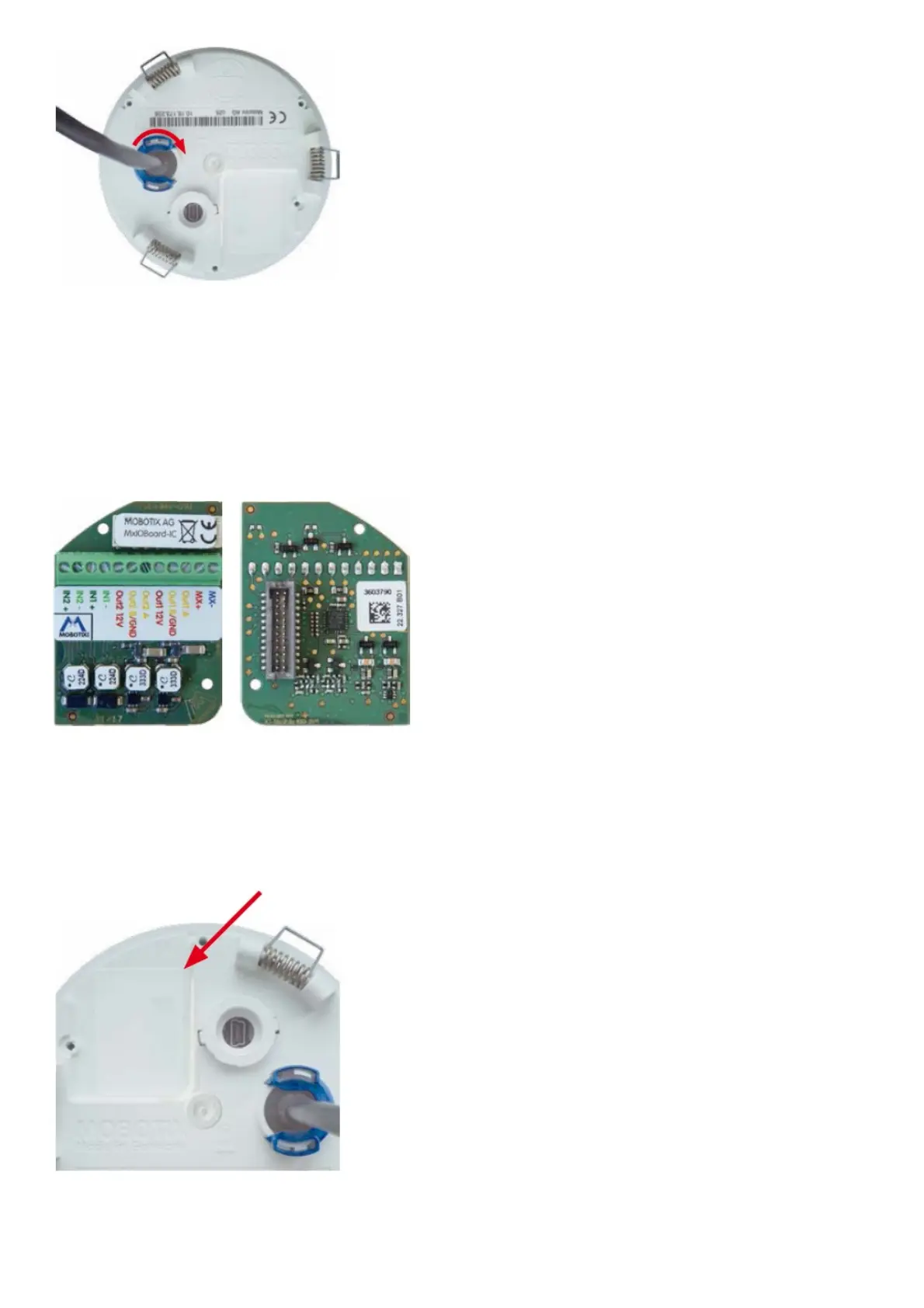
On the back of the camera, remove the sticker that protects the receptacle and the camera’s interior from collecting
dirt (see red arrow in figure to the right).
Carefully push the module board onto the receptacle. Secure the module board using the supplied Phillips screw (see
red arrow in figure).



 To Next Page