101
Display
Operating Procedure
Description
“Technical” Programming
• This parameter allows the technician
to review the total doses dispensed for
each button.
• This parameter displays different values:
• Total coffee doses;
• Coffee doses for each button.
Coffee Dose Counter
Enter Password
Coffee Dose
Counter
Enter Password
1
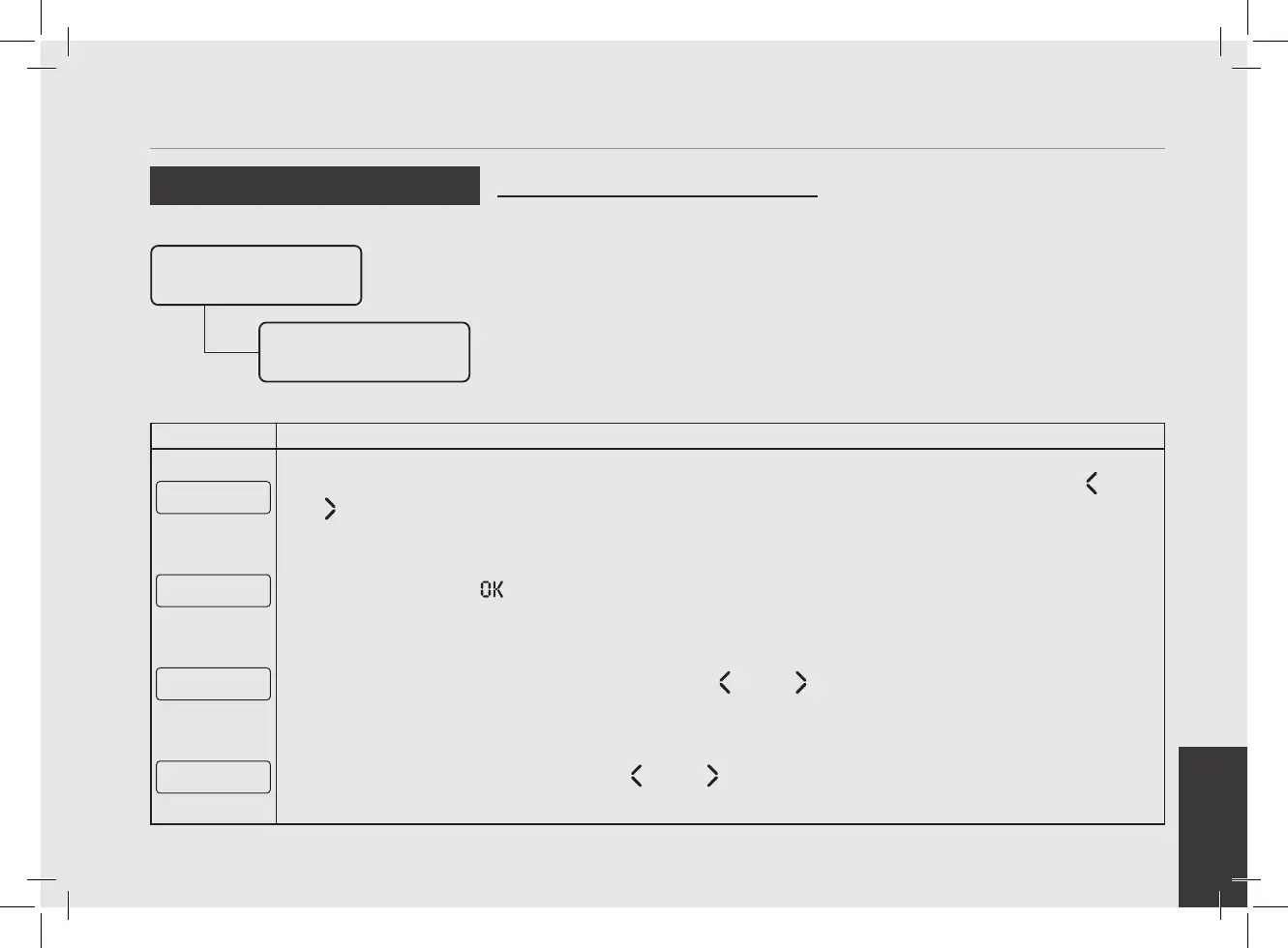
After accessing the “Technical” programming menu and entering the password, use the buttons T1 and T2
until the following screen is displayed.
Coffee Dose
Counter
2
Press the T3 button to enter the menu.
Total Coffee
Doses: 63
3
Move between the parameters using the buttons T1 and T2 to display the desired option:
Doses1 ↑ Long
10
4
Continuing to move with the buttons T1 and T2 you can display the total doses.



 To Next Page