49
Display
Operating Procedure
Description
“Barista” Programming
↑ Short
DOSE
5
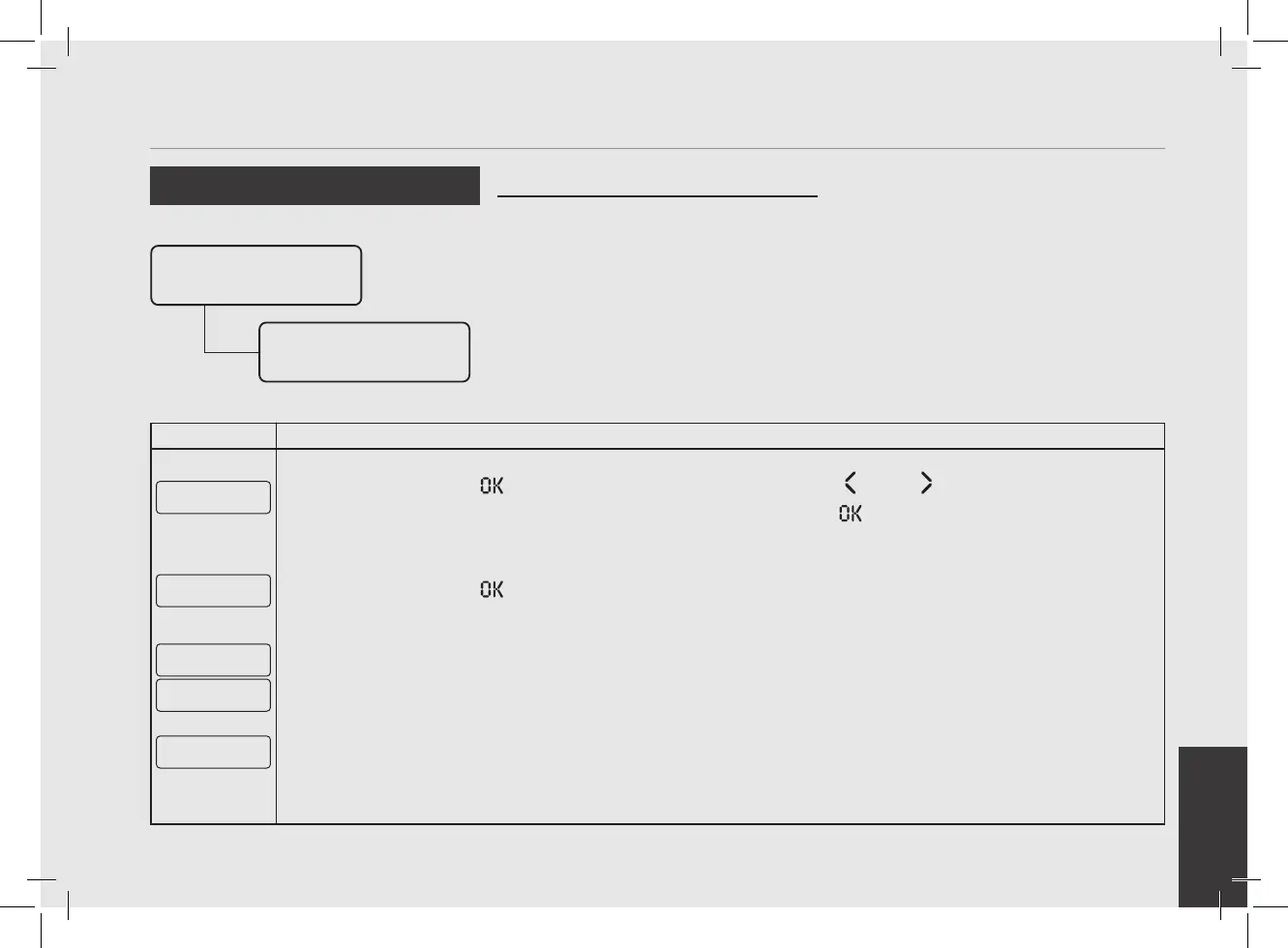
Press the T3 button to access the menu, then navigate using T1 and T2 to choose between DOSE,
BACKFLUSH, 3 SEC RINSE and CONTINUOUS, press the T3 button to conrm the option.
↑ Short Program
Volume Dose
6
Press the T3 button to start the doses programming procedure.
Press Enter
To E xit
Press b To Stop
10 pulses
7
To set the brewing time of a short shot, it will be necessary to activate the tap lever until water ows from the
group, activate again the tap lever to stop and store the desired dose.
G1B1 Saved
10 Pulses
• This parameter allows the operator to
program the amount of coffee (brewing
amount) for each Selection Indicator.
• The brewing amount can be set in terms
of time (sec.), pulses, mass or brewratio.
• Once programmed, the Selection
Indicator remains lighted.
• It is possible to set the dose for both
a short and a long shot on the same
Selection Indicator.
• PULSE mode: control of doses in volume
• MASS mode: control of doses in mass
• BREW RATIO mode: ratio between the
coffee powder and the weight of the
drink
Program Dose
Group Dose
Settings
Group 1 Dose
Settings



 To Next Page