50
Display Operating Procedure
Description
“Barista” Programming
↑ Short Dose
30
8
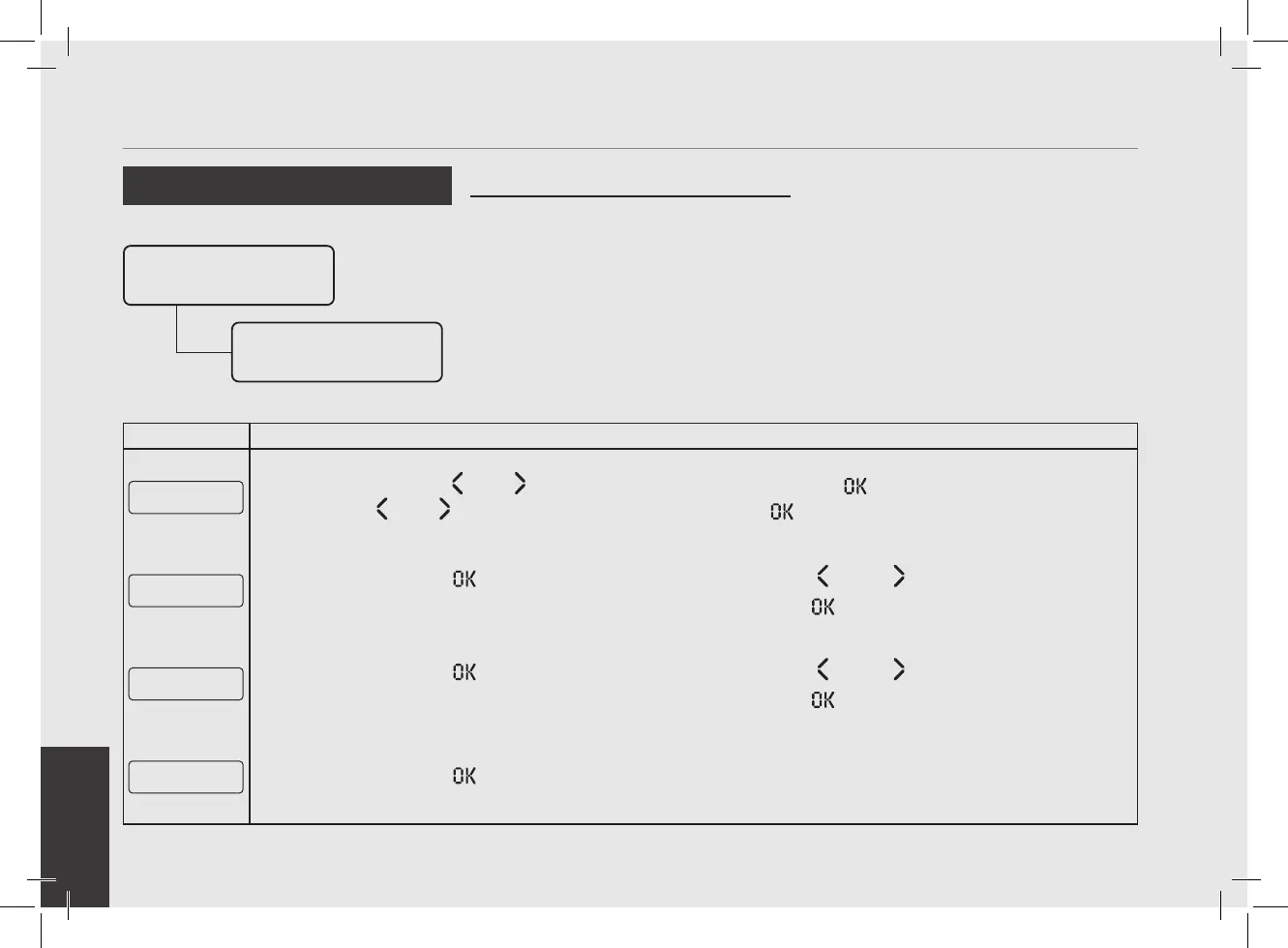
Press the button T1 or T2 to view the dose. Pressing the button T3 , the dose value will blink. Use the
button T1
or T2 to change the value, press the button T3 to conrm the desired value.
↑ Long
BACKFLUSH
9
Press the T3 button to access the menu, then navigate using T1 and T2 to choose between DOSE,
BACKFLUSH, 3 SEC RINSE and CONTINUOUS, press the T3 button to conrm the option.
↓ Short
DOSE
10
Press the T3 button to access the menu, then navigate using T1 and T2 to choose between DOSE,
BACKFLUSH, 3 SEC RINSE and CONTINUOUS, press the T3 button to conrm the option.
↓ Short Program
Volume Dose
11
Press the T3 button to start the doses programming procedure.
• This parameter allows the operator to
program the amount of coffee (brewing
amount) for each Selection Indicator.
• The brewing amount can be set in terms
of time (sec.), pulses, mass or brewratio.
• Once programmed, the Selection
Indicator remains lighted.
• It is possible to set the dose for both
a short and a long shot on the same
Selection Indicator.
• PULSE mode: control of doses in volume
• MASS mode: control of doses in mass
• BREW RATIO mode: ratio between the
coffee powder and the weight of the
drink
Program Dose
Group Dose
Settings
Group 1 Dose
Settings



 To Next Page