88
Display Operating Procedure
Description
“Technical” Programming
Coffee Boiler
• The OFFSET parameter is used to
calibrate the coffee boiler temperature
system to ensure the display temperature
accurately represents the temperature
of the water exiting the group head.
• This parameter is preset at the factory
based upon initial tests of this espresso
machine.
• It is not recommended that this number
is changed. Changes to this parameter
can cause unexpected results.
• It is important to write down this value
before making changes to be sure you
can return to the factory programming if
unexpected results occur. Each machine
may have a different value as it is set
individually.
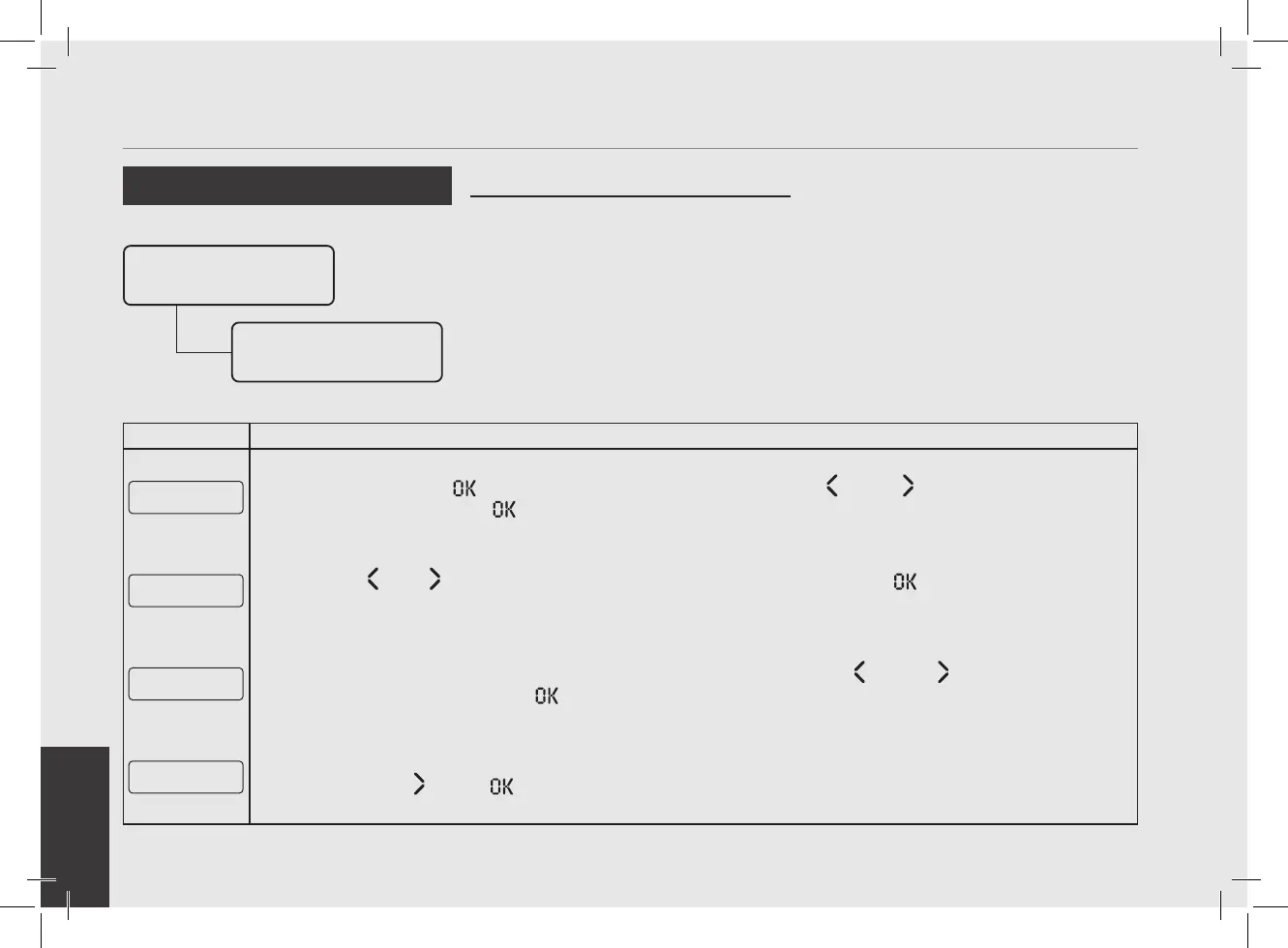
Enter Password
Coffee Boiler
Settings
Out Offset
- 1 °C
5
Press the T3 button to enter the menu, move with the buttons T1 and T2 to set the desired tempera-
ture, press the T3 button to conrm the value.
CB Settings
E xit
6
Press T1 or T2 until the display shows the exit menu, press the T3 button to return to the “Technical”
programming.
E xit
Menu
7
To exit the menu move between the parameters using the buttons T1 and T2 until the exit menu is
displayed. Press the T3 button to exit the menu and return to the normal use of the espresso machine.
G1█ MODBAR G2█
163Puls 0Puls
8
Alternatively, you can exit the “Technical” programming and return to the normal use of the espresso machine
by pressing T2
and T3 at the same time.



 To Next Page