89
Display
Operating Procedure
Description
“Technical” Programming
Head Heater
• This parameter enables the technician
to set various parameters of the
Espresso Tap for increasing temperature
performances depending on machine
conguration.
Enter Password
Head Heater
Settings
Enter Password
1
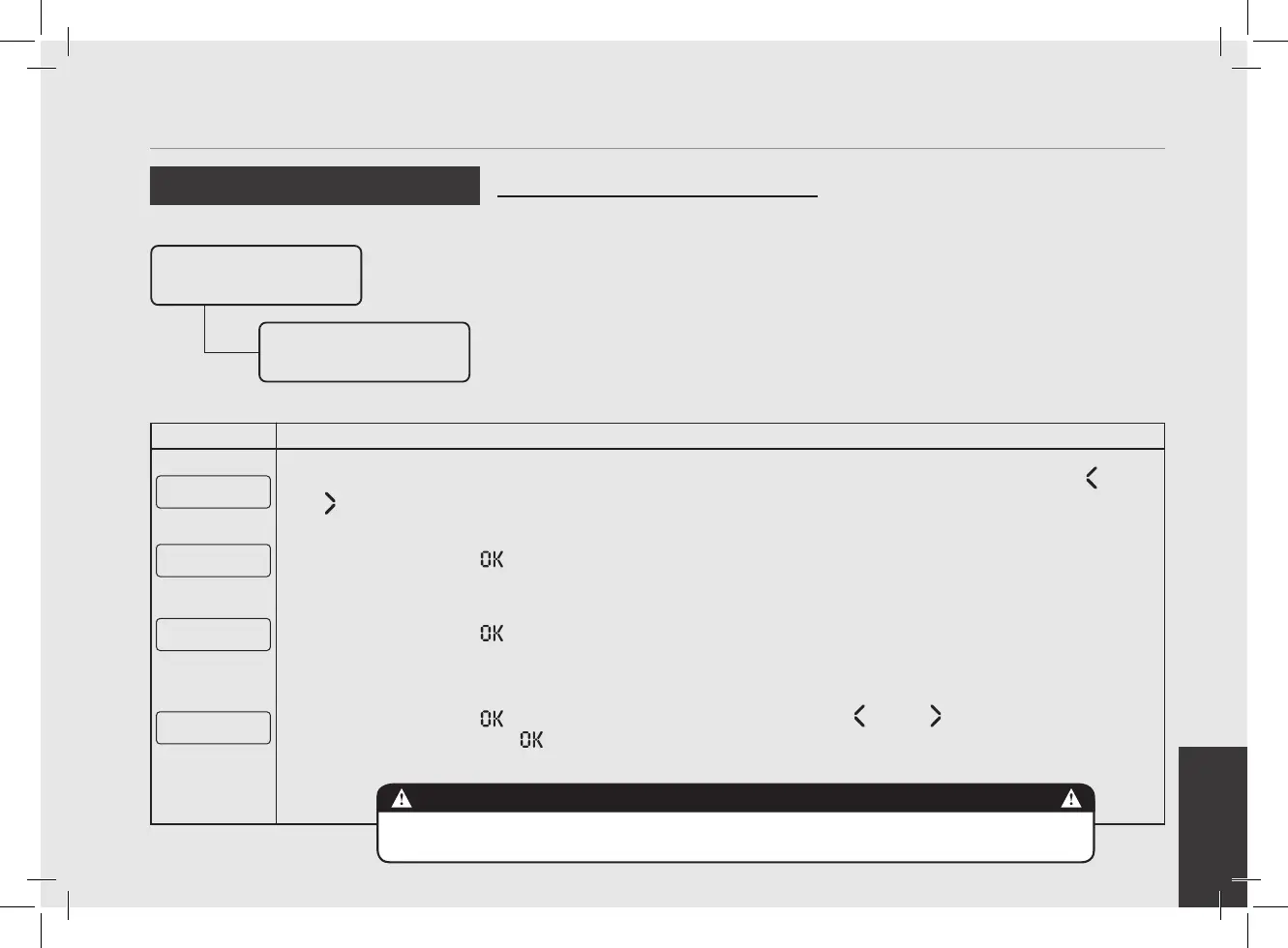
After accessing the “Technical” programming menu and entering the password, use the buttons T1 and T2
until the following screen is displayed.
Head Heater
Settings
2
Press the T3 button to enter the menu.
Head 1 Smart PID
Settings
3
Press the T3 button to enter the menu.
Head1 STO0
2 °C
4
Press the T3 button to enter the menu, move with the buttons T1 and T2 to set the desired tempera-
ture, press the T3 button to conrm the value.
THE COFFEE BOILER CONTAINS WATER AT ELEVATED TEMPERATURES.
WATER TEMPERATURE OVER 52°C CAN CAUSE SEVERE BURNS IN STANTLY OR DEATH FROM SCALDING.
DANGER



 To Next Page