90
Display Operating Procedure
Description
“Technical” Programming
Head Heater
• This parameter enables the technician
to set various parameters of the
Espresso Tap for increasing temperature
performances depending on machine
conguration.
Enter Password
Head Heater
Settings
Head1 STO1
0 °C
5
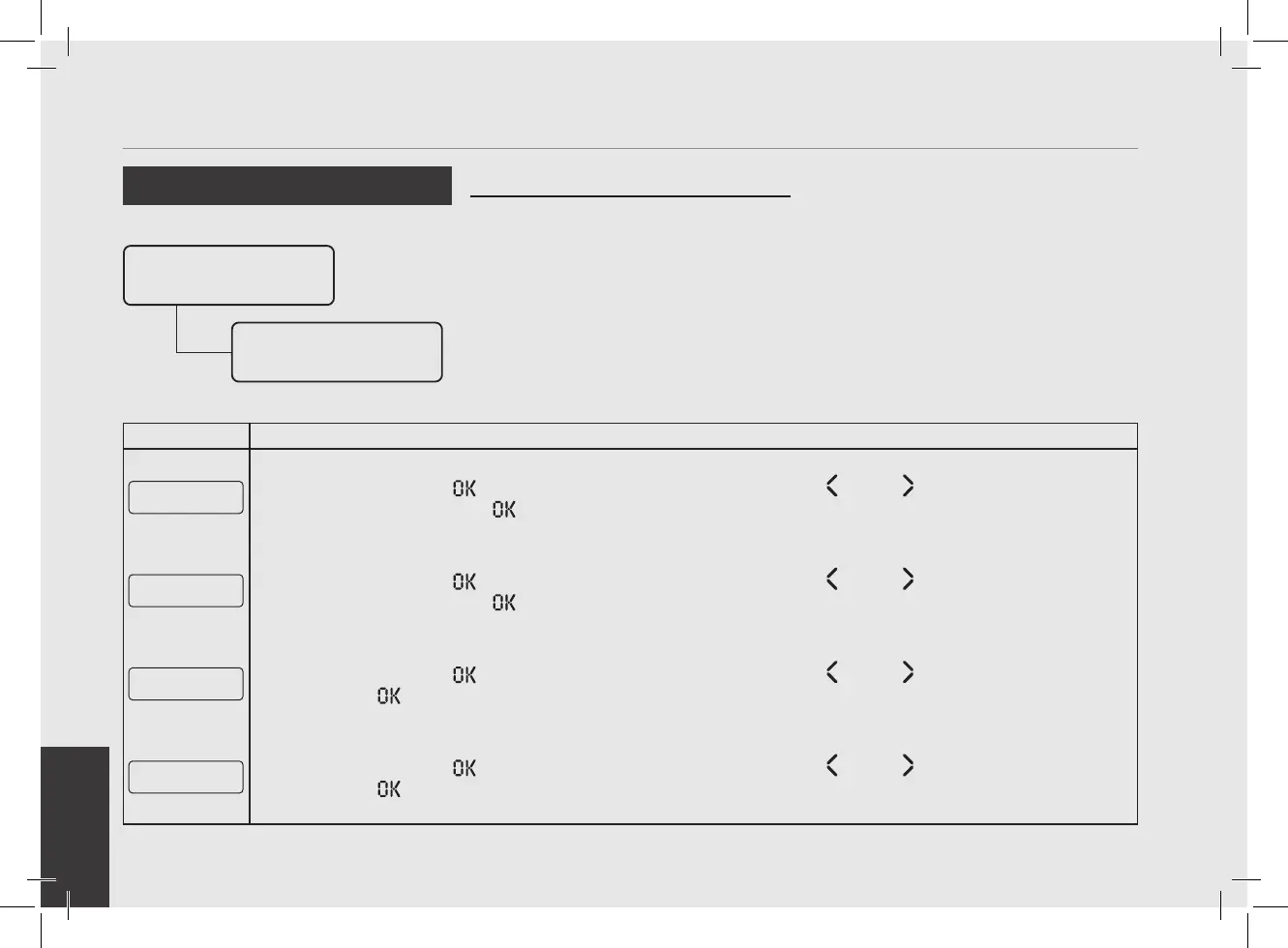
Press the T3 button to enter the menu, move with the buttons T1 and T2 to set the desired tempera-
ture, press the T3 button to conrm the value.
Head1 STO2
4 °C
6
Press the T3 button to enter the menu, move with the buttons T1 and T2 to set the desired tempera-
ture, press the T3 button to conrm the value.
Head1 SMO1
120
7
Press the T3 button to enter the menu, move with the buttons T1 and T2 to set the value, press the
T3 button to conrm the value.
Head1 SMO2
240
8
Press the T3 button to enter the menu, move with the buttons T1 and T2 to set the value, press the
T3 button to conrm the value.



 To Next Page