91
Display
Operating Procedure
Description
“Technical” Programming
Head Heater
• This parameter enables the technician
to set various parameters of the
Espresso Tap for increasing temperature
performances depending on machine
conguration.
Enter Password
Head Heater
Settings
Head1 MST
6
9
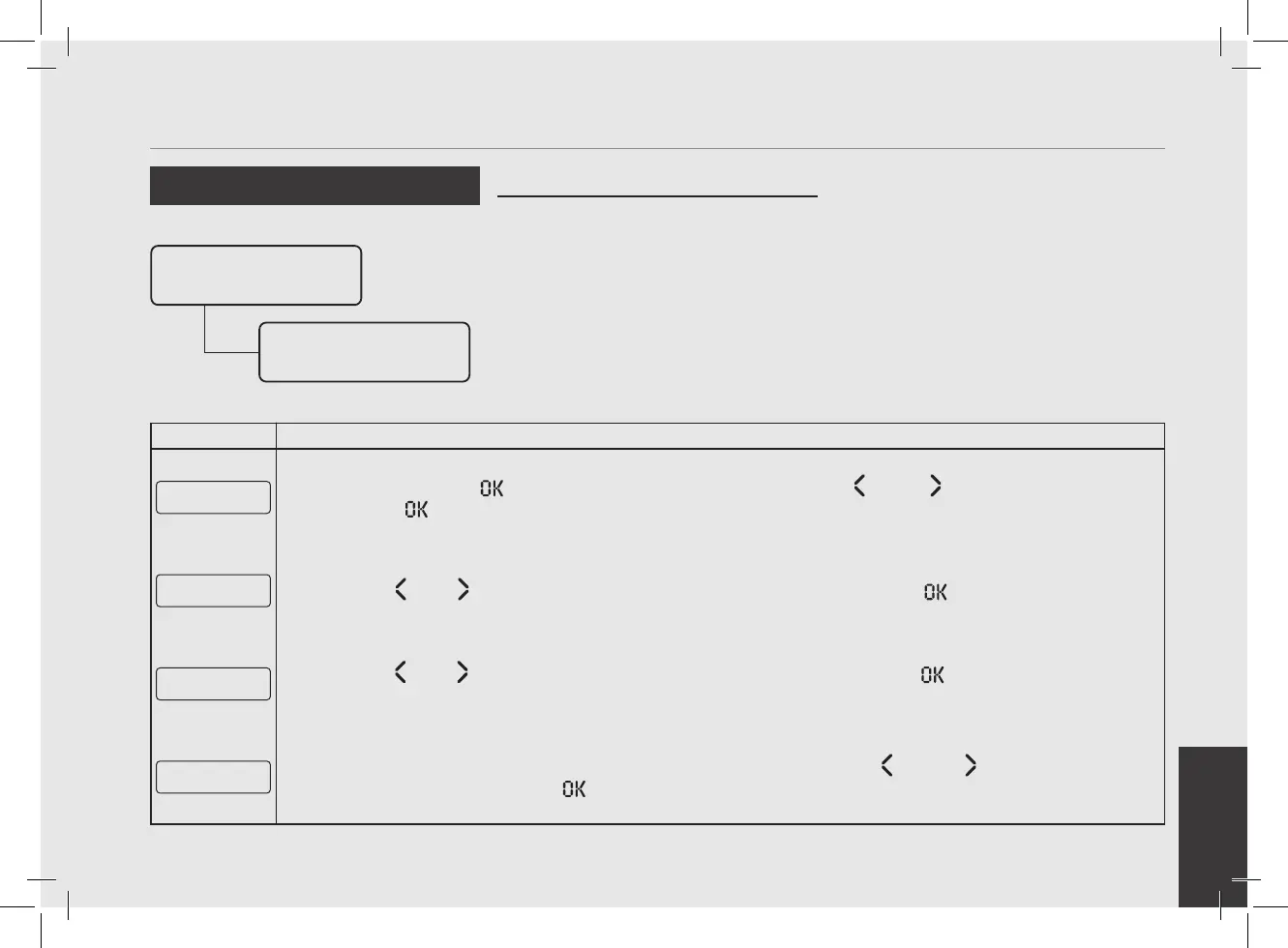
Press the T3 button to enter the menu, move with the buttons T1 and T2 to set the value, press the
T3 button to conrm the value.
Head 1 Smart PID
E xit
10
Press T1 or T2 until the display shows the exit menu, press the T3 button to exit the menu.
Head Heater
E xit
11
Press T1 or T2 until the display shows the exit menu, press the T3 button to return to the “Technical”
programming.
E xit
Menu
12
To exit the menu move between the parameters using the buttons T1 and T2 until the exit menu is
displayed. Press the T3 button to exit the menu and return to the normal use of the espresso machine.



 To Next Page