95
Display
Operating Procedure
Description
“Technical” Programming
• This parameter allows the user to set the
time of day and the day of the week.
• This parameter is used to display time
and is also used by the “Auto On/Off”
parameter
• There are 4 changeable values within
this parameter:
• Hour;
• Minute;
• Day of week;
• Hour Format 12h or 24h.
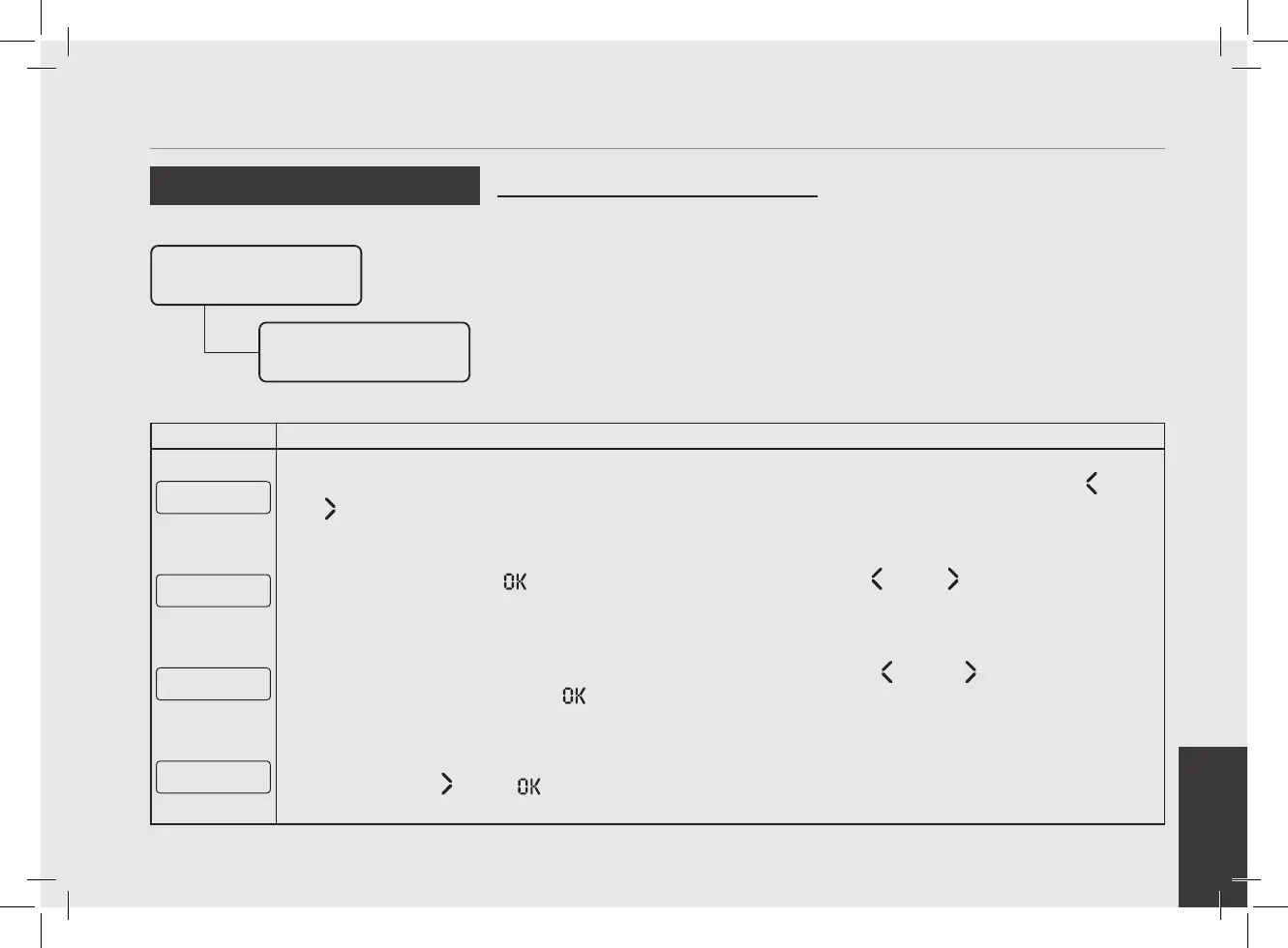
Clock Adjust
Enter Password
Clock Time
00:00 SUNDAY
Enter Password
1
After accessing the “Technical” programming menu and entering the password, use the buttons T1 and T2
until the following screen is displayed.
Clock Time
00:00 SUNDAY
2
Pressing the T3 button the rst value will blink. Use the buttons T1 and T2 to set the clock. Repeat
the operation to set the day of the week.
E xit
Menu
3
To exit the menu move between the parameters using the buttons T1 and T2 until the exit menu is
displayed. Press the T3 button to exit the menu and return to the normal use of the espresso machine.
G1█ MODBAR G2█
163Puls 0Puls
4
Alternatively, you can exit the “Technical” programming and return to the normal use of the espresso machine
by pressing T2
and T3 at the same time.



 To Next Page