96
Display Operating Procedure
Description
“Technical” Programming
Enter Password
Keypad LEDs
ENABLED
• This parameter allows the operator to
enable/disabled the keypad led.
Keypad LEDs
Enter Password
1
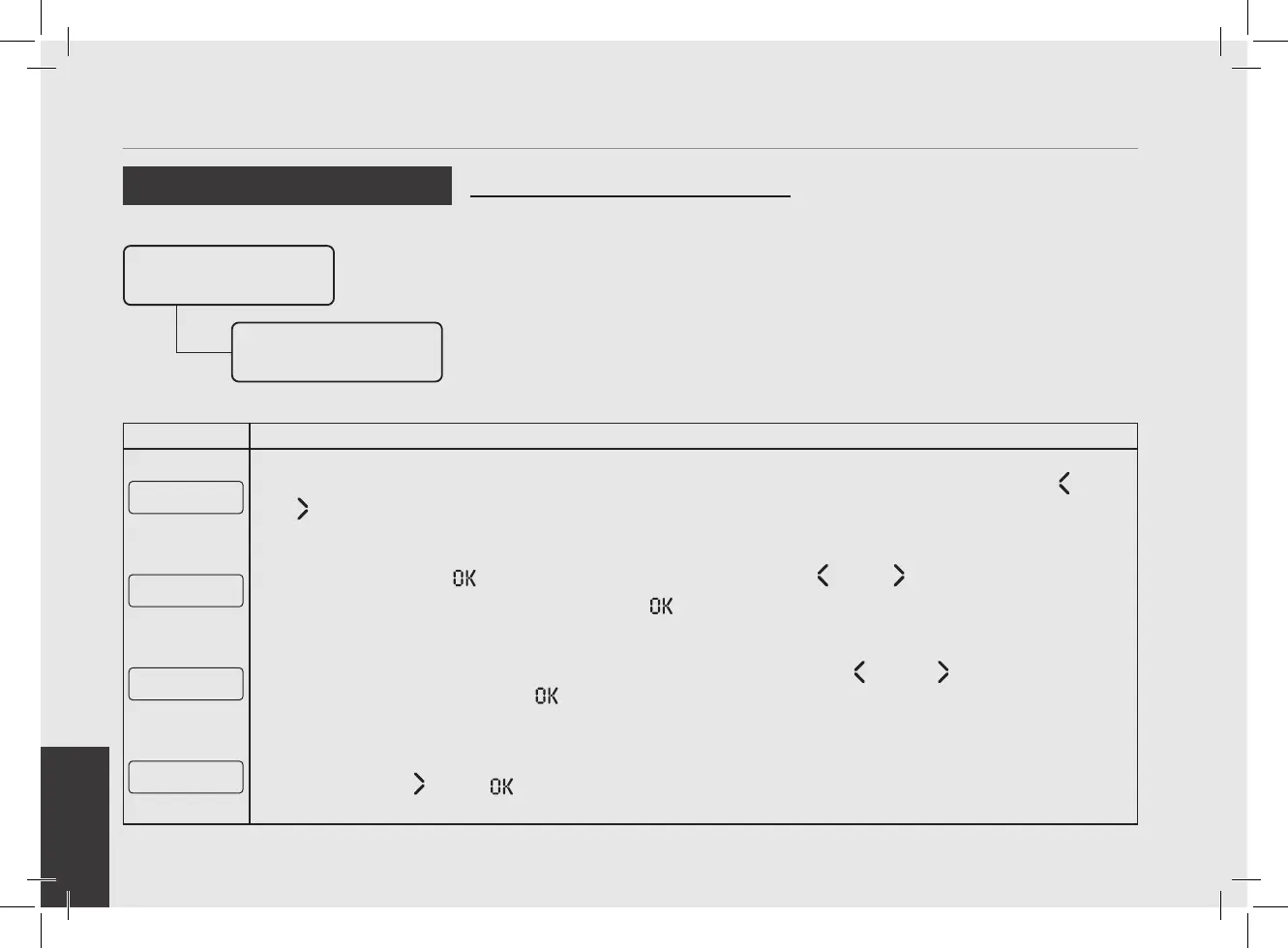
After accessing the “Technical” programming menu and entering the password, use the buttons T1 and T2
until the following screen is displayed.
Keypad LEDs
ENABLED
2
Press the T3 button to access the menu, then navigate using T1 and T2 to choose between
ENABLED and DISABLED, press the T3 button to conrm the option.
E xit
Menu
3
To exit the menu move between the parameters using the buttons T1 and T2 until the exit menu is
displayed. Press the T3 button to exit the menu and return to the normal use of the espresso machine.
G1█ MODBAR G2█
163Puls 0Puls
4
Alternatively, you can exit the “Technical” programming and return to the normal use of the espresso machine
by pressing T2
and T3 at the same time.



 To Next Page