97
Display
Operating Procedure
Description
“Technical” Programming
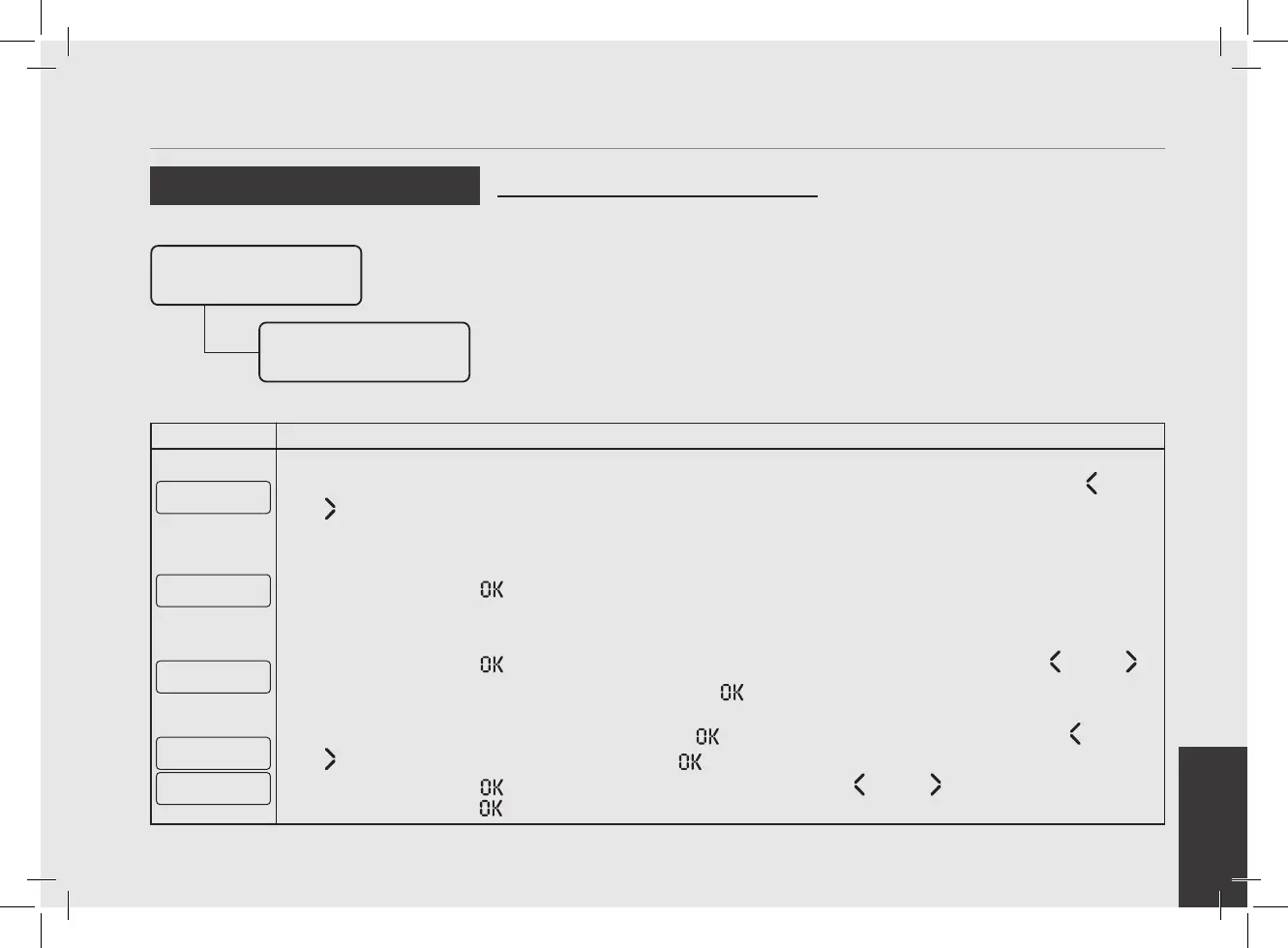
• This parameter allows the technician to
program the espresso machine to turn on
at a preset time and turn off at a preset
time.
• This feature also allows the espresso
machine to remain in the off condition
for one repeating closed day.
Auto On/Off
Enter Password
Auto On/Off
Settings
Enter Password
1
After accessing the “Technical” programming menu and entering the password, use the buttons T1 and T2
until the following screen is displayed.
Auto On/Off
Settings
2
Press the T3 button to enter the menu.
Auto On/Off
ENABLED
3
Press the T3 button to enter the menu, move between the parameters using the buttons T1 and T2 to
select ENABLED or DISABLED , press the T3 button to conrm the option.
Auto On Time
00:00
Auto Off Time
00:00
4
If the parameter is enabled, press the T3 button to enter the menu, move with the buttons T1 and T2
to set the desired time, press the T3 button to conrm the value.
Press the T3 button
to enter the menu, move with the buttons T1 and T2 to set the desired time,
press the T3 button to conrm the value.



 To Next Page