

 To Next Page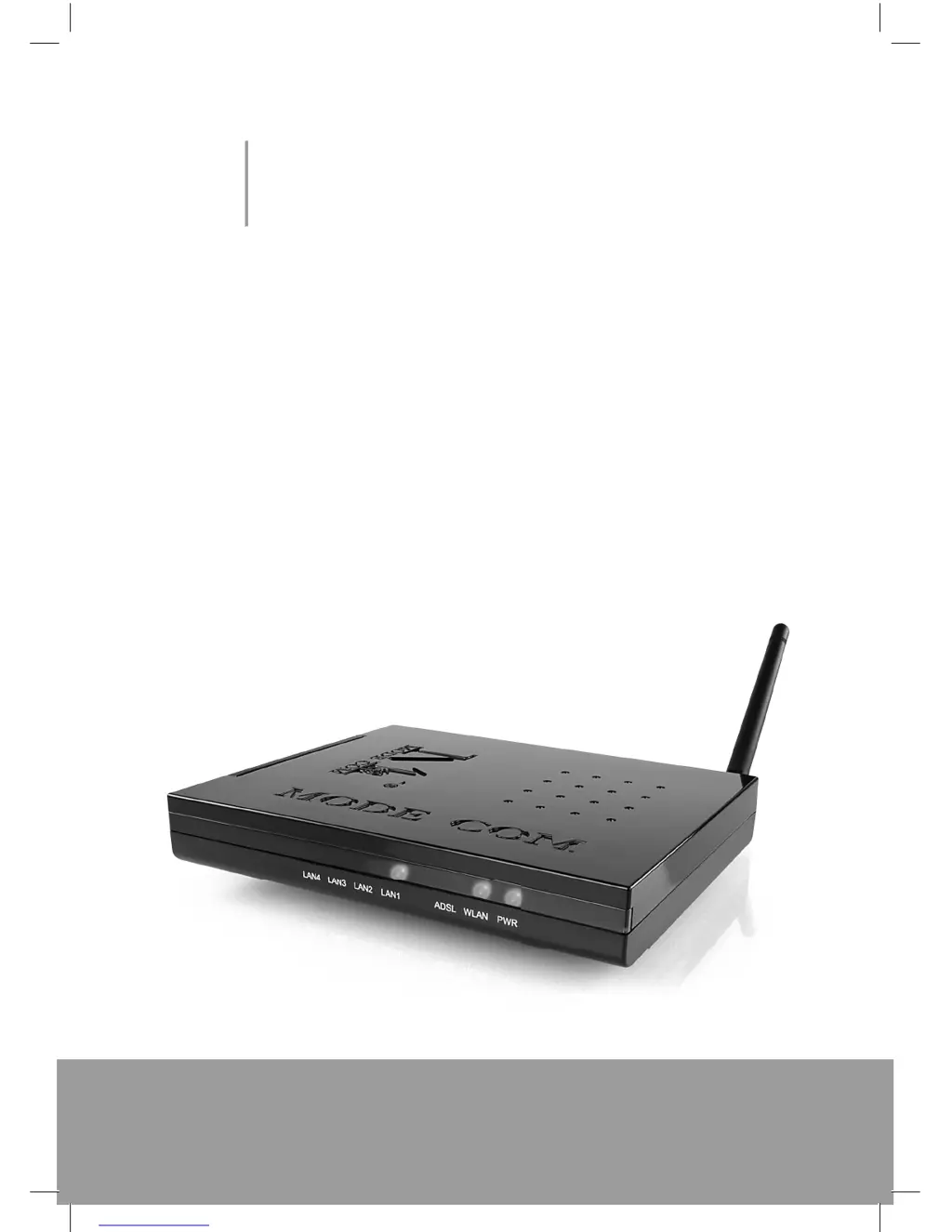
M
marvin79Aug 15, 2025
Why I cannot access the Internet on my Mode com MC-420 Network Router?
- NNicole RoseAug 15, 2025
First, ensure that your Mode com Network Router is powered on and properly connected to the network. Verify your WAN settings and confirm that you have entered the correct username and password. If you are using wireless stations, ensure that both the router and wireless stations are using the same ESSID, channel, and WEP keys, especially if WEP encryption is enabled. If the ADSL LED is off, refer to Section 10.1.3.
 General