ImageXpress Micro High Content Imaging System Options User Guide
16 5014166 D
To set up the water reservoir
1. In the MetaXpress software, click Screening > Plate acquisition
and Control > Eject Plate to open the top door of the instrument.
2. Remove the insert that surrounds the top door.
3. Disconnect the CO
2
/air tubing from the luer lock on the rear of
the instrument.
4. Insert a syringe filled with deionized water into the luer lock.
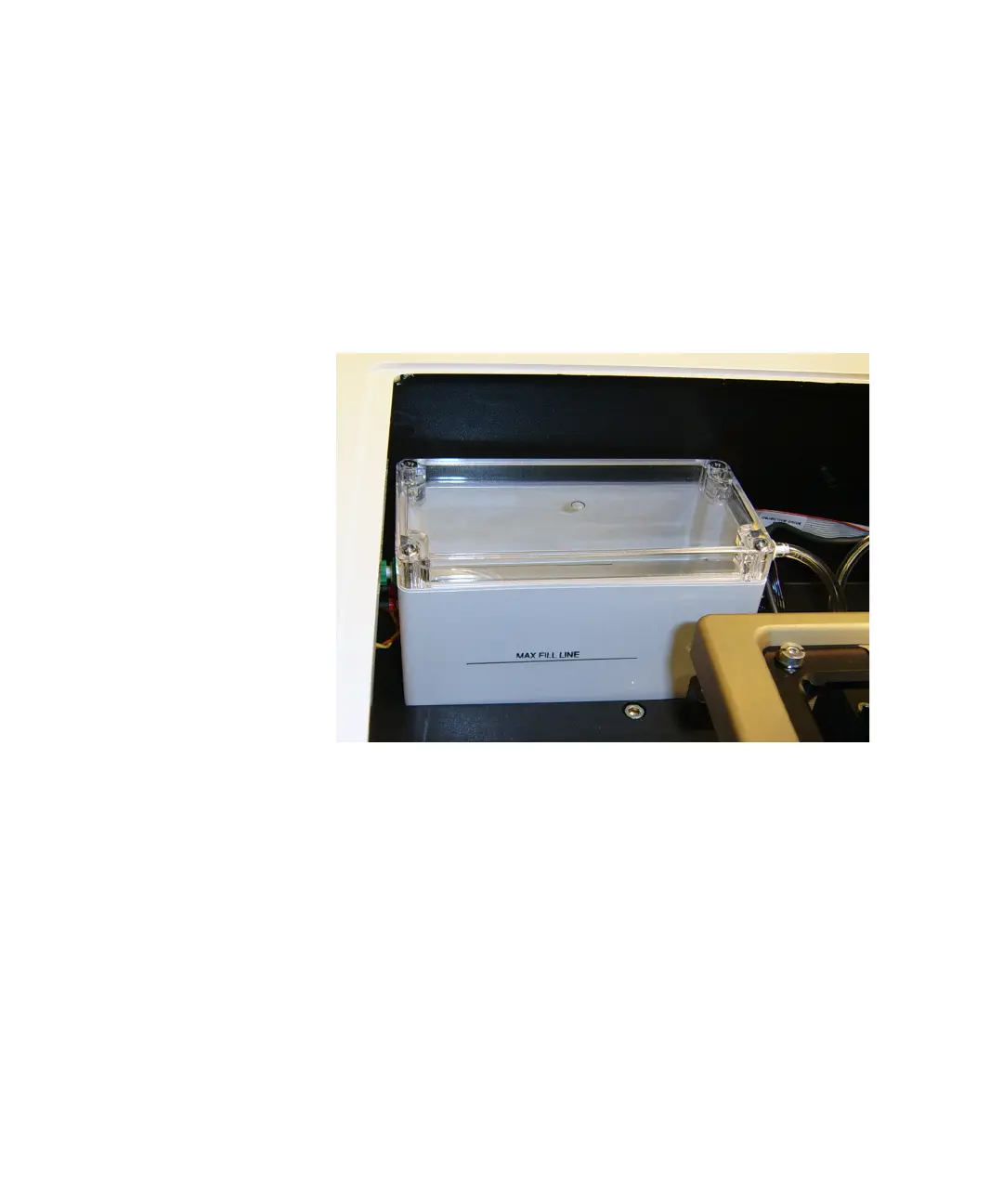
5. View the water reservoir through the open top panel.
Figure 1-8: Environment Control option water reservoir
6. Dispense the deionized water from the syringe into the water
reservoir until the water reaches the fill line.
7. Remove the syringe from the luer lock.
8. Reconnect the CO
2
/air tubing to the luer lock.
9. Replace the insert that surrounds the top door.
10. In the MetaXpress software, click Screening > Plate acquisition
and Control > Load Plate to close the top door of the instrument.
ImageXpressOptionsUserGuide.book Page 16 Wednesday, September 9, 2015 3:54 PM



 To Next Page