Fluidics Option Operations
5014166 D 43
Doing Fluidics Experiments
Fluidics experiments are defined by adding events to the Scheduled
Events list. You can add three types of events: Compound Addition,
Washout, and Journal. Fluidics events can be performed on all wells
being imaged, or on a subset of wells. For example, you can add different
amounts of compound to different wells, or treat wells for different
amounts of time.
Do the following procedure to configure a fluidics experiment.
To configure a fluidics experiment
1. In the MetaXpress software, click Screening > Plate Acquisition
Setup.
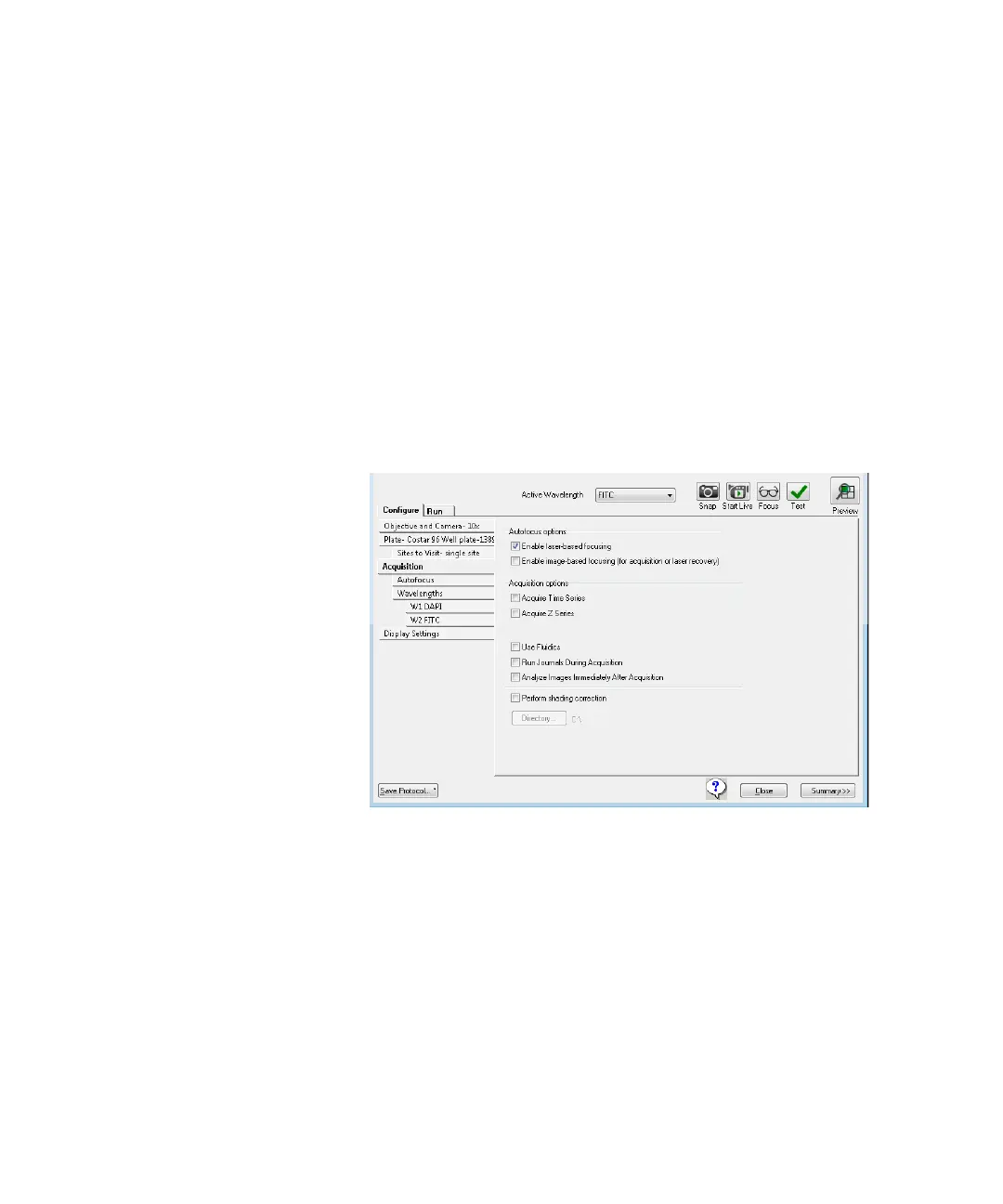
2. On the Plate Acquisition Setup dialog, on the Configure tab,
open the Acquisition tab.
Figure 2-11: Plate Acquisition Setup dialog: Configure tab,
Acquisition tab
3. Under Configure, click Fluidics to schedule fluidics events. See
Figure 2-12.
ImageXpressOptionsUserGuide.book Page 43 Wednesday, September 9, 2015 3:54 PM



 To Next Page