ImageXpress Micro High Content Imaging System Options User Guide
42 5014166 D
To record the steps in a journal
1. In the MetaXpress software, on the Journal menu, click Start
recording.
2. Do the steps that you want to record. See
To control fluidics
manually on page 41.
3. Click Journal > Stop recording, and then save the journal file.
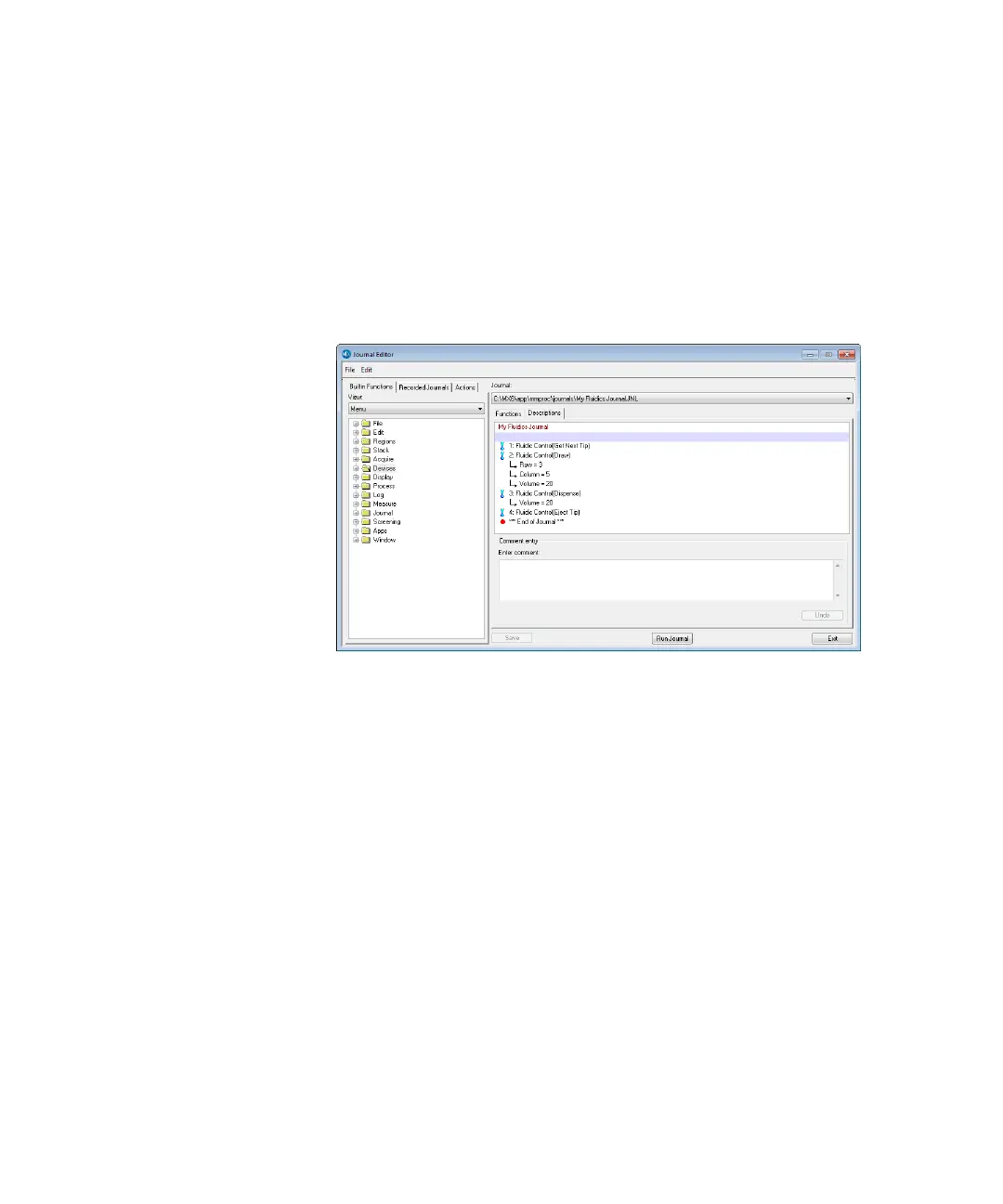
4. To modify the journal, click Journal > Edit Journal, and then
select the journal to be edited. See
Figure 2-10 on page 42.
Figure 2-10: Example Journal using manual fluidics control
ImageXpressOptionsUserGuide.book Page 42 Wednesday, September 9, 2015 3:54 PM



 To Next Page