Fluidics Option Operations
5014166 D 41
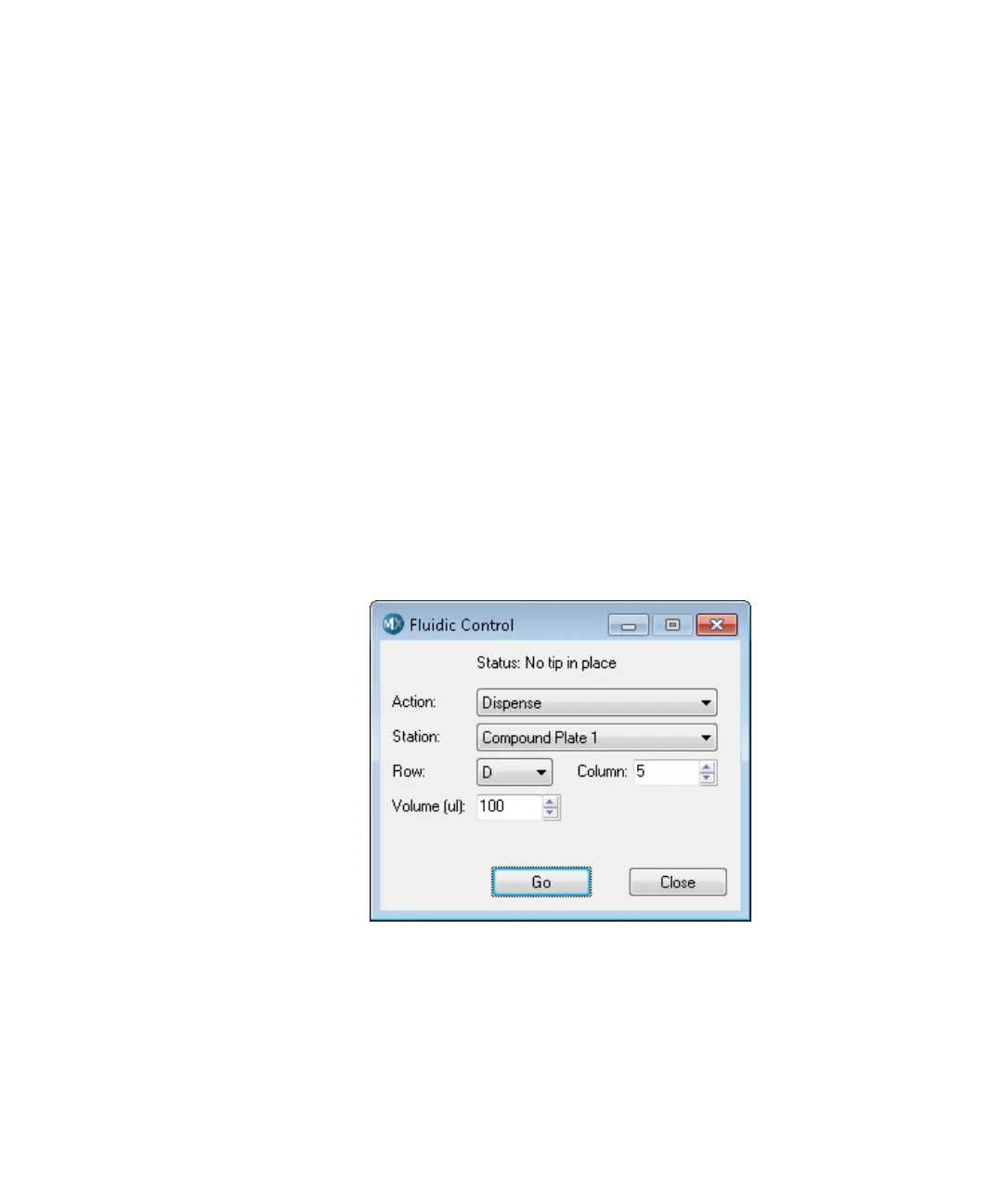
To control fluidics manually
1. In the MetaXpress software, click Devices > Fluidic Control.
In the simplified menu, click Control > ImageXpress > Fluidic
Control.
2. In the Fluidic Control dialog, specify the action you would like to
do. You can manually pick up and eject tips, draw and dispense
fluid, and mix.
For example, to remove 20 μl from well A01 in the compound
plate and add it to the sample plate, specify the following:
Action: Draw
Station: Compound Plate 1
Row: A
Column: 1
Volume (μl): 20
3. Click Go.
The fluid is drawn from the plate.
4. In the Action list, click Dispense, and then click Go to add the
fluid to the plate.
Figure 2-9: Fluidic Control dialog
ImageXpressOptionsUserGuide.book Page 41 Wednesday, September 9, 2015 3:54 PM



 To Next Page