ImageXpress Micro High Content Imaging System Options User Guide
44 5014166 D
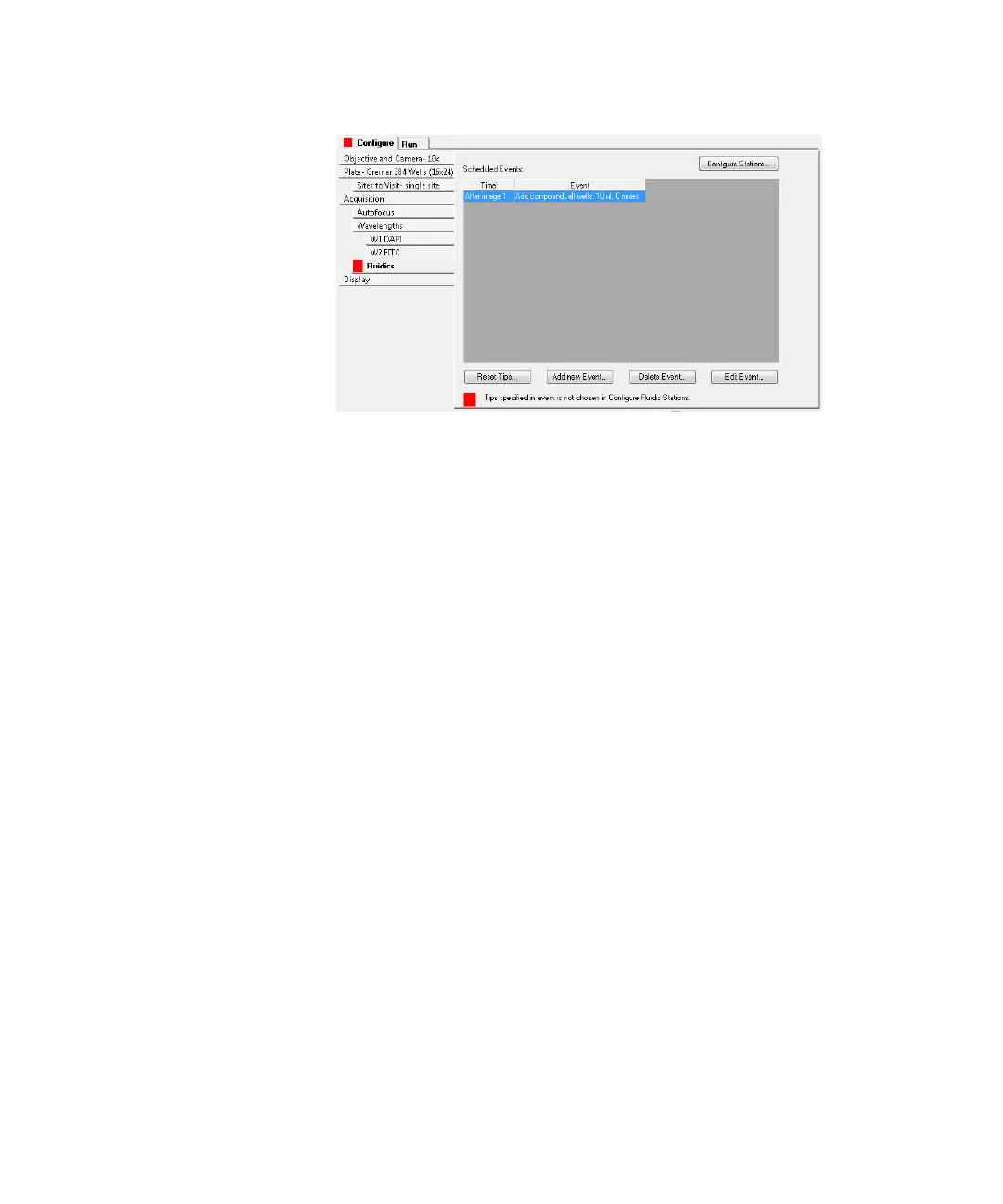
Figure 2-12: Adding events to a fluidics experiment
4. Click Add new Event to add an event to the Scheduled Events
field.
5. In the Fluidic Event dialog, specify the time point at which you
want the event to occur, and then specify whether the event
should occur before or after the time point. See Figure 2-13.
ImageXpressOptionsUserGuide.book Page 44 Wednesday, September 9, 2015 3:54 PM



 To Next Page