Installation Instructions
ISTEP 101 INSTALL 1/4" FRAMED PANELS Goto Step9Afor OverlayPanels
Handle
Trim
Supplied
Handle Shown
in I/4" Panel
-- Position
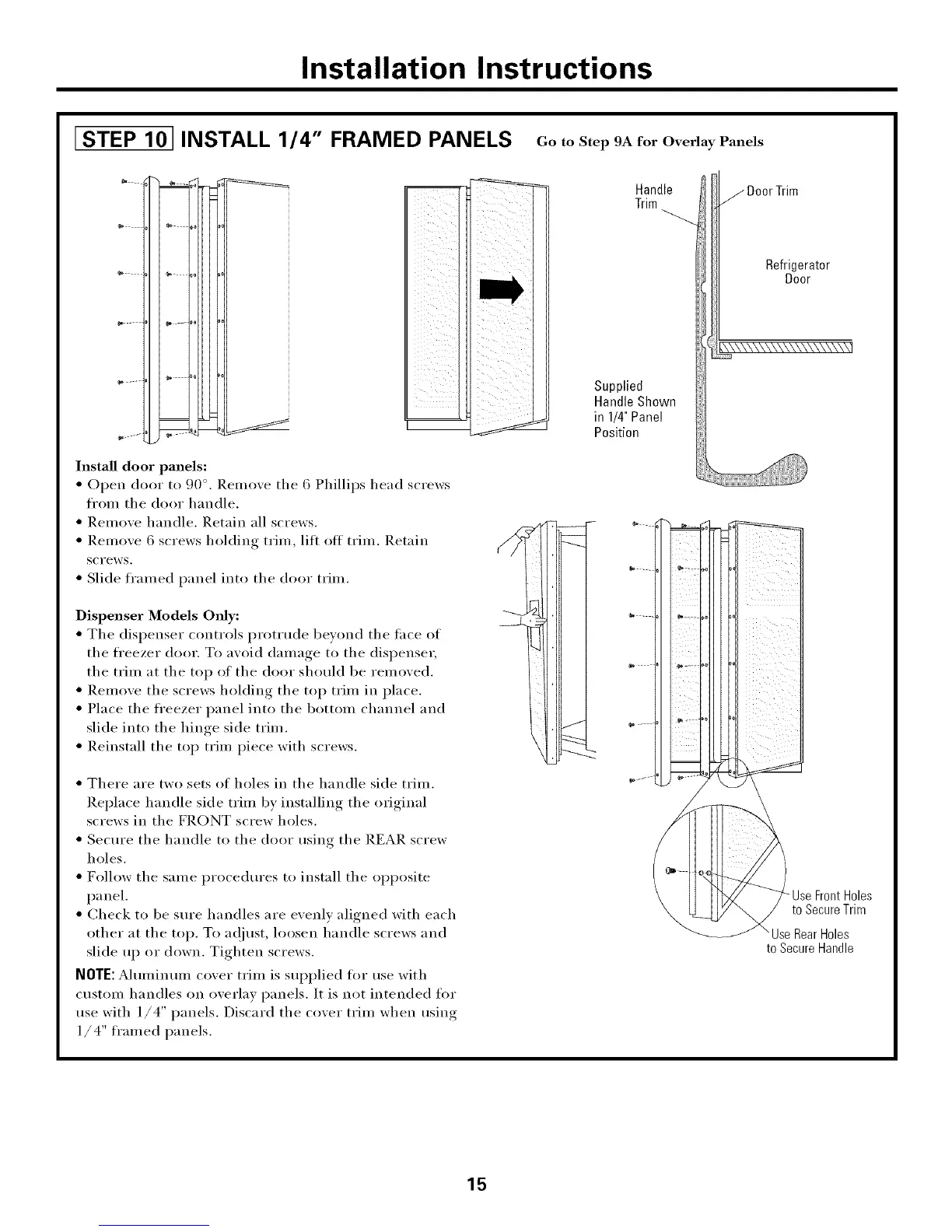
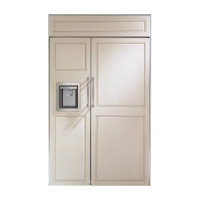
Install door panels:
• Open door to 90 °. l_.elnove the 6 Phillips head screws
fl'om the door handle.
• Relnove handle. Retain all screws.
• Remove 6 screws holding trim, lilt otI trim. Retain
screws.
• Slide fl'amed panel into the door trim.
Dispenser Models Only:
• The dispenser controls prottude bevond the lace of
the fl'eezer door. To avoid damage to the dispenser,
the trim at the top of the door should be removed.
• Renlove the screws holding the top trim in place.
• Place the fl'eezer panel into the bottom channel and
slide into the hinge side trim.
• Reinstall the top trim piece with screws.
• There are two sets of holes in the handle side trim.
Replace handle side trim by installing the original
screws in the FRONT screw holes.
• Secure the handle to the door using the REAR screw
holes.
• Follow the same procedures to install the opposite
panel.
• Check to be sure handles are evenly aligned with each
other at the top. To a_)iust, loosen handle screws and
slide up or down. Tighten screws.
NOTE: Aluminum cover trim is supplied fl)r use with
custom handles on overlay panels. It is not intended for
use with 1/4" panels. Discard the cover trim when using
1/ 4" ti'amed panels.
j DoorTrim
Refrigerator
Door
/
\Use RearHoles
to SecureHandle
15








 To Next Page