GETTING STARTED
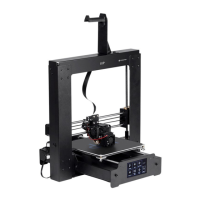
Warning! Take care not to remove or damage the black PEI build mat on the build platform.
This mat is essential to ensure the 3D model properly adheres to the build platform during
printing. If this mat becomes damaged or wears out, replace it with painter's tape, Kapton®
tape, or ordinary masking tape.
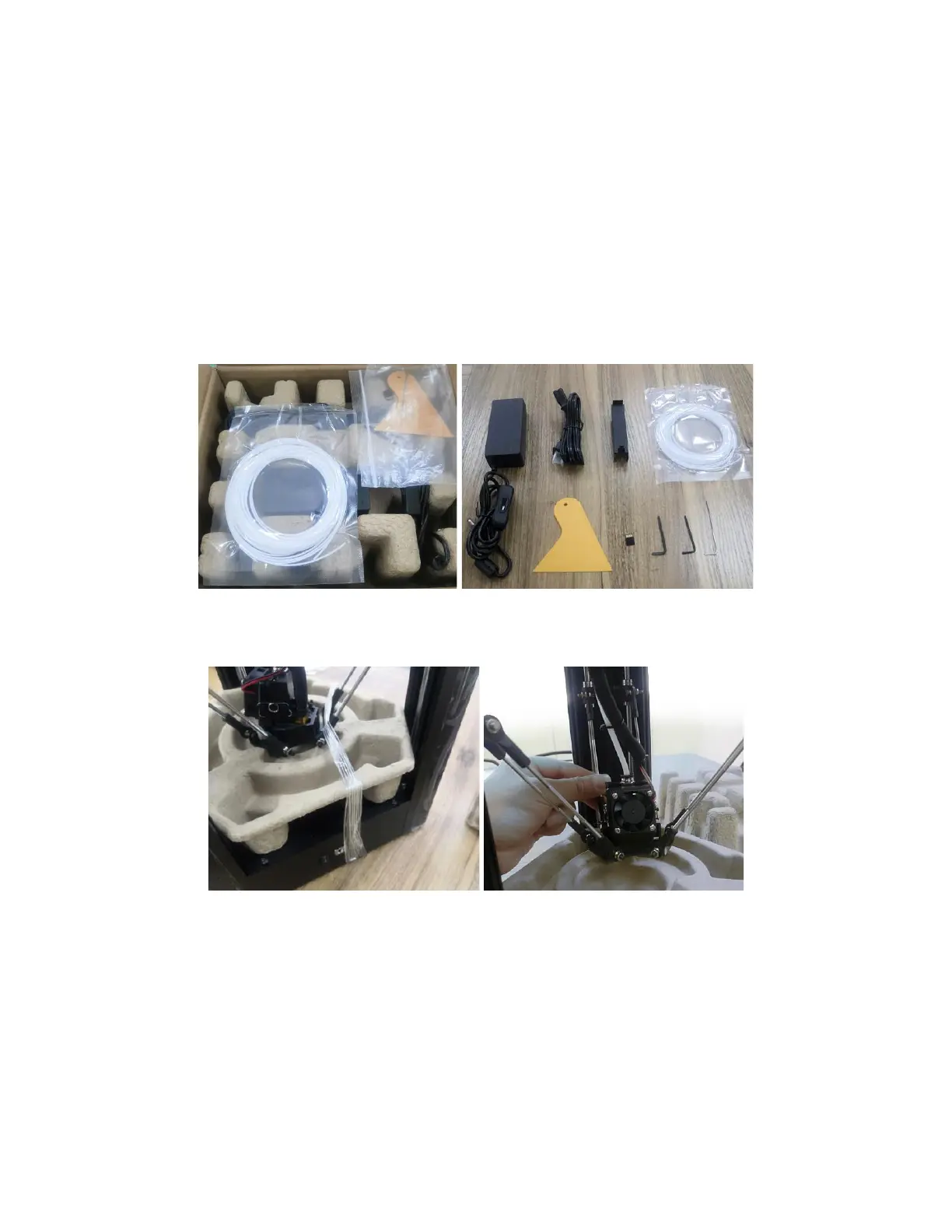
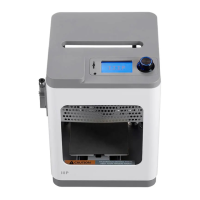
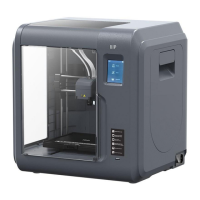
1. Unbox the printer. Refer to the
PACKAGE CONTENTS
section and verify that you
received all parts and accessories.
2. Using a pair of scissors or wire cutters, remove the security straps from the printer's
Carriage. Lift the Carriage, then remove the protective carton shell.


 To Next Page