One-Net/DASDEC User Manual 4-8v3.0 | r0616
Pages with an Accept Changes Buon
Clicking Accept Changes updates the screen informaon. If the user exits the screen
without clicking this buon, the web interface usually prompts the user to “Submit
changes rst?”, and the user will decide to accept or decline those changes. If the
Accept Changes buon is not clicked, changes may be lost.
On pages with an Accept Changes buon, there is also a Cancel Changes buon. Use
this buon when you have made changes to the screen, have not clicked the Accept
Changes buon, and want to return to the original sengs.
Pages without an Accept Changes Buon
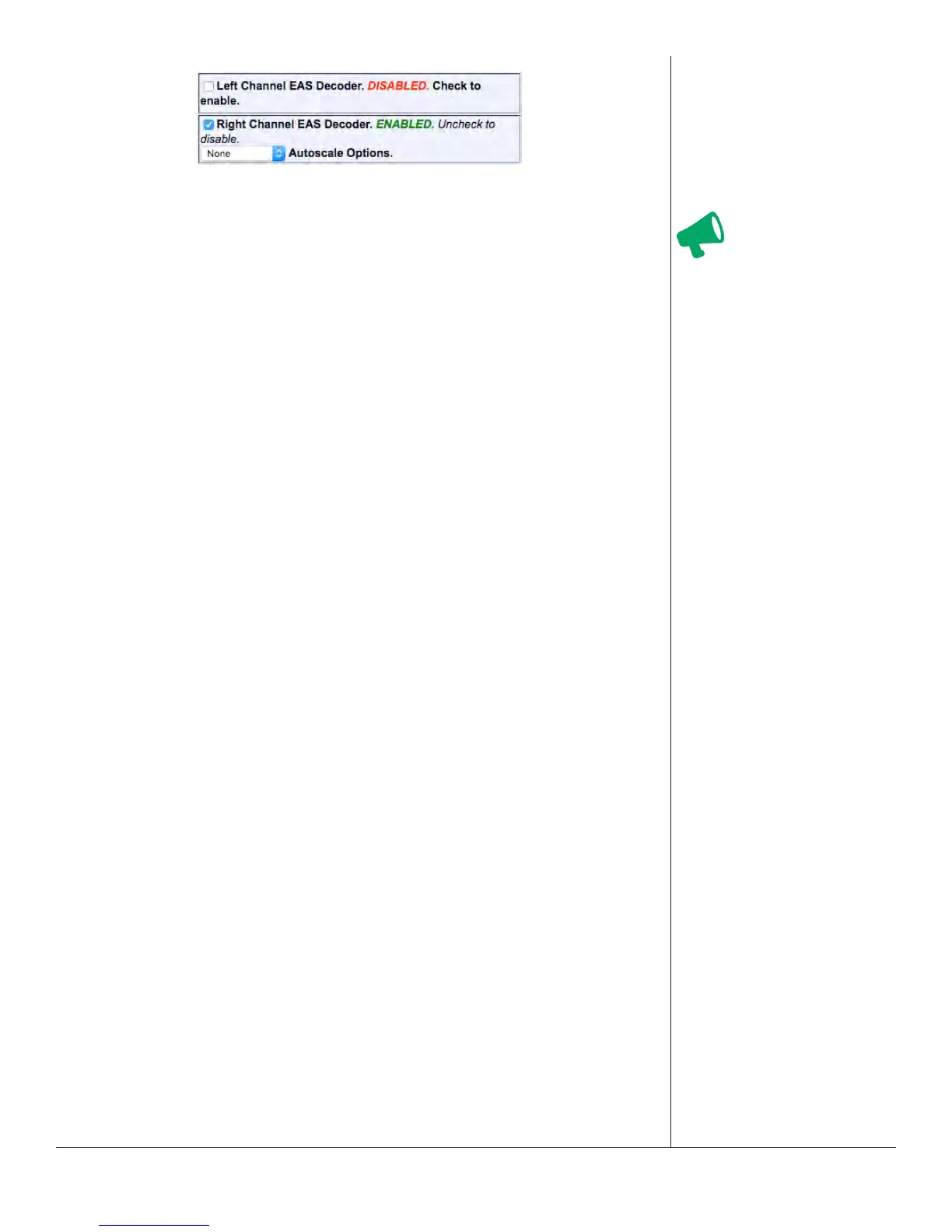
Pages without an Accept Changes buon make changes immediately through
automac page submission. Changes made to check boxes, selecon boxes, and by
clicking buons are immediate; the screen updates instantly. Screens with opons
that must change rapidly to be useful are the ones featuring immediate updates. For
example, changes on the Setup > Audio and Setup > Server screens are immediate.
For text elds, typing the change in the eld updates the change immediately.
Aenon
On pages with an
Accept Changes buon,
you must use that but-
ton to submit changes.


 To Next Page