One-Net/DASDEC User Manual iv3.0 | r0616
INTRODUCTION to the One-Net™ and DASDEC™
The One-Net™ (model R189SE) and DASDEC II Emergency Alert System (EAS) Analog
and Digital CAP/Encoder/Decoder plaorms are easy to use and relavely easy to learn.
Generally, the web-based interface screens (web pages) are self-explanatory. Some
users may be able to experiment with features with sasfactory results. However,
both plaorms oer a large number of features and automated funcons, as well as a
variety of shortcuts (hyperlinks). Referring to this manual frequently will increase un-
derstanding and decrease learning me for successful, customized operaon.
This manual combines the features and funcons of both the One-Net and the
DASDEC. Generic language such as EAS device, EAS plaorm, and device/plaorm
indicate informaon relevant to both. References to features specic to each plaorm
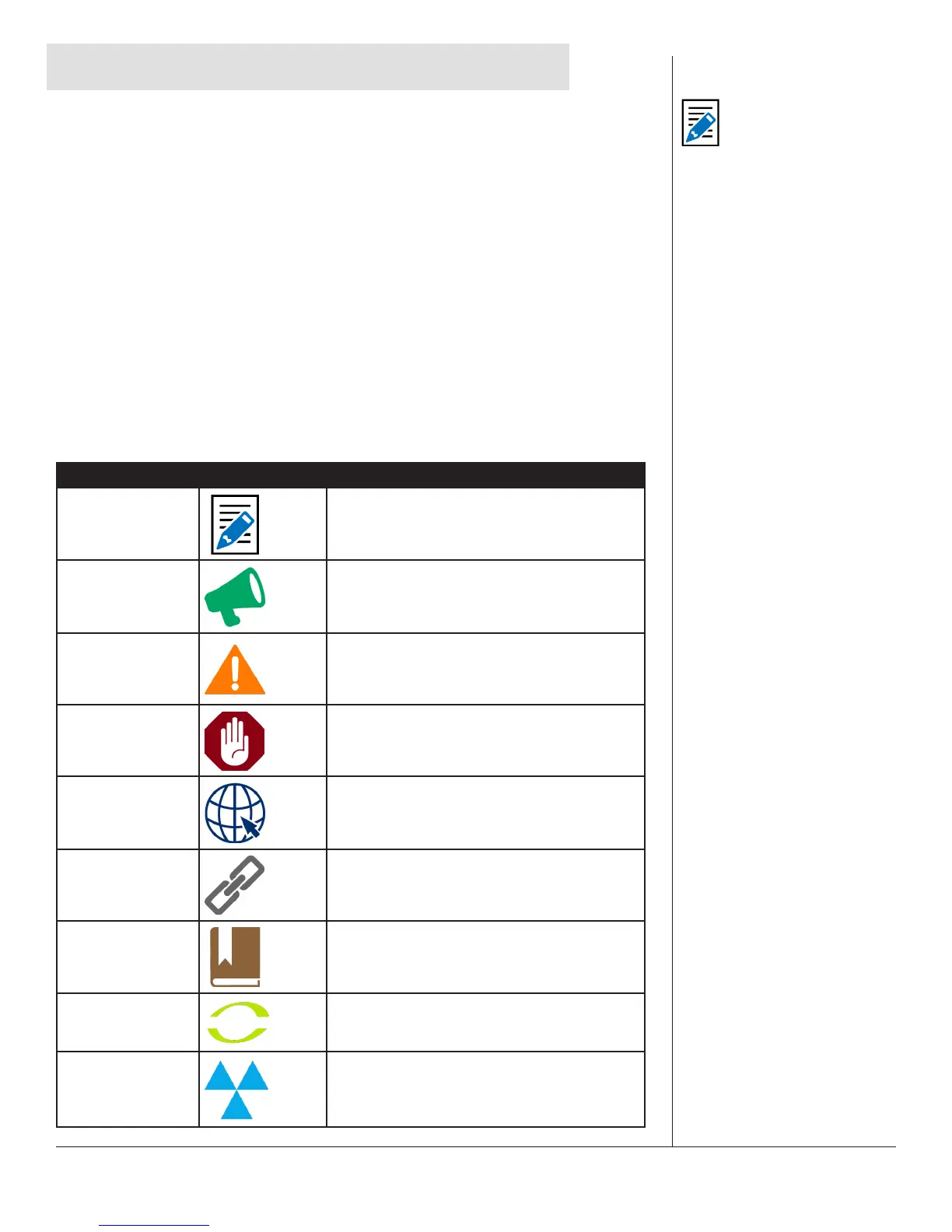
are called out throughout the manual. See the Icon Guide below.
ICONS
Icons are used in this manual to highlight informaon.
Type Icon Description
Note
Denotes addional topic-specic
informaon.
Aenon
Brings aenon to a specic topic.
Cauon
Discusses possible issues involved with a
feature or conguraon seng.
Warning
Warns of possible issues when ulizing a
feature or conguaon seng.
External Link
Provides a link to addional informaon on
an external website, such as the FCC.
Internal Link
Provides a link to addional informaon
on the Monroe Electronics or Digital Alert
Systems website.
Glossary
Proivdes a glossary denion for a term
used in the manual.
One-Net
Denotes Monroe Electronics One-Net
specic informaon.
DASDEC
Denotes Digital Alert Systems DASDEC-
specic informaon.
Note
A number of One-Net
and DASDEC features
are licensed. Licensing
these features enables
users to customize the
unit to the specic needs
of its applicaon. Note
that this manual reviews
every screen and explains
all features and opons,
regardless of the user’s
licensing permissions.


 To Next Page