4
- press again to enter CTRL mode
- in CTRL mode: executes pre-programmed control function (see CTRL MODE).
- in Groove Station mode: Looper Stop / Delete (see GROOVE STATION).
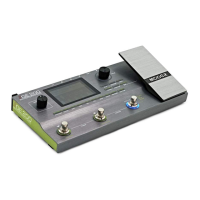
15. Footswitch B:
- in Preset Mode: switches to Preset B in the selected bank
- press again to enter CTRL mode
- in CTRL mode: executes pre-programmed control function (see CTRL MODE).
- in Groove Station mode: Tap Tempo control for Drum Machine BPM (see GROOVE STATION).
16. Footswitch C:
- in Preset mode: switches to Preset C in the selected bank
- press again to enter CTRL mode
- in CTRL mode: executes pre-programmed control function (see CTRL MODE).
- in Groove Station mode: starts /stops the Drum Machine (see GROOVE STATION).
Footswitches A + B simultaneously: Hold both footswitches to open Tuner mode (see Tuner).
Tap any footswitch to exit Tuner mode.
Footswitches B + C simultaneously: Hold both footswitches to open Groove Station Mode (see
GROOVE STATION).
17. EXP1 pedal: Can be configured as volume or expression pedal (e.g. Wah) (see Expression Pedal).
If properly configured, the pedal function can be switched between VOLUME and EXPRESSION
control by pressing the TOE SWITCH (pressing on the front of the closed pedal.)
18. Ambient light strip: LED light strip with programmable display modes and color combinations
(GE200 Pro Li only). Can be configured in the SYSTEM menu.
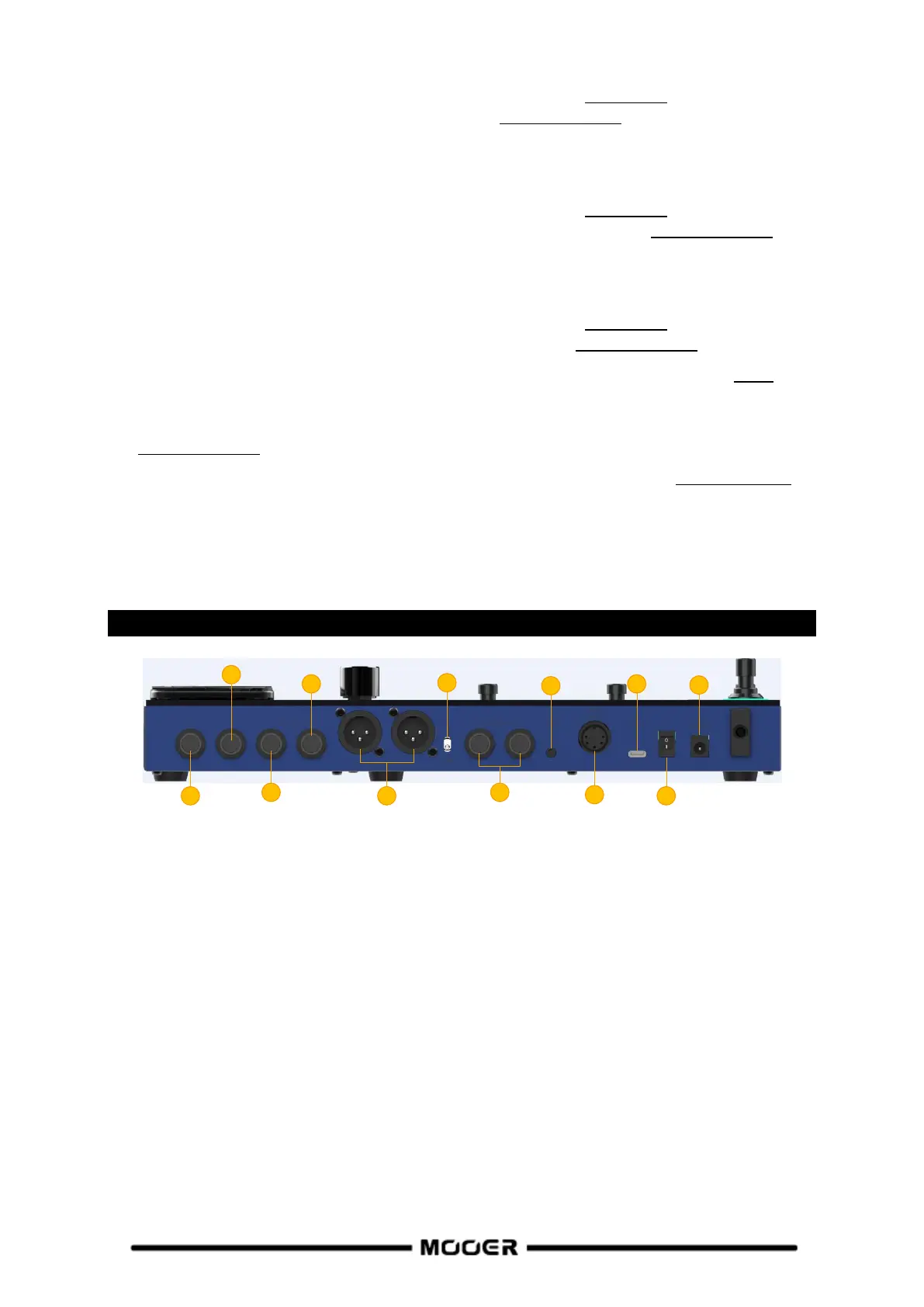
CONNECTIONS
1. EXP2: 1/4" stereo TRS jack for connecting an external expression pedal (please use a TRS stereo
audio cable).
2. INPUT: 1/4" mono audio jack, input for your instrument.
3. FX LOOP SEND: 1/4" mono audio jack, connection to the input of external effects.
4. FX LOOP RETURN: 1/4" mono audio jack, connection from the output of external effects.
5. XLR output connectors (left/right): Balanced output signal for monitor systems, sound card,
mixing consoles or similar equipment.
6. GND / LIFT switch: Ground switch. Try using this switch if you experience low frequency hum.
Flipping this switch to the opposite position may help solving ground loop problems.
7. OUTPUT jacks (left / right): 1/4" mono audio jacks (unbalanced). Connection to the input of
active speakers, other effects, amplifiers or other audio devices.
8. Phones: 1/8" stereo headphone output jack
9. MIDI IN/OUT: 5-PIN MIDI connector. Use a 5-PIN MIDI cable to connect to an external device that
can control the GE200 Pro or a device that can be controlled by the GE200 Pro.


 To Next Page