STEP 5
Learning: Guit
Active
Source
Capture
01:Null
50
High
5050 0dB
MidLow Output
EXP2:SYNTH
EXP1:SYNTH
Pitch 1
Pitch 1
52%
BPM 120.0
OUTPUT
XLROUT
INPUT
A
B
C
D
Target
Capture
2
4
1
3
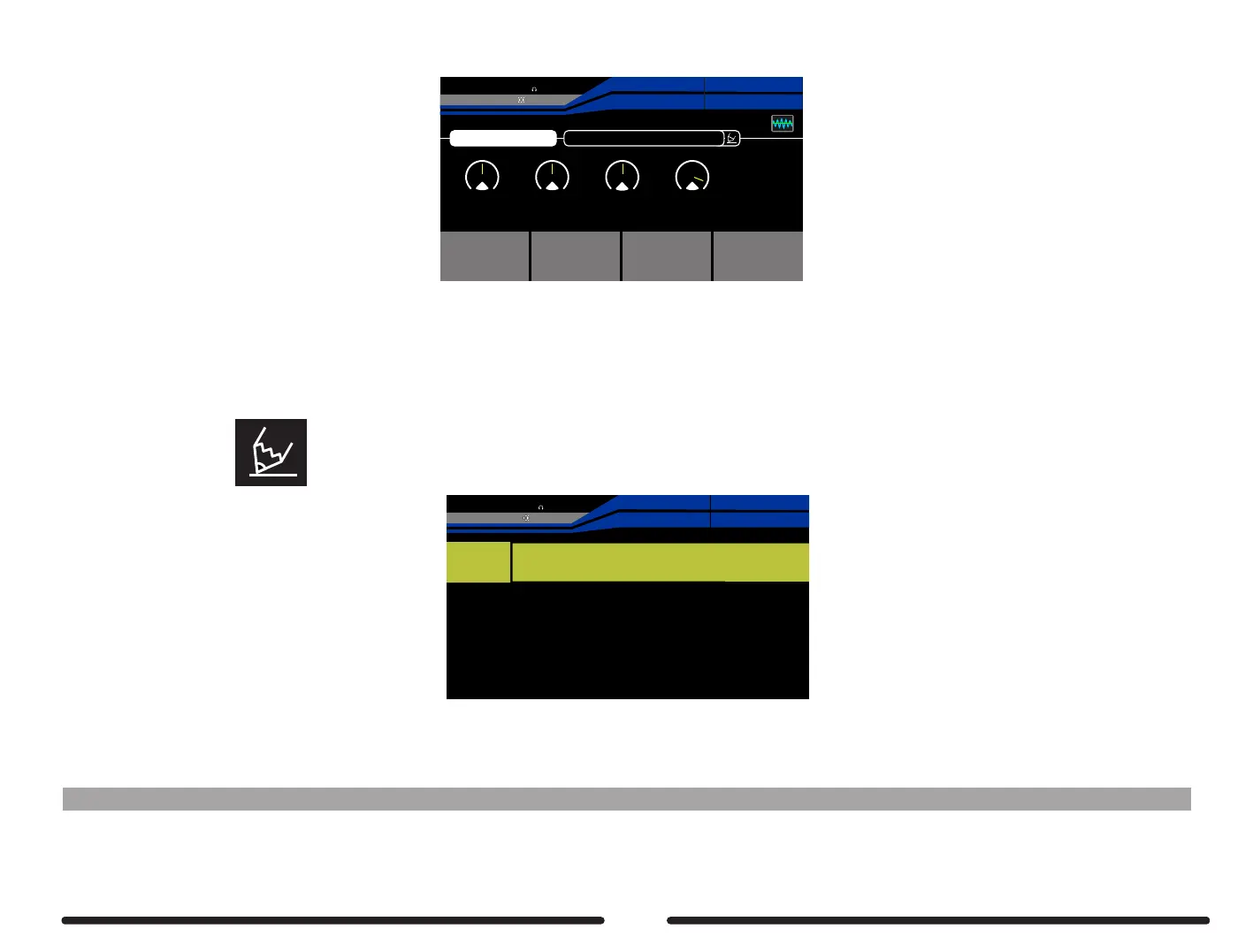
Press footswitch C to activate the tone capture
Use control knobs 1-4 to adjust EQ and output volume to dial in the tone capture to your liking
STEP 6
The tone capture has automatically been saved and named USER
Select the Pencil icon enter a new name for the preset and press the SAVE button to confirm
User01
EXP2:SYNTH
EXP1:SYNTH
Pitch 1
Pitch 1
27%
BPM 120.0
OUTPUT
XLROUT
INPUT
A B C D E F G H I J K L M N O P Q R S T U V W S Y Z
a b c d e f g h i j k l m n o p q r s t u v w s y z
1 2 3 4 5 6 7 8 9 0 _
Press and hold footswitch A or footswitch B to delete the tone capture preset and start again
Notes: If the capturing result is not close enough to the TARGET, please try capturing again to achieve a better result.
43



 To Next Page