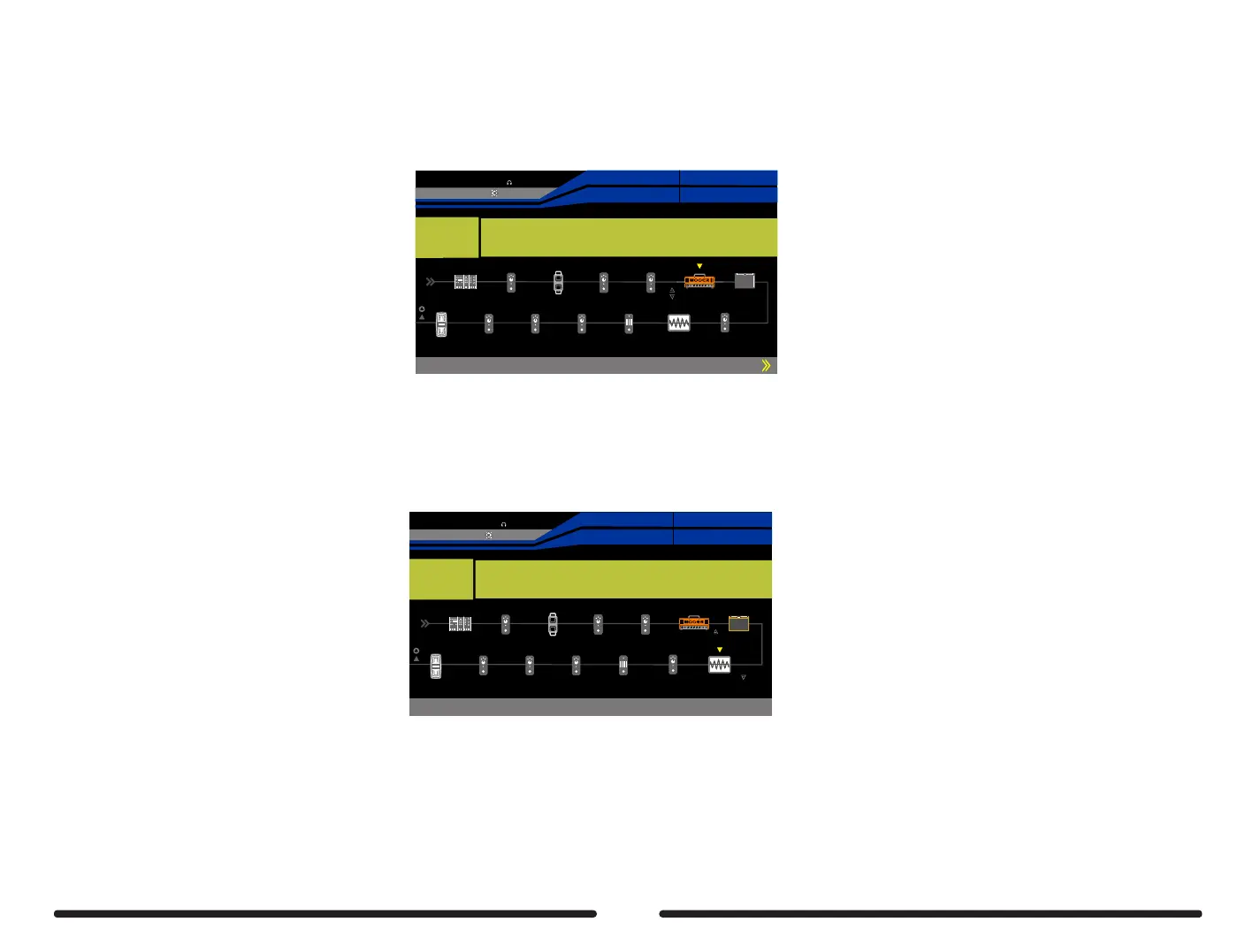
STEP 2
Press the DISPLAY button until the signal chain screen is displayed
Ensure that the signal chain has AMP > CAB > TONE CAP in that order
AMP and TONE CAP effect blocks turned on but every other effect block turned off
Empty64D
SYNTH
EQ
DELAY
REVERB
FX B
Gain Bass Mid Treble
50 50 50 50
EXP2:SYNTH
EXP1:SYNTH
Pitch 1
Pitch 1
25%
BPM 120.0
OUTPUT
XLROUT
INPUT
NS
VOL
COMP
FX A
FX A
WAH
WAH
DS/OD
TONE CAP
AMP
CAB
Mode
Original
Advanced users can get additional control over the send and return levels during the capture process by routing the send logo before the CAB effect block and the
return logo after the CAB effect block.
Turn on the FX LOOP to edit SEND and RETURN levels, power amp level (not distort) and Mic preamp level ( loud enough and not distort)
Make sure the FX LOOP is in SERIAL MODE with MONO output
Turn off the fx loop before start capturing.
Empty64D
SYNTH
EQ
DELAY
REVERB
FX B
Low Mid High Level
50 50 50 0dB
EXP2:SYNTH
EXP1:SYNTH
Pitch 1
Pitch 1
42%
BPM 120.0
OUTPUT
XLROUT
INPUT
NS
VOL
COMP
FX A
FX A
WAH
WAH
DS/OD
TONE CAP
AMP
CAB
(AMP > send > CAB > return > TONE CAP)
Turn the FX LOOP on or off to compare the real mic setup volume with the CAB. In the GE300, it is recommended to set it up at the same volume.
50



 To Next Page