NOISE GATES
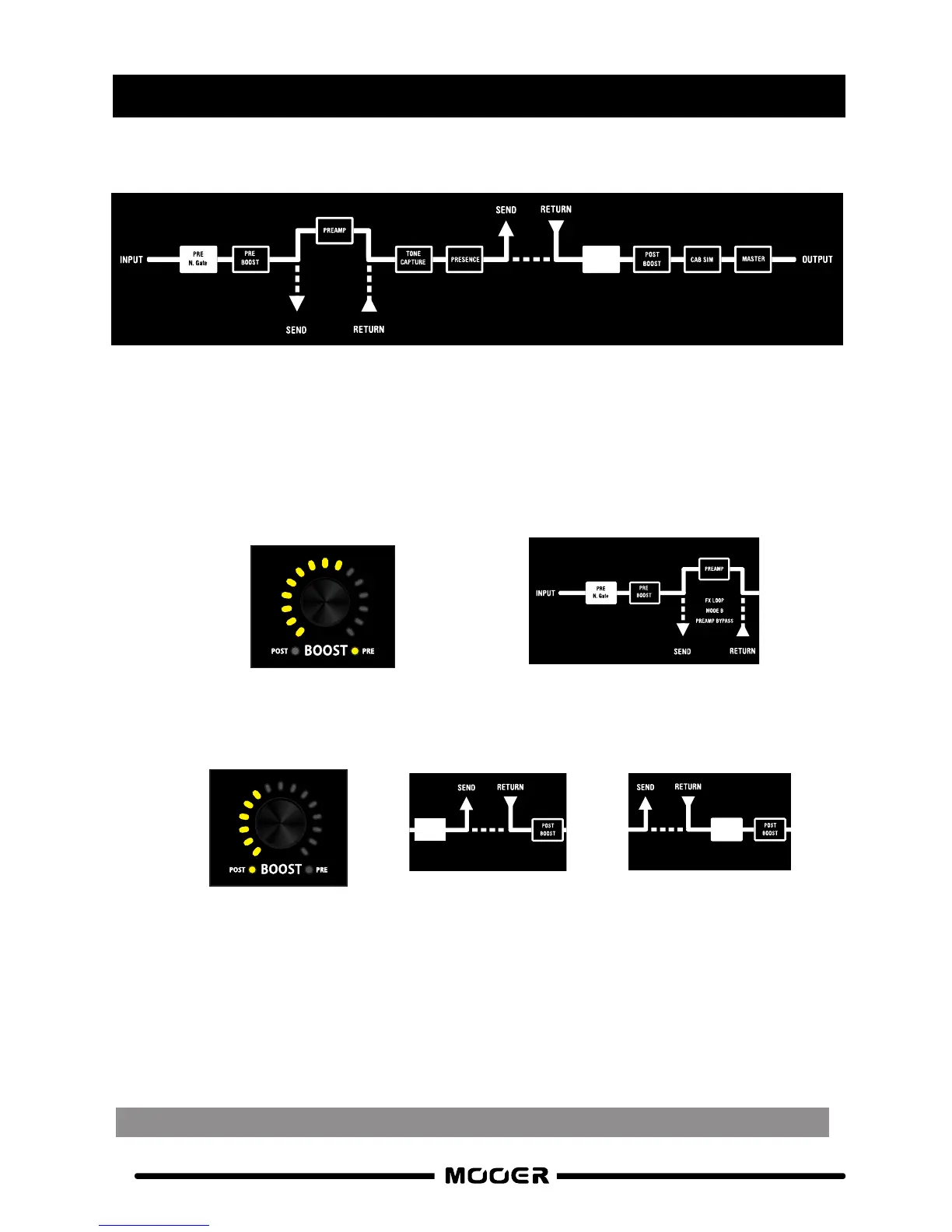
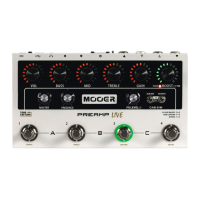
Preamp live has 2 adjustable noise gates per channel. PRE and POST.
Both can be used simultaneously if needed.
Press and hold the BOOST control to access the noise gates. The surrounding LED’s will turn
yellow to indicate the noise gate level.
Press the BOOST control to toggle between PRE or POST noise gate
PRE NOISE GATE
This noise gate comes after the input of PREAMP live but before the PREAMP model
within the signal chain. Use this to eliminate noise from external devices that are
connected to the input
POST NOISE GATE
This noise gate comes after the preamp model in the signal chain. Use this to eliminate
unwanted noise caused by high gain preamp settings.
After setting your desired noise gate levels, press and hold the BOOST control to exit the noise
gate setup. The noise gate setup will automatically exit after 5 seconds.
Remember to save your channel if you wish to keep these settings
Please note - Both noise gates will be completely disabled on each channel by default
11
A/B
FX LOOP
MOOE B
Serial
FX LOOP
MOOE A
PO ST
N.GATE
Effects LOOP
MODE A (SERIAL)
Effects LOOP
MODE B (A/B)
When the effects loop is set to MODE A (SERIAL) the POST NG will be before the effects loop.
When the effects loop is set to MODE B (A/B) the POST NG will be after the effects loop.


 To Next Page