Channel controls
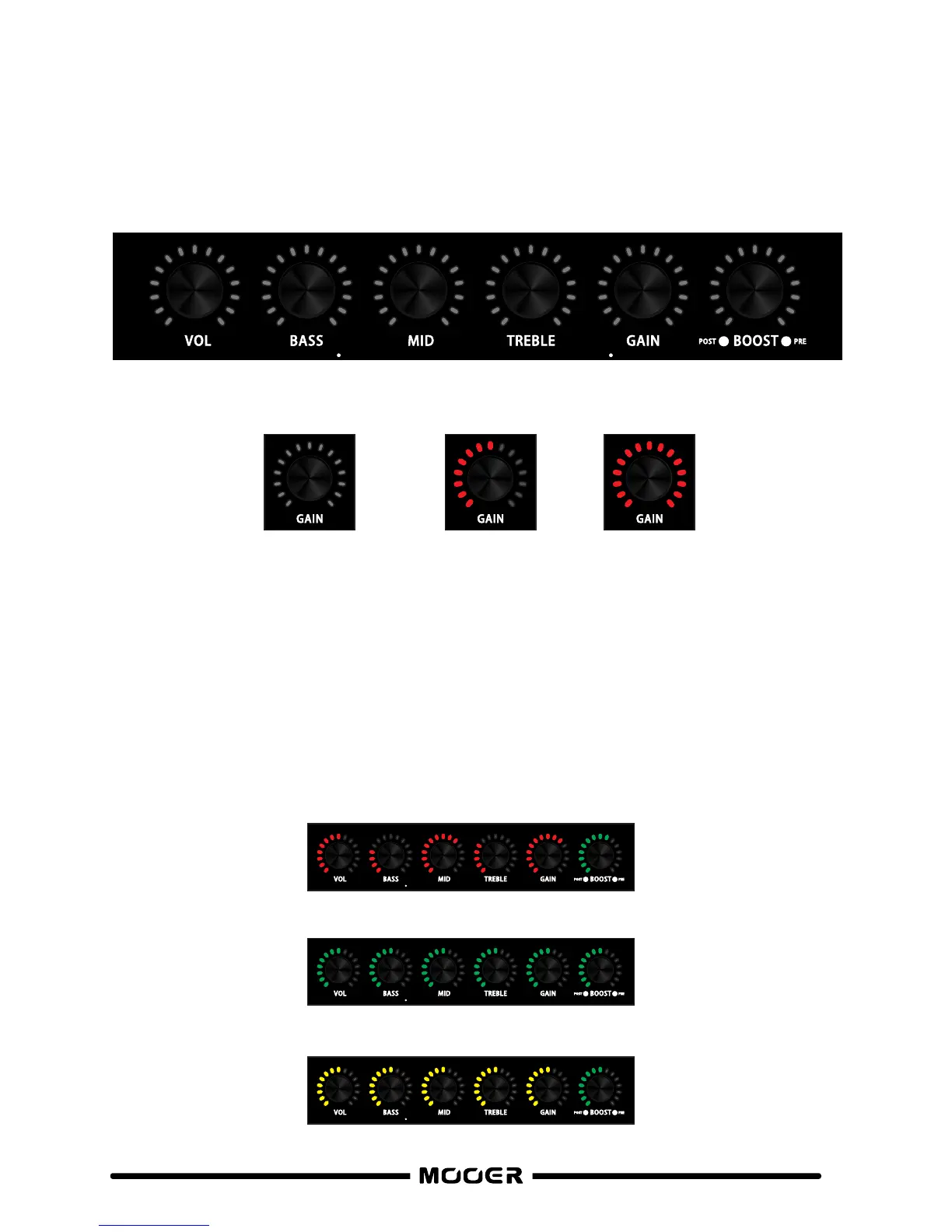
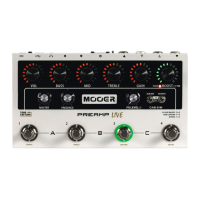
All of these knobs control parameter settings that are specific to each Preamp channel.
The LED’s surrounding these controls show the current value of each parameter
(See “PEDAL LAYOUT” section of this manual).
Simply rotate the Knob for the parameter setting you wish to adjust
(See “BOOST” section of this manual for more on the BOOST).
Press and hold the footswitch for your currently selected channel for about 1 second.
The surrounding LED will flash to confirm saving.
If you are happy with your tone and you want to keep it, then remember to save your changes.
The LED colour displays which bank is currently selected
BANK A = RED
BANK B = GREEN
BANK C = YELLOW
0% 50% 100%
6
The LED’s surrounding the control knobs, display the current settings


 To Next Page