TONE CAPTURE operation
1. Select a PREAMP CHANNEL that you think most closely matches that of your target
amplifier in tonal characteristics. Tweak the settings to further match the sound you want.
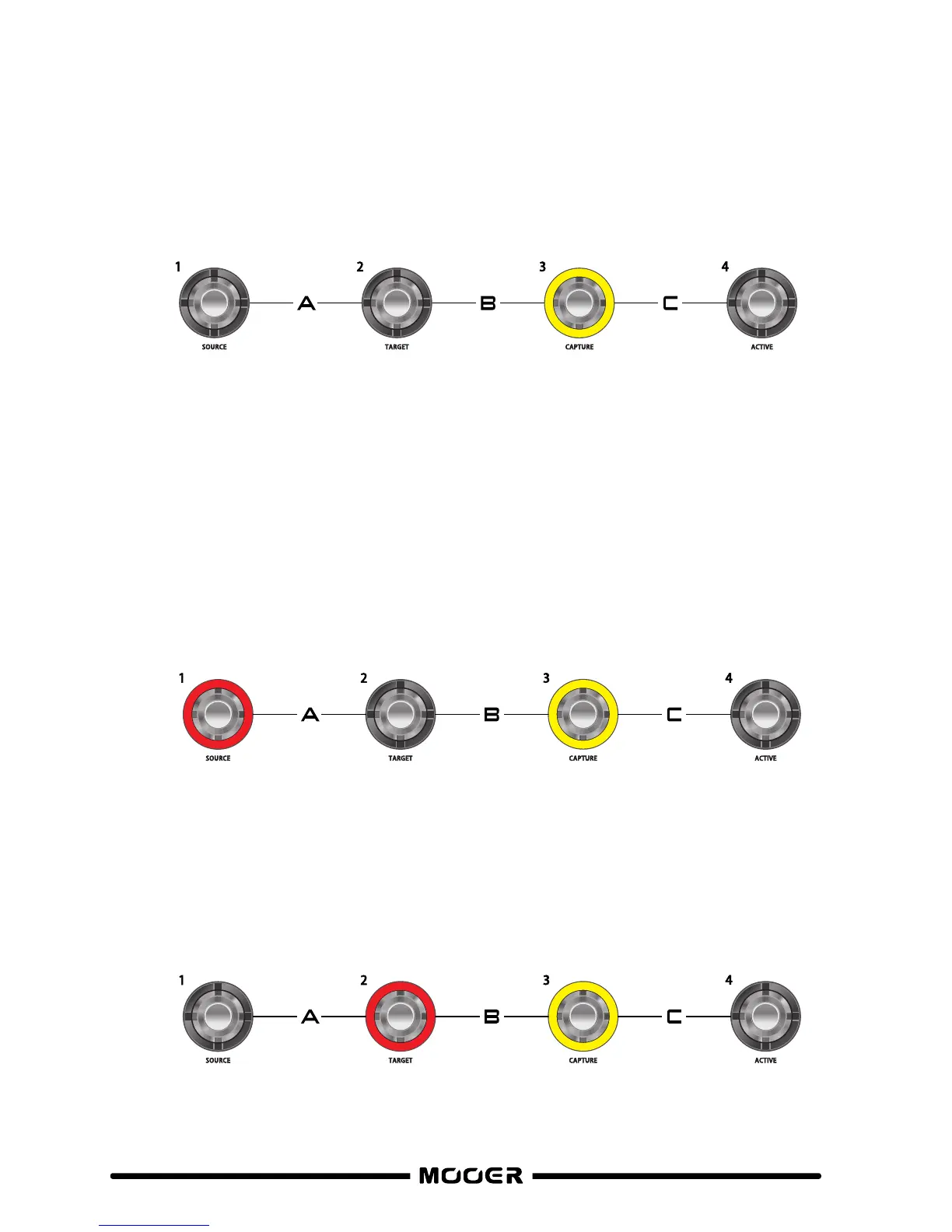
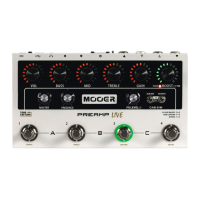
2. Simultaneously press footswitches 1 + 4 on PREAMP LIVE to enter TONE CAPTURE mode.
If the channel does not have a tone capture already saved in memory then footswitch
3 will be illuminated yellow and flashing on/off.
If the channel already has a tone capture stored in memory then footswitch 3 will be
yellow and in a solid status.
To clear a tone capture from channel memory, press and hold footswitch 3 until it starts
flashing.
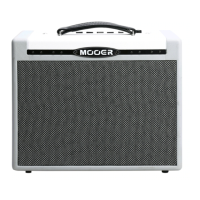
3. Press footswitch 1 (SOURCE) to listen to your PREAMP LIVE channel
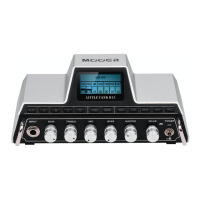
4. Press footswitch 2 (TARGET) to listen to the external amplifier
16


 To Next Page