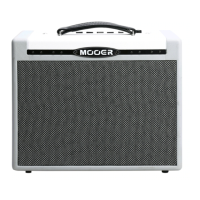
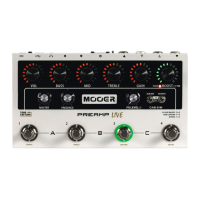
6. Press footswitch 3 to listen to the PREAMP LIVE channel combined with your newly
created TONE CAPTURE. The tone capture you just created will be automatically stored
to channel memory should you wish to use it.
You can now toggle between SOURCE, TARGET and CAPTURE to compare the difference
in tone using footswitches 1, 2 and 3.
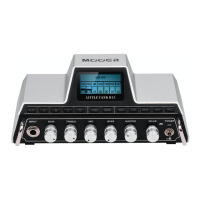
7. Press footswitch 4 (ACTIVE) to activate the tone capture on the preamp channel.
You can use this footswitch to toggle the tone capture on/off from the tone capture mode
at any time. The tone capture on/off state is a saveable parameter for every preamp
channel.
8. Simultaneously press footswitches 1 + 4 to exit tone capture mode. You can now tweak
the EQ and gain parameters further. Don’t forget to save your preamp channel before
changing if you wish to keep the settings.
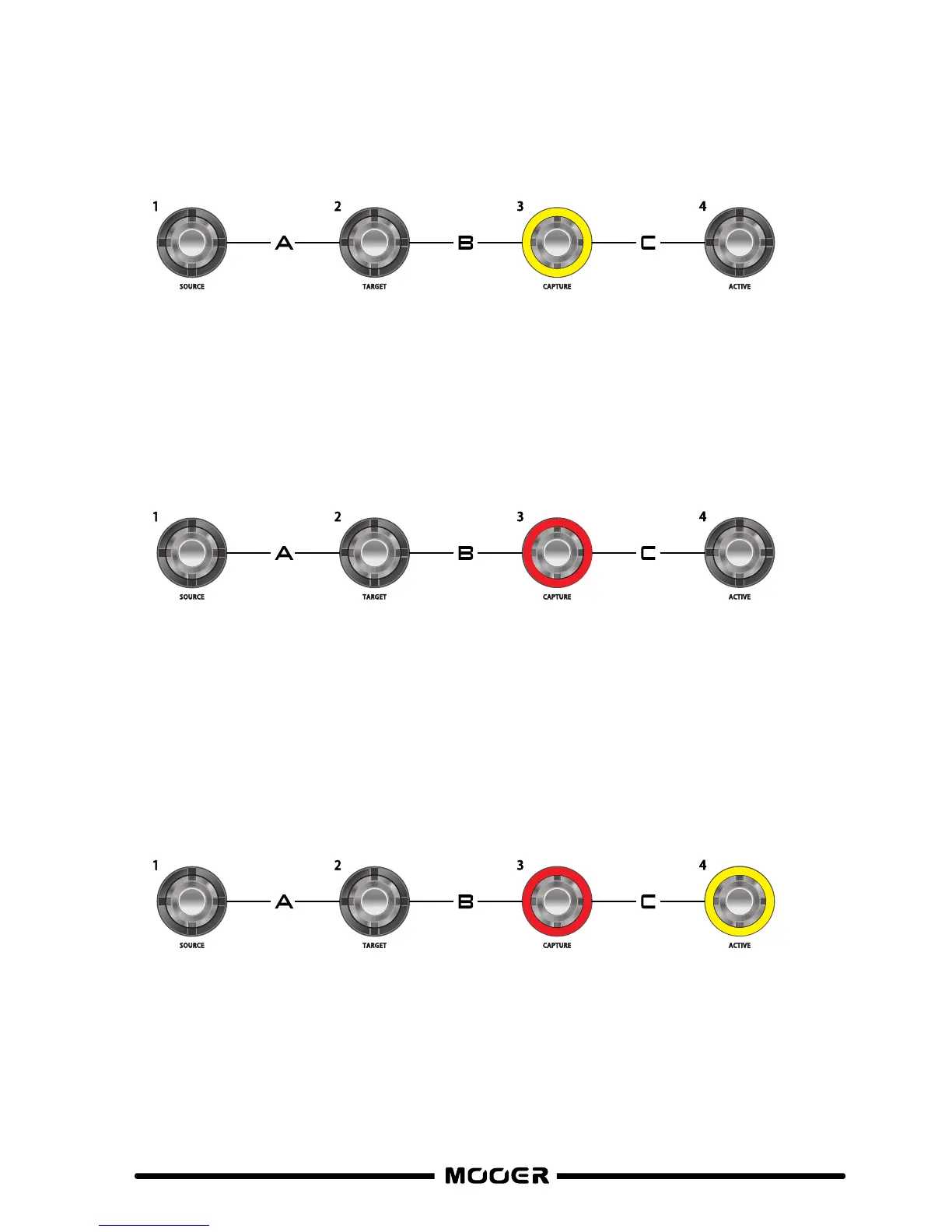
5. Press footswitch 3 (CAPTURE) and play your guitar whilst the CHANNEL CONTROL LED’s
countdown. Try and play all over the fretboard and reach as big a note range as possible to
get the best capture results.
When the capture process has finished, footswitch 3 LED’s will stop flashing and remain solid.
17


 To Next Page