EXPLORING LABYRINTH (Continued)
RANDOM MUTATIONS WITH CORRUPT
CORRUPT introduces yet another dimension of randomness to Labyrinth by
mutating your sequence. Increase the CORRUPT knob of SEQ1 to about 11
o’clock while the sequencer is running, and you will begin to perceive your
notes starting to change. This is because as CORRUPT is increased from fully
counterclockwise to 12 o’clock the random voltages stored at the bits that are
on will update to new random voltages as the write head passes over them.
With CORRUPT set low the probability of a note change as the write head
passes by is very low, while the probability is around 25% when CORRUPT is set
near 12 o’clock.
From 12 o’clock to fully clockwise the probability of a note change at your bits that are on increases
from 25% to about 50%. At the same time, above 12 o’clock CORRUPT begins to randomly flip your bits
as well, from a 0% chance of bit flip below 12 o’clock to near 50% when CORRUPT is fully clockwise.
Therefore, at max CORRUPT, the current note and bit state is just as likely to change as it is to
stay the same.
CORRUPT therefore allows you to take your current pattern and let it start to
drift away, mutating into new patterns and melodies. Try turning CORRUPT
fully clockwise, letting Labyrinth create completely random melodic patterns,
and then turn CORRUPT fully counterclockwise to lock the current pattern in.
CORRUPT
CORRUPT
QUANTIZATION
While Labyrinth is a generative synthesizer based on
random voltages, it can transform those random patterns
into melodies via its quantizer. Labyrinth has a bank of 15
dierent scales, and by enabling a particular scale each
random voltage is mapped to the closest note in
that scale.
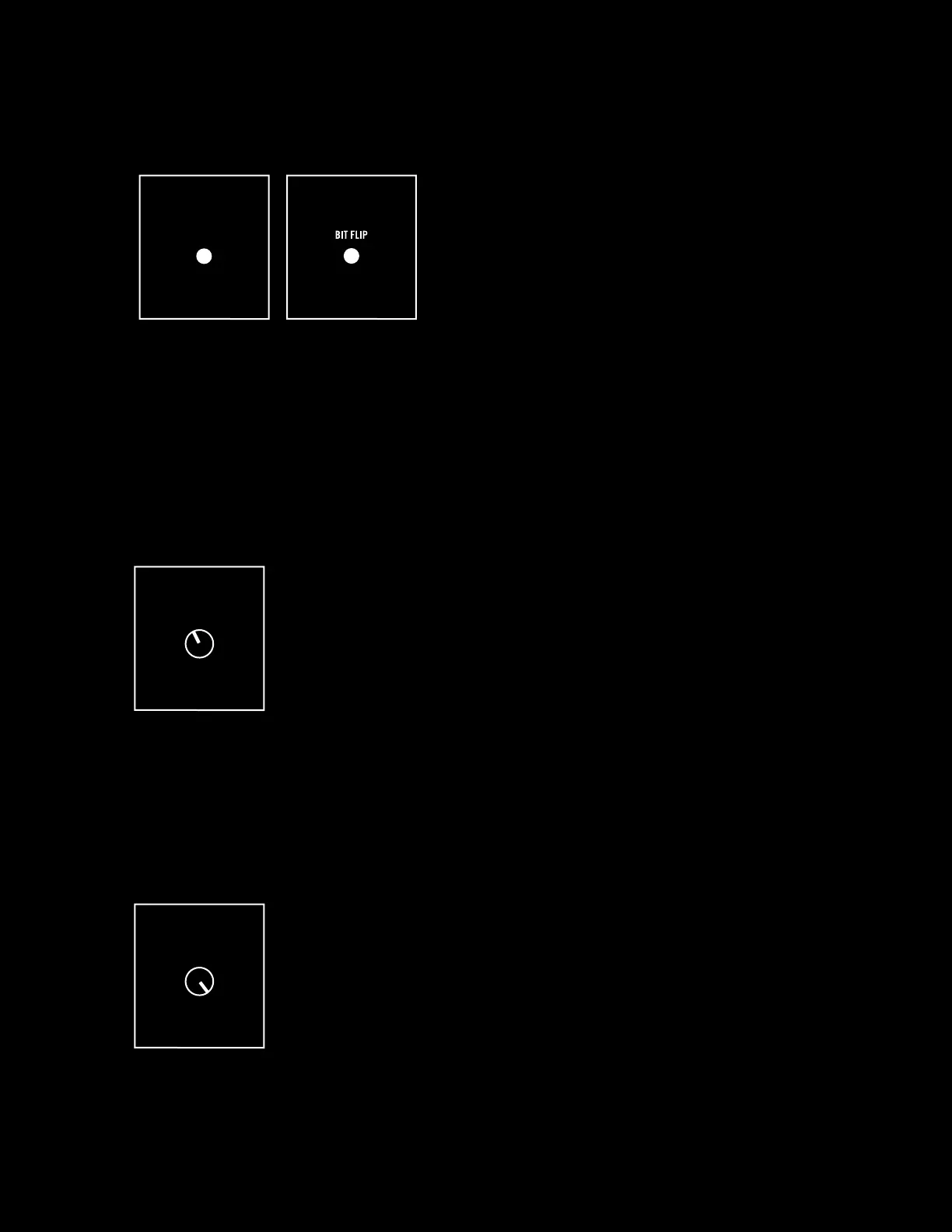
To change the quantizer scale, hold down the BIT SHIFT
button of SEQ1 and press BIT FLIP; do this while the
sequencer is running so that you can hear the dierence as you change quantization settings. You will
see the 16 LEDs for SEQ1 and SEQ2 light green, and a red LED will indicate the current quantization
setting (see “Sequencer Quantization Modes” on page 38). If you purchased your Labyrinth brand new,
your quantizer will be set to the scale of bit number 3 in SEQ1, which indicates a major
scale setting.
NOTE: By holding BIT SHIFT and pressing BIT FLIP you increment to the next quantizer mode, and by holding BIT
SHIFT and pressing LENGTH you decrement to the previous quantizer mode.
BIT SHIFT
16


 To Next Page