EXPLORING LABYRINTH (Continued)
SECOND SEQUENCER, CHAINING, AND MORE
Now that we have a handle on how SEQ1 works, it’s a good time to remember that Labyrinth has a
second sequencer!
SEQ2 functions identically to SEQ1, so a thorough rundown is not necessary. Let’s add MOD OSC as a
second melodic line sequenced by SEQ2 to have two sequences playing together.
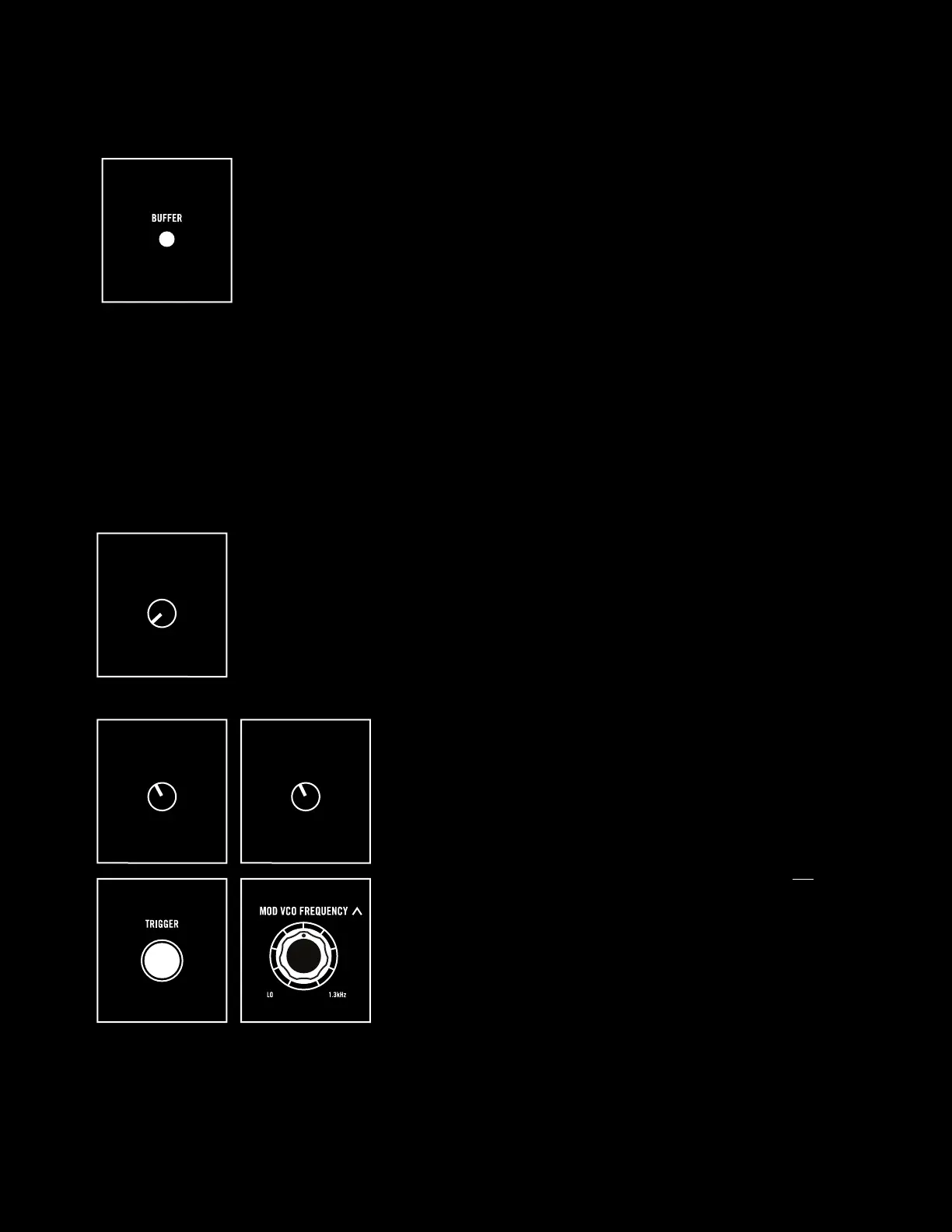
Start by turning the SEQ1 AMT knob next to the VCO all the way down to hear
its base frequency setting.
Next, turn up the MOD VCO LVL in the mixer to around 11
o’clock to add the MOD VCO to the mix and make sure the
VCO LVL is also around 11 o’clock to get pure tones from
the two oscillators. Press TRIGGER to hear both oscillators
at the same time and adjust MOD VCO FREQUENCY until
the two oscillators are in tune.
NOTE: The MOD VCO has a much lower and wider frequency
range, so for VCO and MOD VCO to be in tune their knobs will not
be in the same place!
SEQ1 AMT
QTZ
MOD VCO LVL VCO LVL
If you really like the current pattern, hold the BUFFER button until all LEDs
flash green. This will save your current pattern into memory. Now you can
increase CORRUPT to taste, letting your pattern drift o into new territories,
and short-press BUFFER to instantly reload the sequence that you saved
into memory.
NOTE: There is only one memory location, so you cannot save multiple patterns.
BUFFER saves the state of both SEQ1 and SEQ2.
17



 To Next Page