EXPLORING LABYRINTH (Continued)
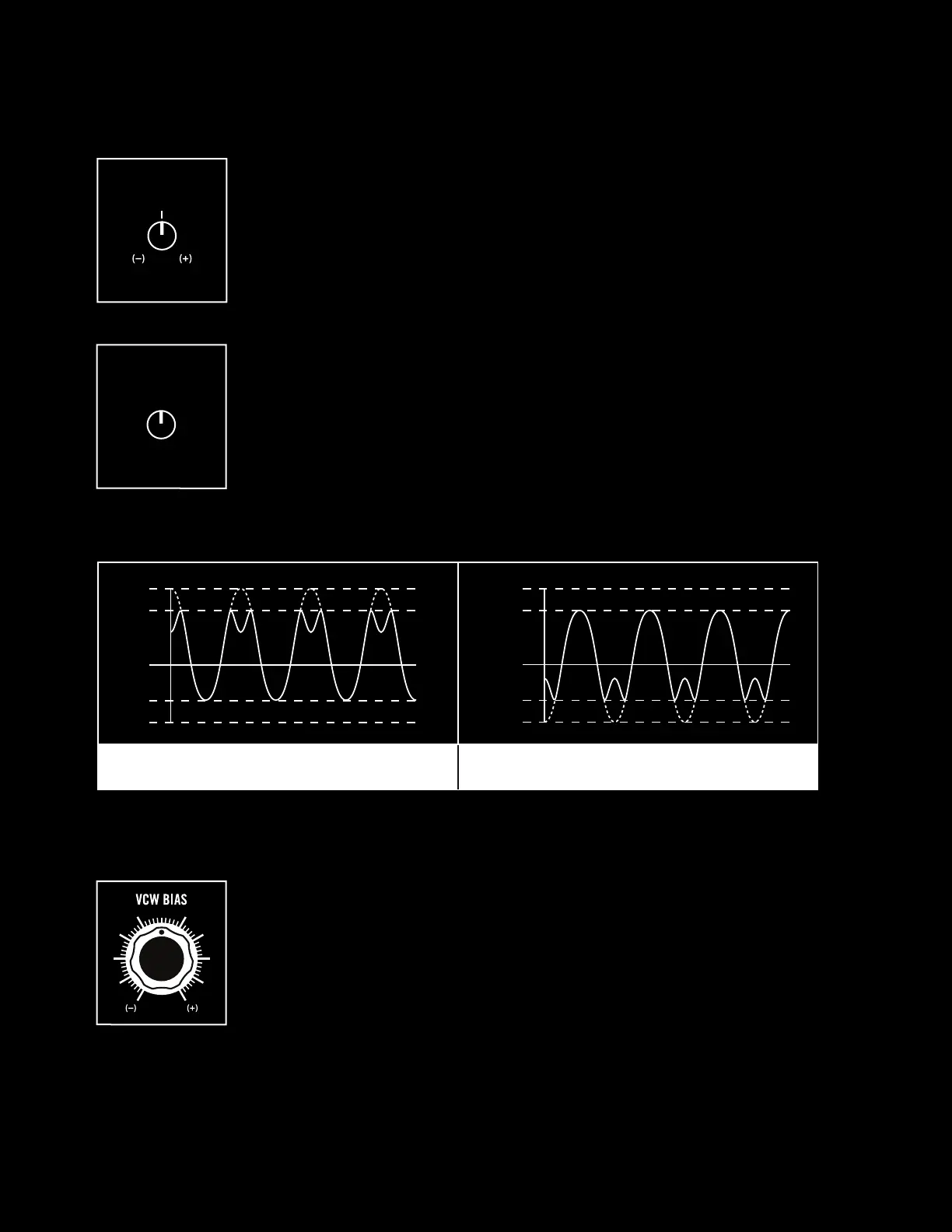
With VCW FOLD turned to around 12 o’clock we can also explore the VCW
BIAS control. With VCW BIAS at zero (12 o’clock) the input to the wavefolder
is centered around 0 volts, and thus as we increase folding with VCW FOLD
the tops and bottoms of the wave hit the ceiling/floor in the same way and
thus fold in the same way. VCW BIAS adds a DC bias voltage, centering
the input wave around either a positive voltage (VCW BIAS clockwise) or
negative voltage (VCW BIAS counterclockwise). These bias changes mean the
input wave now hits the ceiling/floor asymmetrically, changing the flavor of
harmonics created.
NOTE: You can mimic voltage control of VCW BIAS when the MOD VCO is at sub-audio
rates by simply turning up MOD VCO LVL in the mixer. The slow MOD VCO will slowly shift
the DC bias of the mix up and down!
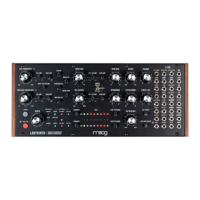
We also have two knobs for modulating the VCW FOLD parameter. EG1/
CV AMT is like the EG1 AMT knob found next to the oscillators, sending the
envelope from EG1 to modulate the VCW FOLD parameter in either a positive
(clockwise) or negative (counterclockwise) direction. With an external control
voltage patched to VCW FOLD, this attenuverter will instead scale the
incoming CV.
SEQ1 AMT sends the (bipolar) CV sequence from SEQ1 to the VCW FOLD
control. Start turning up SEQ1 AMT knob between VCW FOLD and VCW BIAS
and listen to how each step in your sequence is wavefolded dierently.
EG1 / CV AMT
SEQ1 AMT
SINE SHIFTED UP 1 VOLT
SINE SHIFTED DOWN 1 VOLT
+6
+5
-4
-5
0
+5
+4
-5
-6
0
VCW BIAS
21


 To Next Page