www.miinet.com Moore Industries-International, Inc.
- 56 -
User’s Manual
238-741-00K
May 2019
Programmable Smart HART Temperature Transmitter
THZ
3
/ TDZ
3
SECTION 4
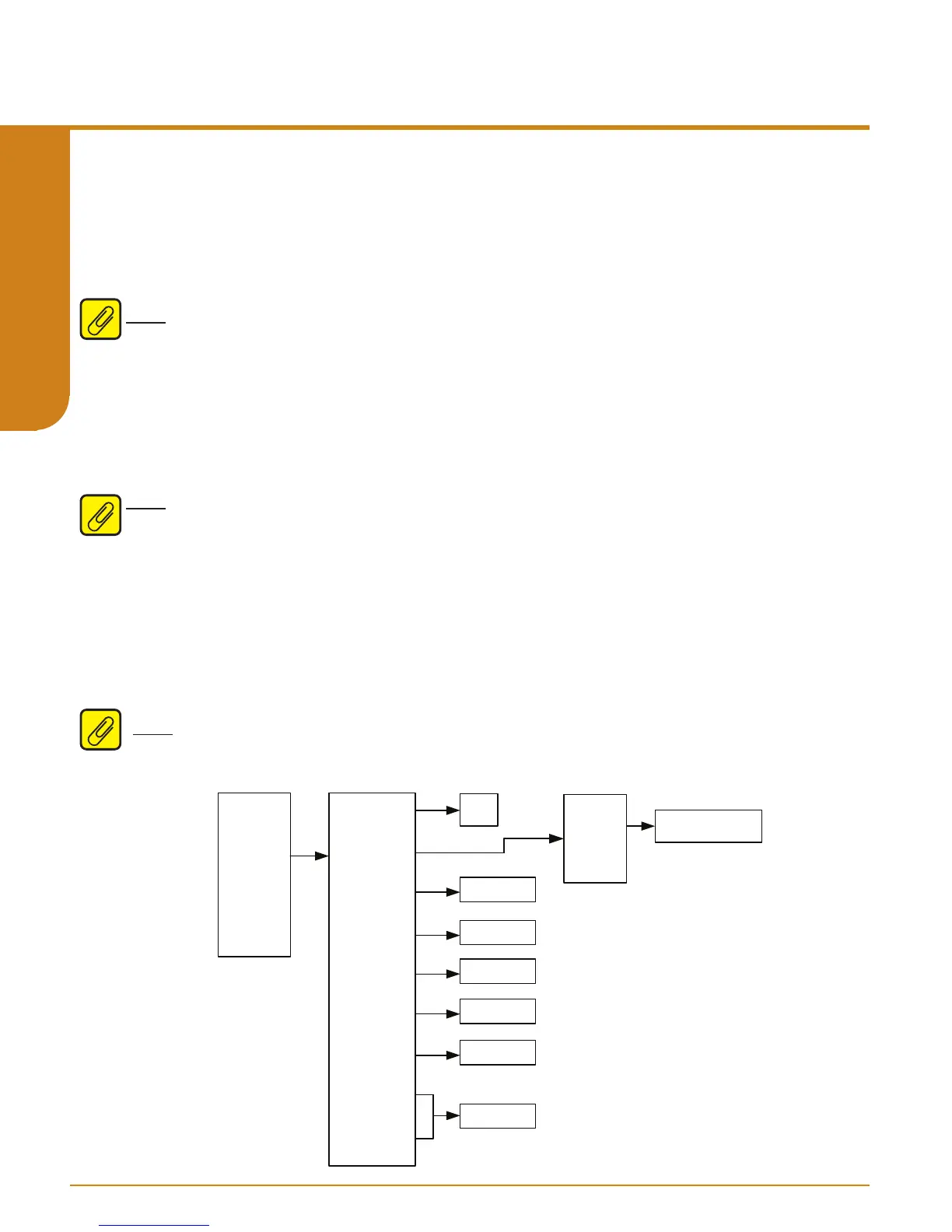
Figure 4.4. TDZ
3
or THZ
3
Setup menu
Setup Menu:
The Setup menu allows you to access the following menus:
Default Cong, Cong
Wizards, Input, Dual Input, Analog Output, HART Settings, Display, System Cong, and
Advance Settings.
Default Cong– The Default Config menu allows user to reset to factory default settings.
Note: Selecting yes will restore default factory settings to unit and is not reversible.
Config Wizards:
This menu contains Conguration Wizards to simplify programming of commonly used
features:
Basic Wizard: Basic Wizard can be used to configure either a Single Sensor or Dual
Sensors. Follow the on-screen prompts to set all your parameters.
Note: Selecting the Dual Sensor option will limit your ability to customize parameters of Sensor
2. By default, the wizard sets Sensor 2 parameters to be exactly the same as Sensor 1.
Drift Wizard: Use this wizard to setup a Drift Alert that is tracked by monitoring the absolute
differential temperature between two sensors at the same point (the same process temperature).
After selecting a specific Range Alarm (1 to 4) to configure, you can select “Warning” or “Alarm
(AO Fail)”. Selecting Warning sends a message to the HART Handheld/FDT host, TDZ
3
display
and sets a HART status bit. Selecting Alarm will also drive the Analog output to Fail Mode. The
absolute differential Device Variable used for the Drift Alert can also be assigned/mapped to any
of the HART Dynamic Variables PV, SV, TV or QV. For more information on the Drift Alert and
Range Alarm features please refer to section 1.
Note: After making all desired changes enter SEND to update the unit.
Process
Vari ables
Setup
Custom
Calibraon
Review
Defaul t Confi g
Config Wi zards
Input
Dual Input*
Analog Output
HART Sengs
Display
System Config
Advanc e
Sengs
Yes
No
Basic Wi za rd
Dri Wiza rd
Follow Wi za rd
On-Scree n Inst rucons
See Figure 4.5
See Figure 4.9
See Figure 4.10
See Figure 4.11
See Figure 4.12
See Figure 4.13



 To Next Page