2. Making Booklets
30
Make necessary settings according to “Changing
settings” earlier in this section.
The Booklet Maker is now in stand-by and will
start automatically when a set is fed from the
Feeder/Collator.
Setup the Feeder/Collator according to the
Feeder/Collator operating instruction
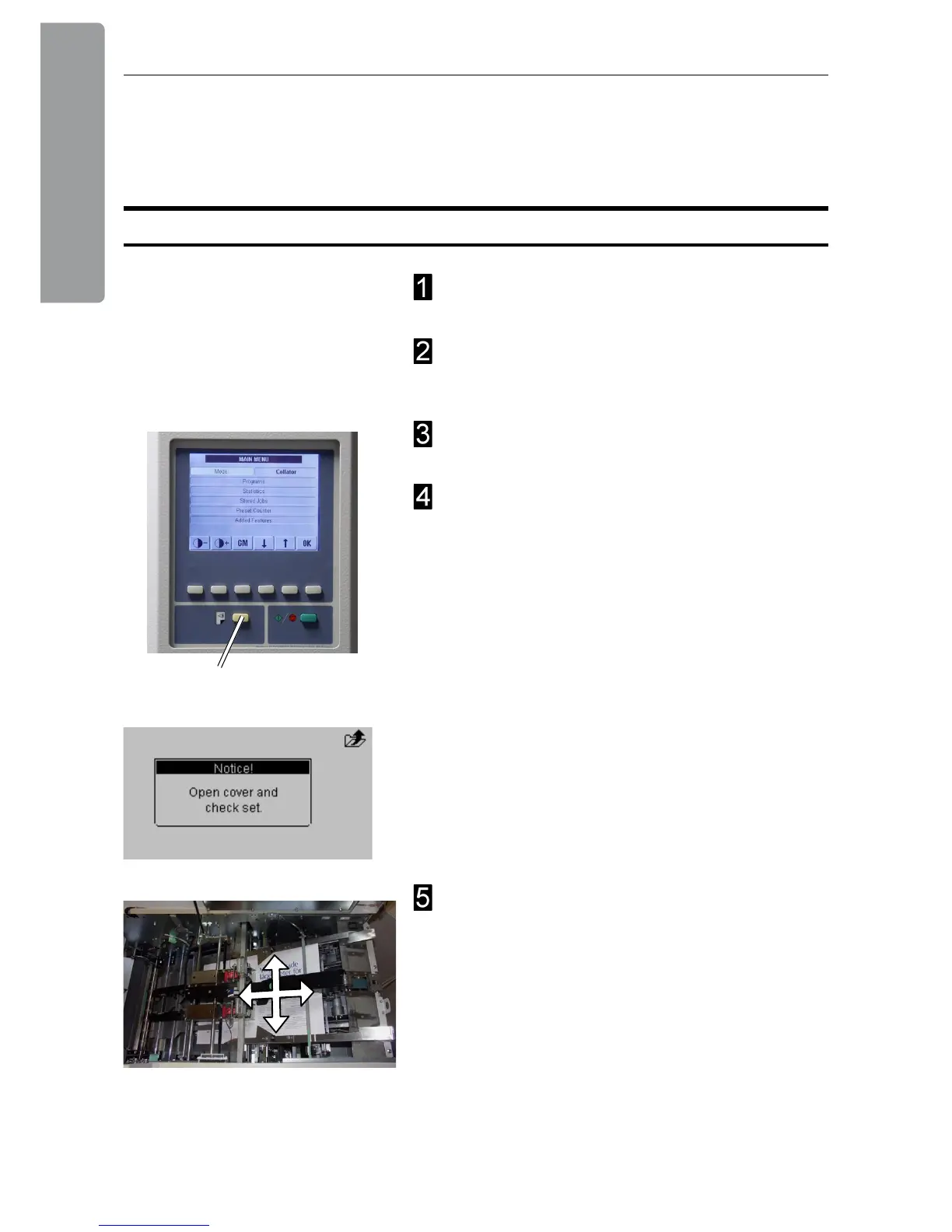
Press the yellow button (A) on the Feeder/
Collator to send a calibration set from the Feeder/
Collator to the Booklet Maker.
The message “Open cover and check set!” will be
shown in the Booklet Maker control panel.
Open the Booklet Maker top cover and check the
set regarding number of sheets and paper size. Try
to move the sheet/set as illustrated to detect play.
If there is play, adjust the paper size setting in the
Booklet Maker accordingly. Send a calibration set
again and check that there is no play.
Continue on next page
On-line / Off-line
The Booklet Maker can be operated in two modes. On-line mode, when used together with
the Feeder/Collator, or off line mode, when used for hand feeding.
A
On-line Mode



 To Next Page