39
5. Clearing a Paper Jam
Clearing a Paper Jam
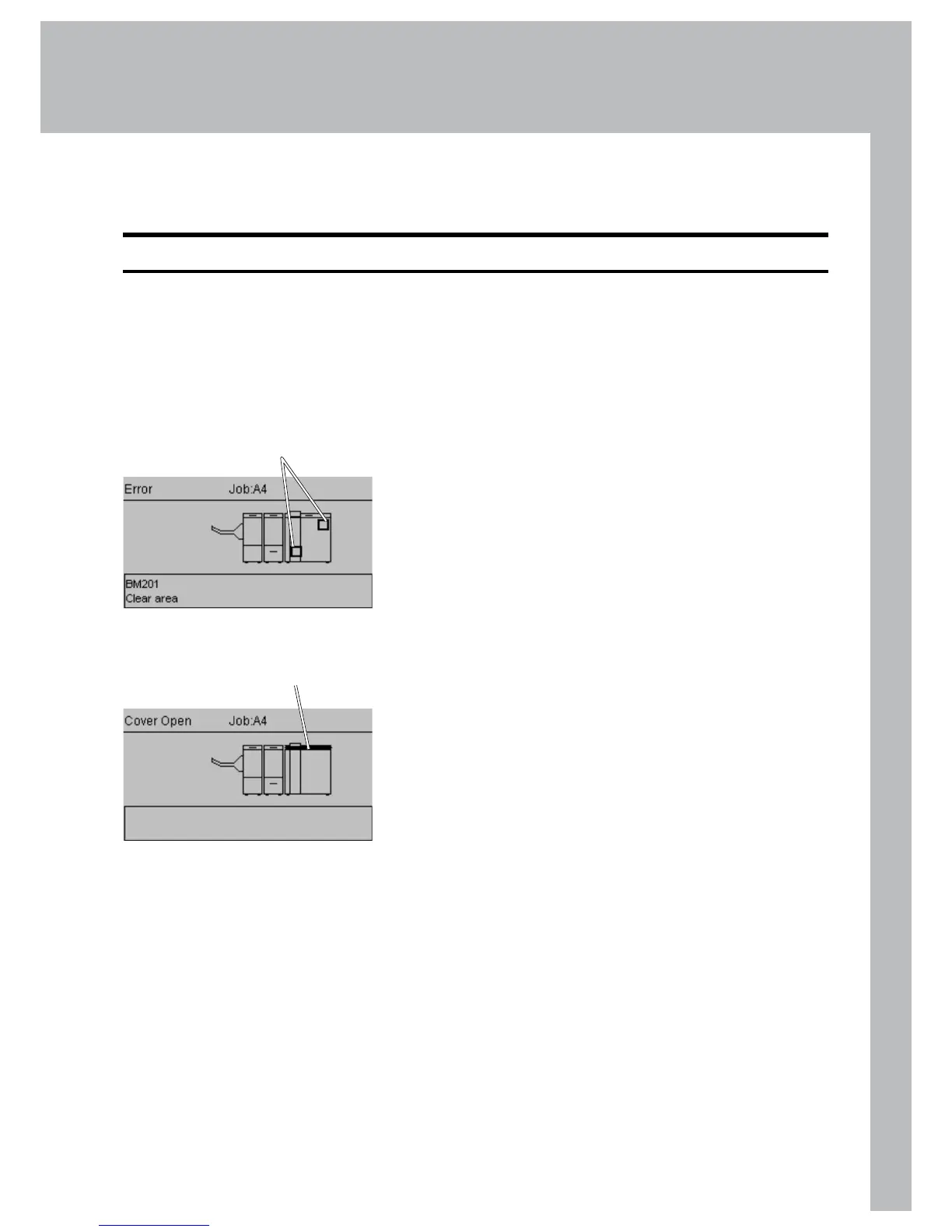
If an error such as a paper jam condition should occur, it is indicated in the control panel
on the Booklet Maker. The nature of the fault is generally displayed in clear text at the top.
In the centre of the display the diagram shows in which module and where the error has
occurred. At the bottom of the display an error code is displayed and a text explaining the
error. See examples below.
General
Jams in the Booklet Maker are indicated by a square
shaped ashing symbols in the control panel.
If one of the top covers is open, the symbol on the
control panel shows the top cover ashing.
Flashing symbol
Top cover highlighted
and ashing



 To Next Page