14 Installation
* The connection uses IPV6, which can be affected by firewall and anti
virus applications.
If you have a Dash Logger connected but it is not listed in Discovered
Devices, try disabling or uninstalling all anti-virus software.
If the Device is 'discovered' without the anti-virus software, you can turn it
back on and put in appropriate exceptions to allow the Dash Logger
Manager to communicate with the device.
Only one connection can be active at a time. To switch to a different Dash
Logger, click Make Active.
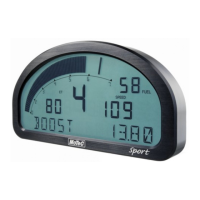
Tip: The current connection is listed at the bottom of the Dash Manager
splash screen (this is the main Dash Manager screen with the picture of the
Logger)
For a quick way to switch between connections
• In the Dash Manager splash screen, enter the connection number
(to enter the splash screen, close all other windows in Dash Manager).


 To Next Page