MoTeC Appendices 67
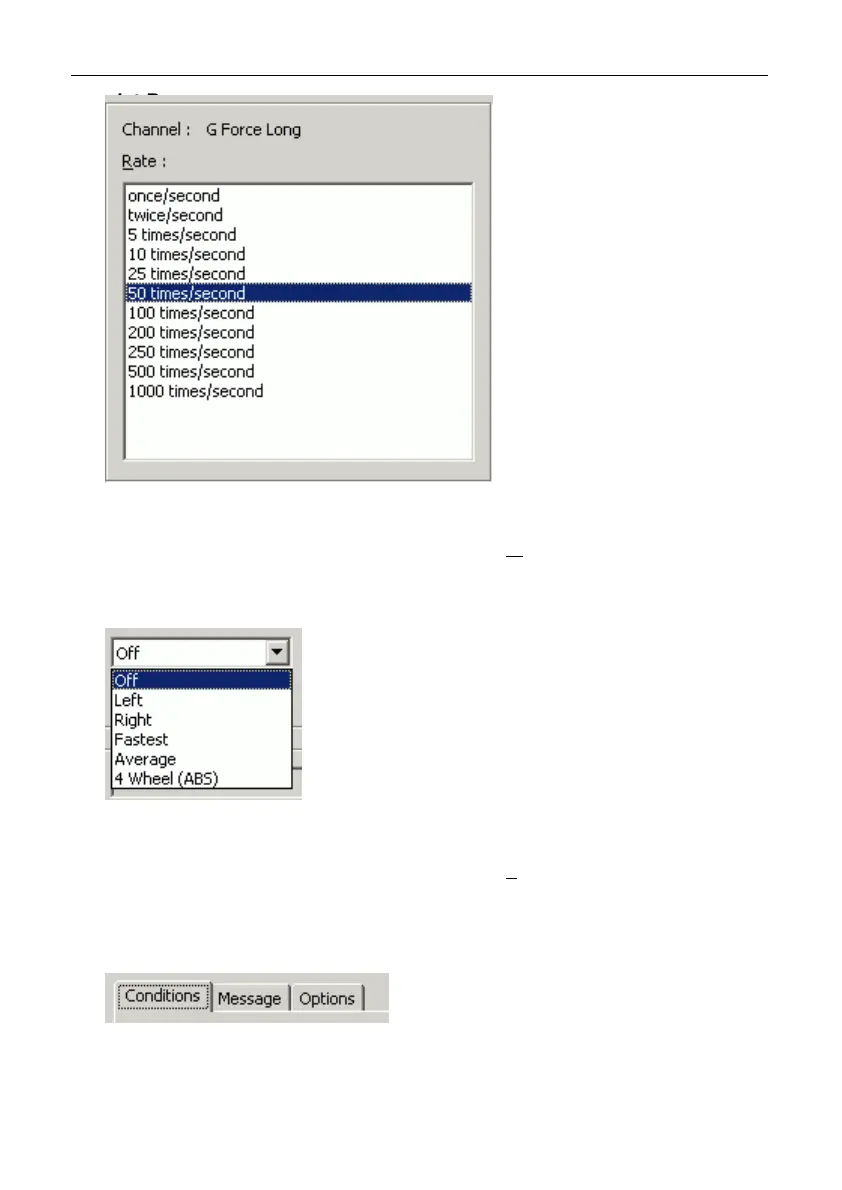
List Box
A list is used to select from a number of options.
Press ALT + the key for the underlined letter (M
) or use the TAB key to
navigate to the List Box. To select, use the arrow keys.
Drop-down List Box
A Drop-down list box is used to select from a number of items, but only the
selected item is shown until a new item needs to be selected.
Press ALT + the key for the underlined letter (L
) or use the TAB key to
navigate to the Drop down List Box. To select the desired item, use the
arrow keys, and press ENTER to close the list.
Tabs
Tabs are used to select the different tab pages of a screen.
To select the next tab, press CTRL + TAB. To select the previous tab,
press CTRL + SHIFT +TAB.



 To Next Page